
My Business
Run your whole trade from your pocket — estimates, invoices, scheduling, your crew, your subs, and the numbers behind it all. Built the way I’d build it for my own business: clean, honest, no shortcuts.
Everything in its place.
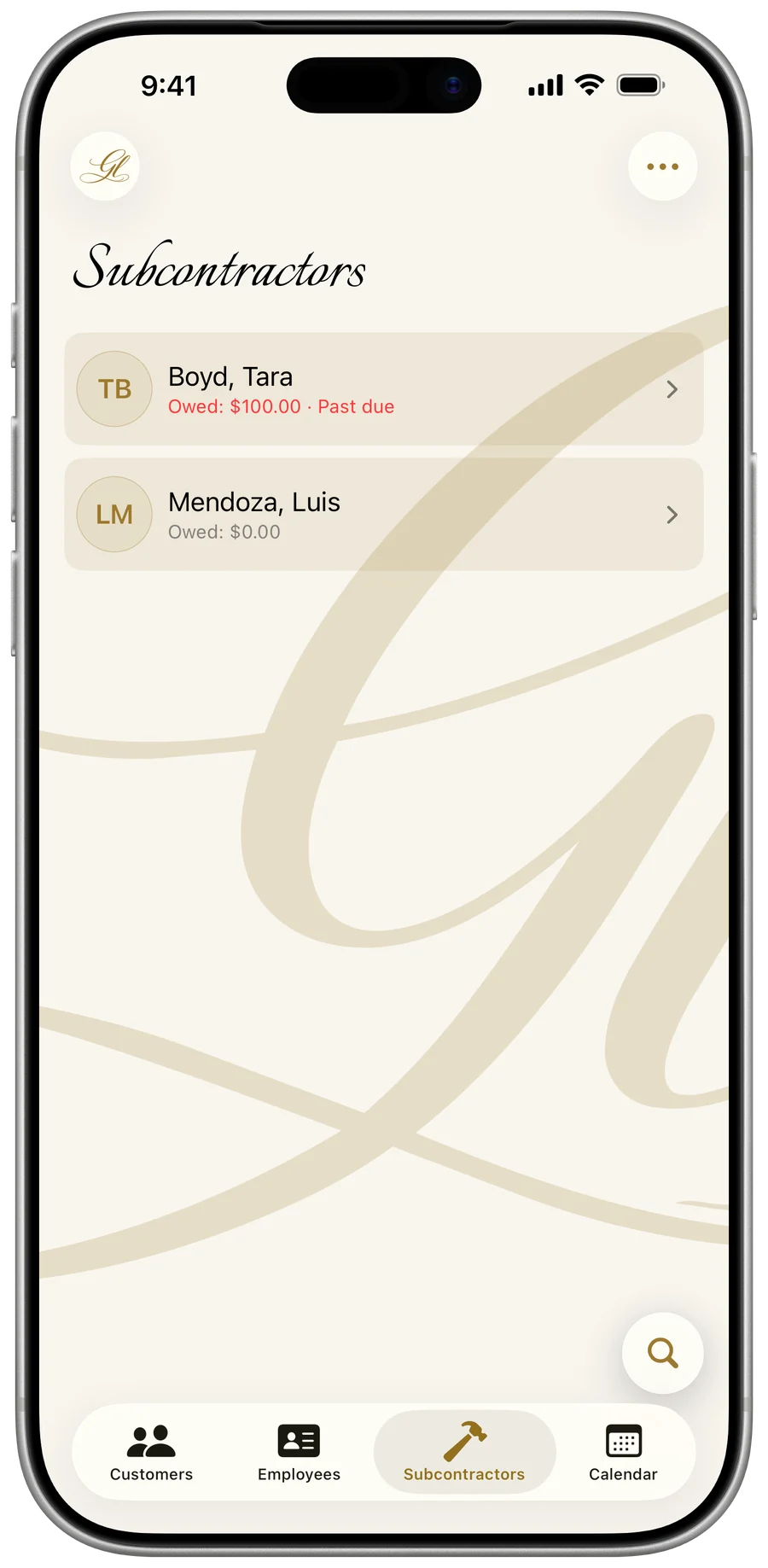
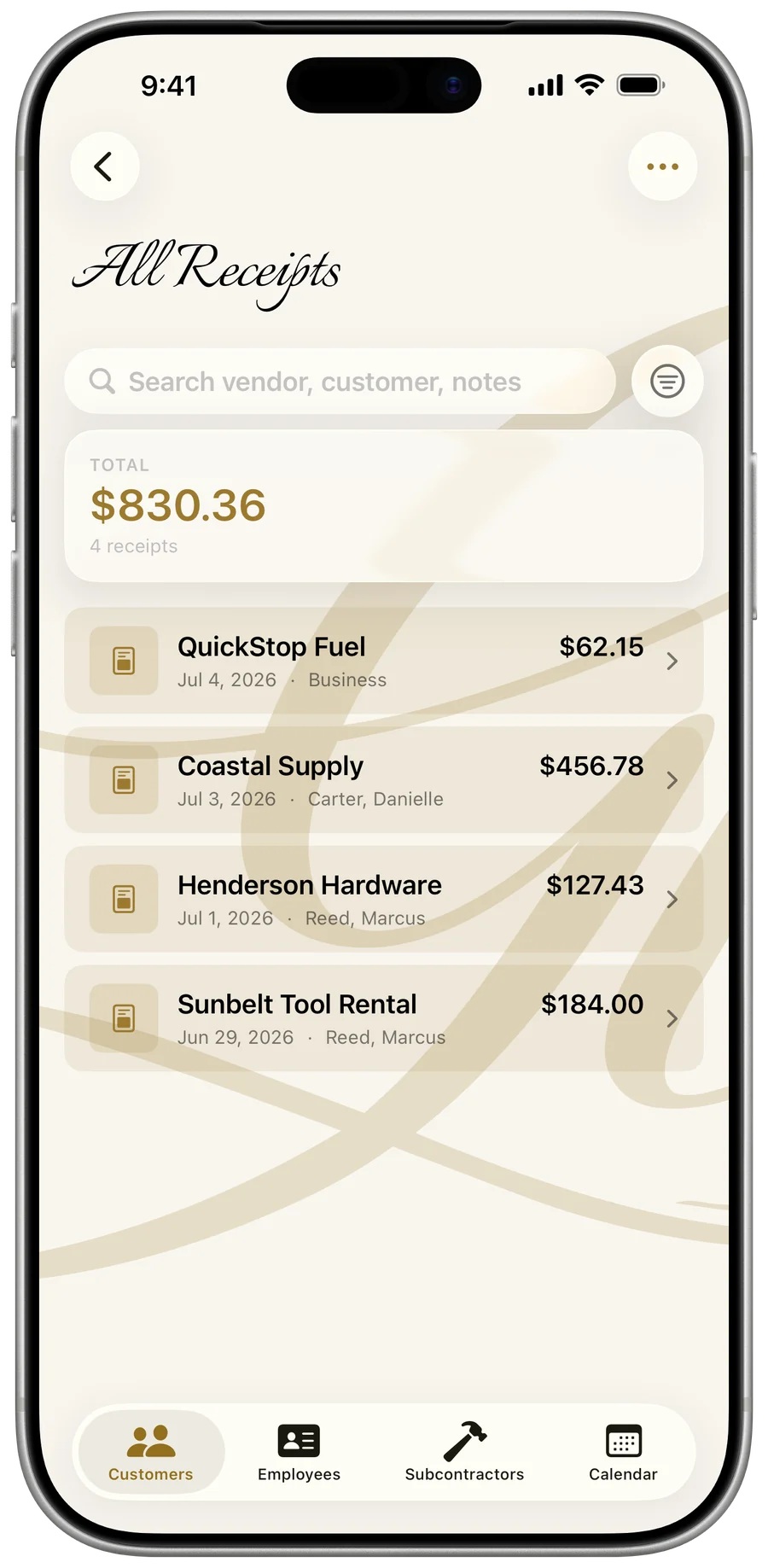
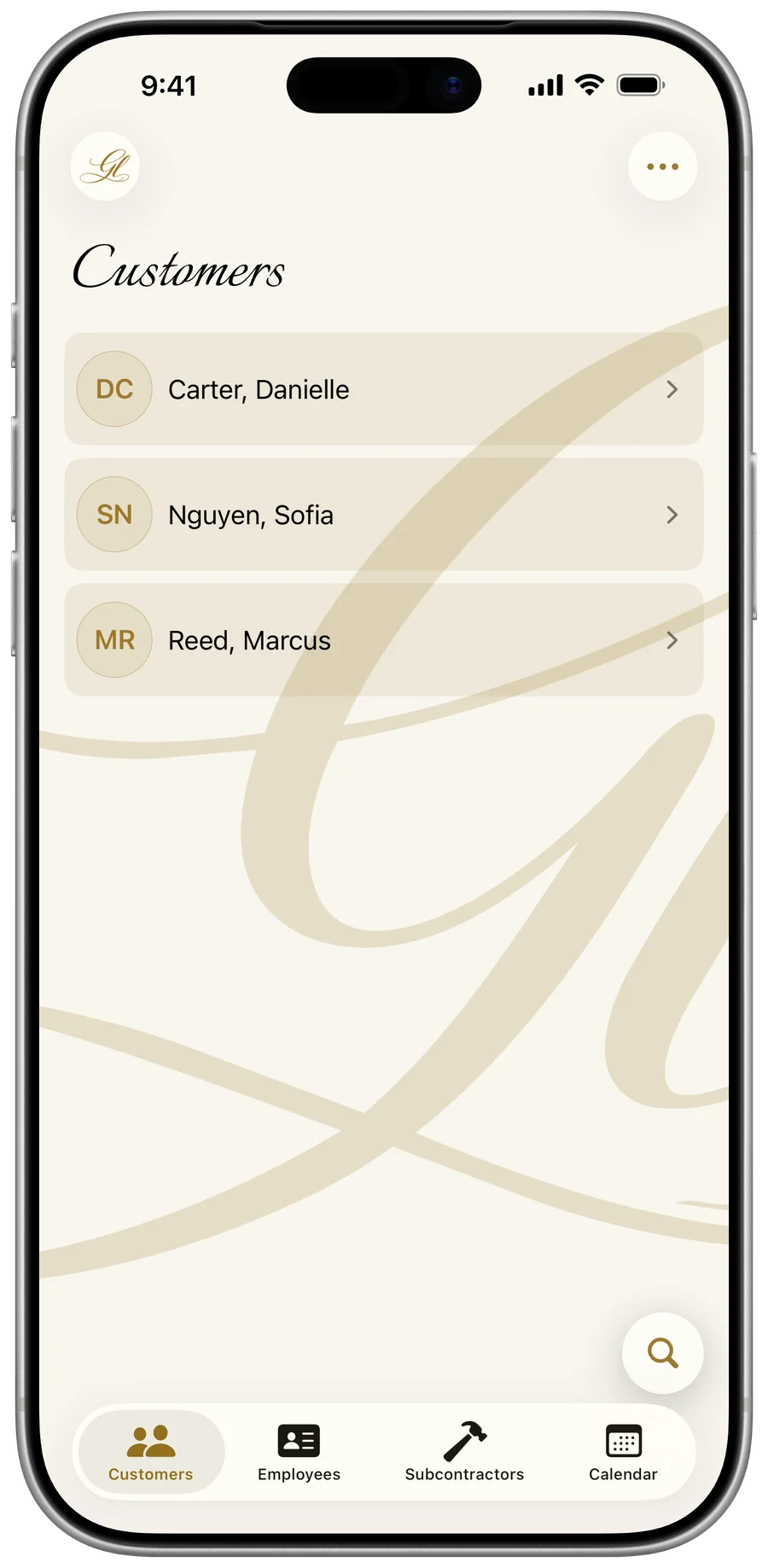
One app for the whole business.
Every part of running the job, in one place. Tap Learn more on any of these to see exactly how it works.
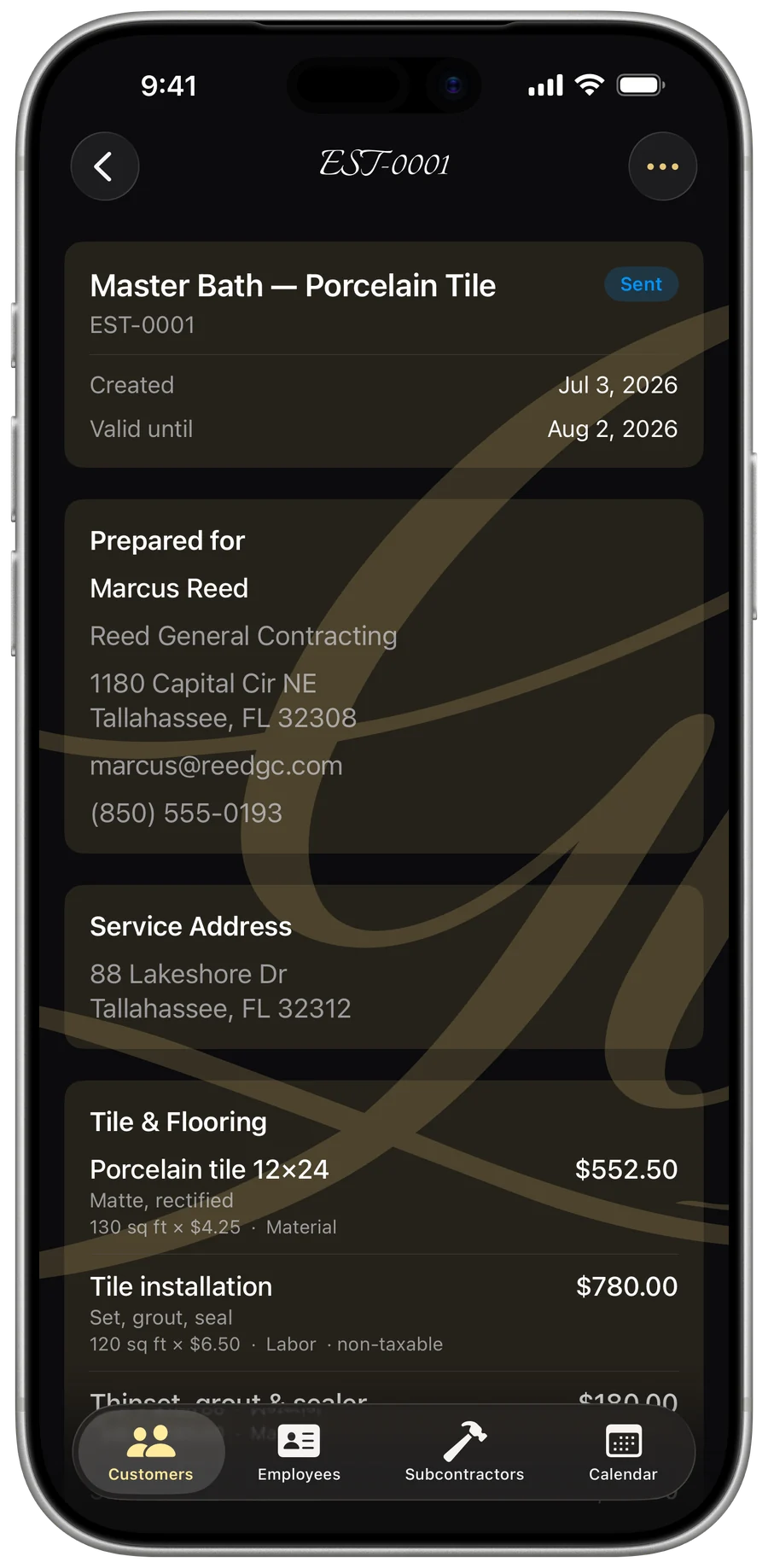
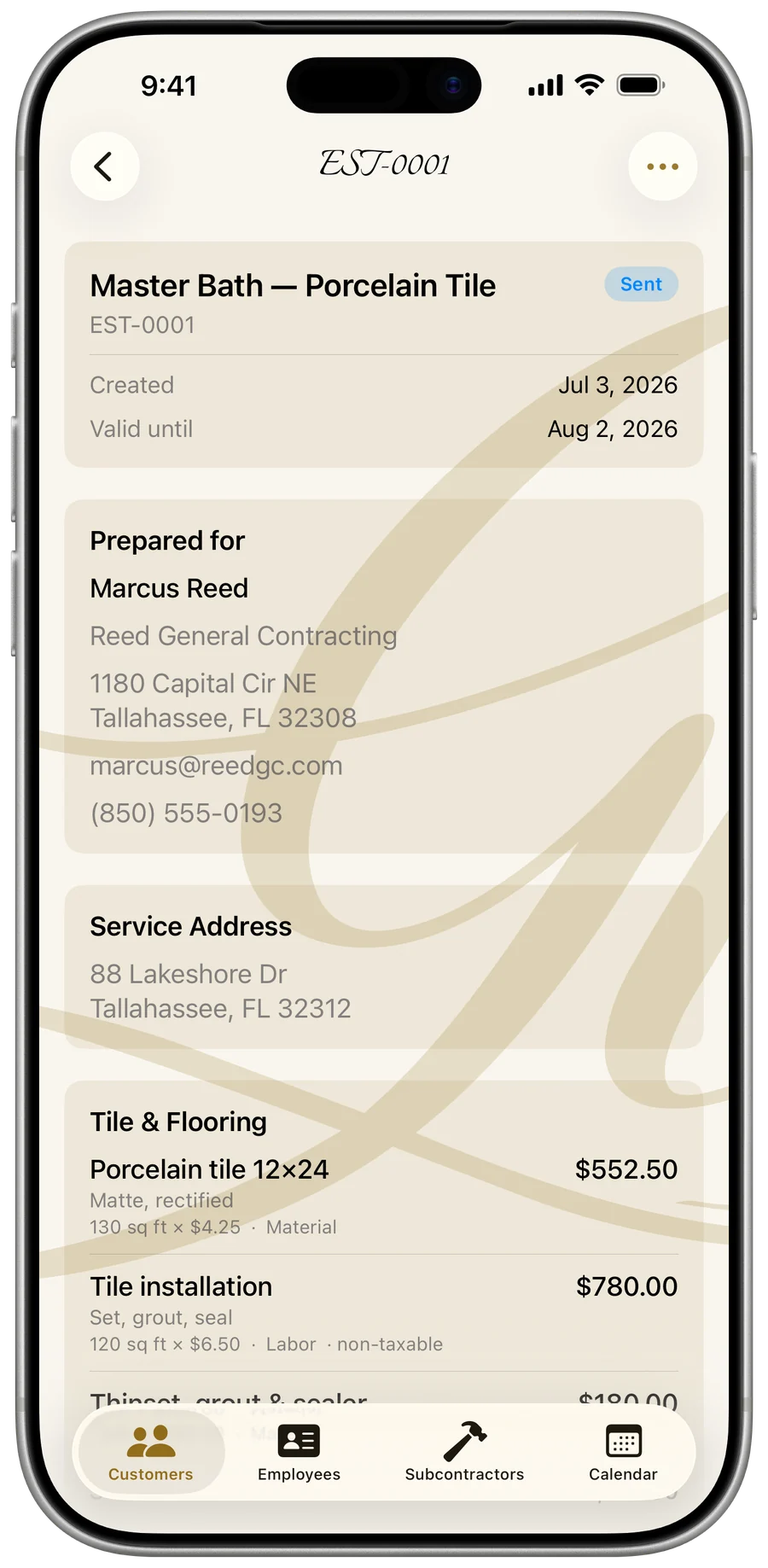
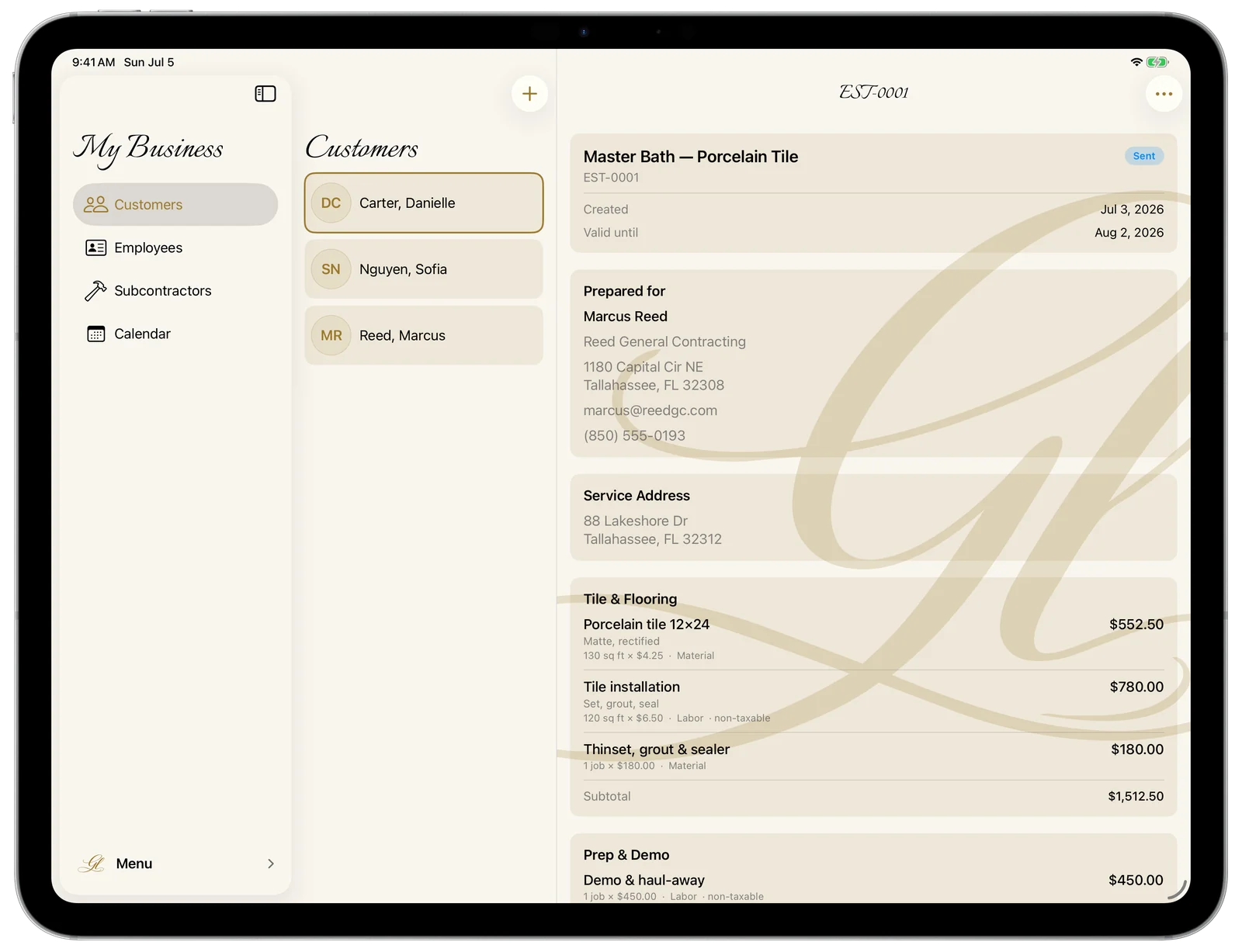
Quotes that win the job
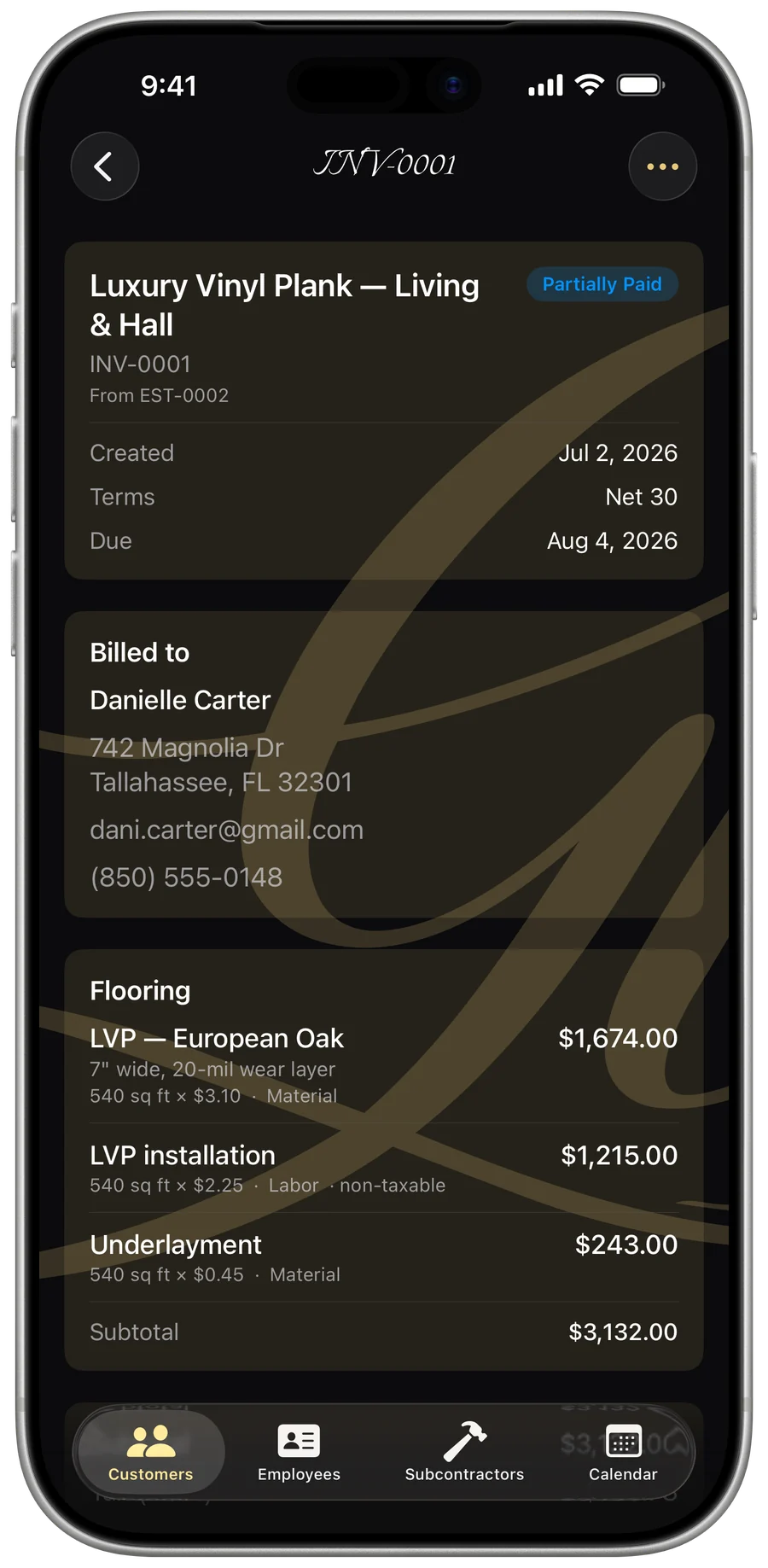
Itemized, branded estimates in minutes — labor and materials, tax, deposits — then convert to an invoice the moment they’re accepted.
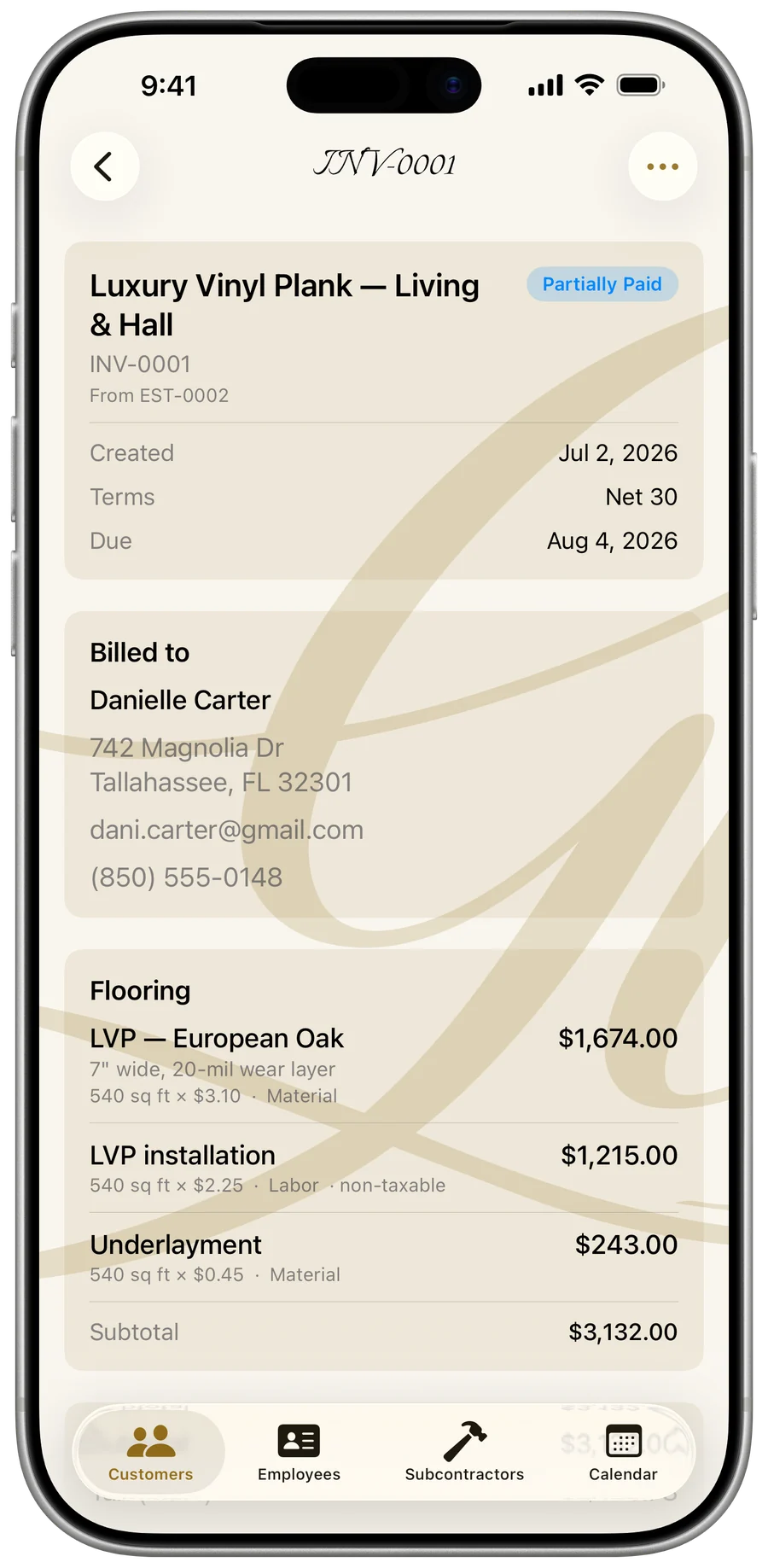
Bill the job, get paid
Branded invoices, deposits and milestone billing, every payment logged, and signature-ready change orders for mid-job scope changes.
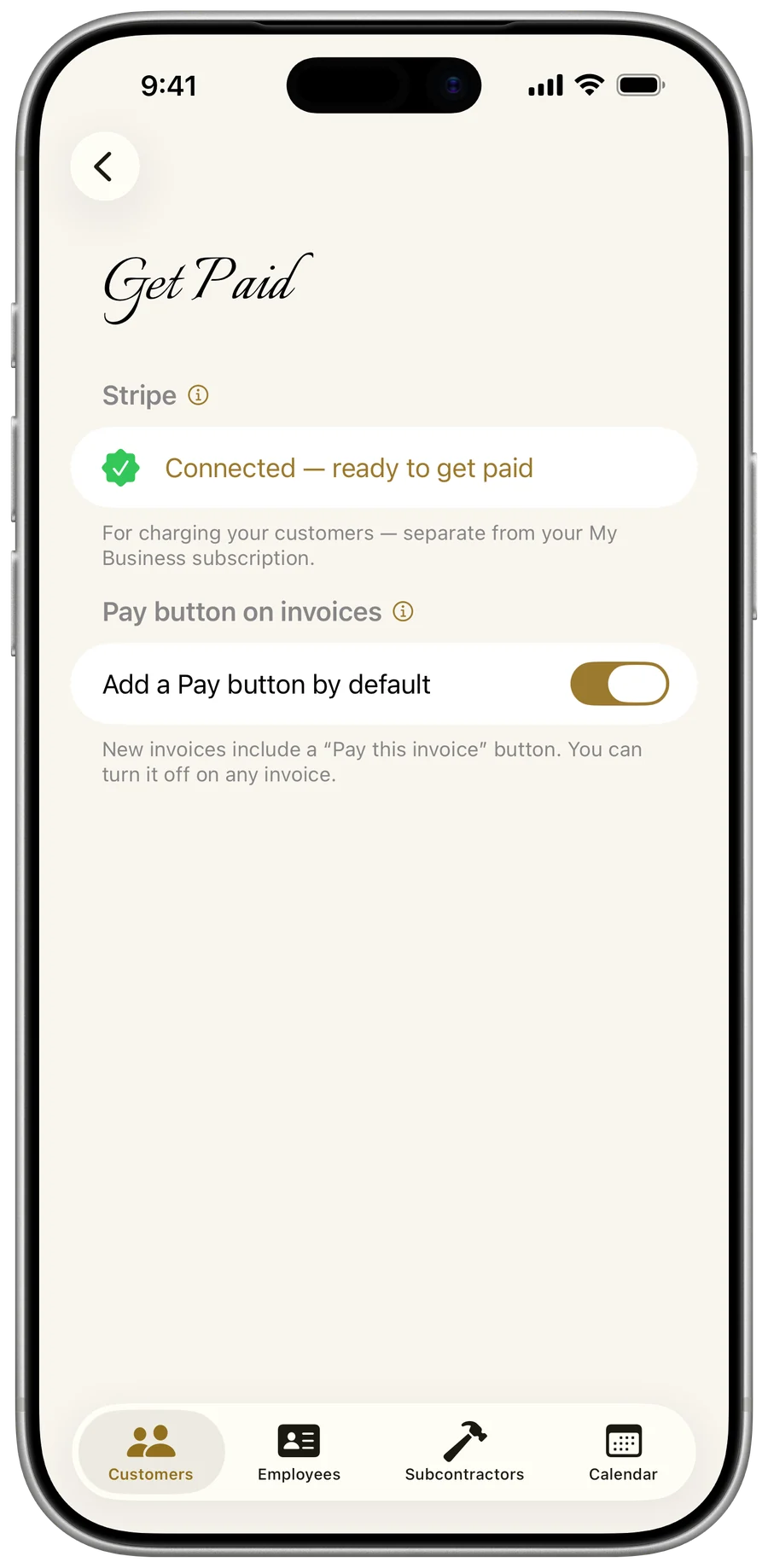
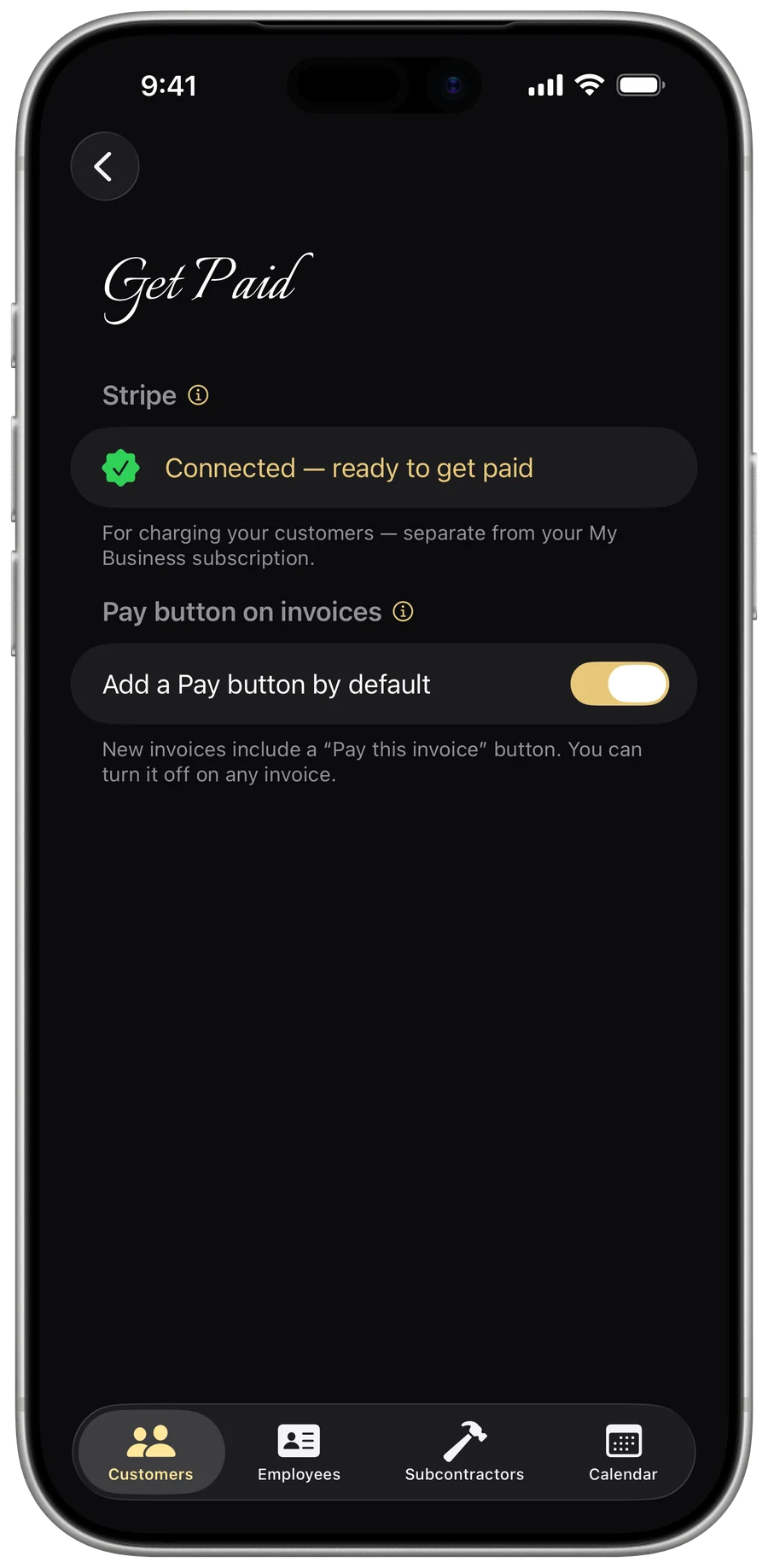
Let customers pay by card
Connect Stripe and add a “Pay this invoice” button — your customer pays by card, the money goes straight to your own Stripe account, and the app reconciles the payment onto the invoice, then prompts you to record it.
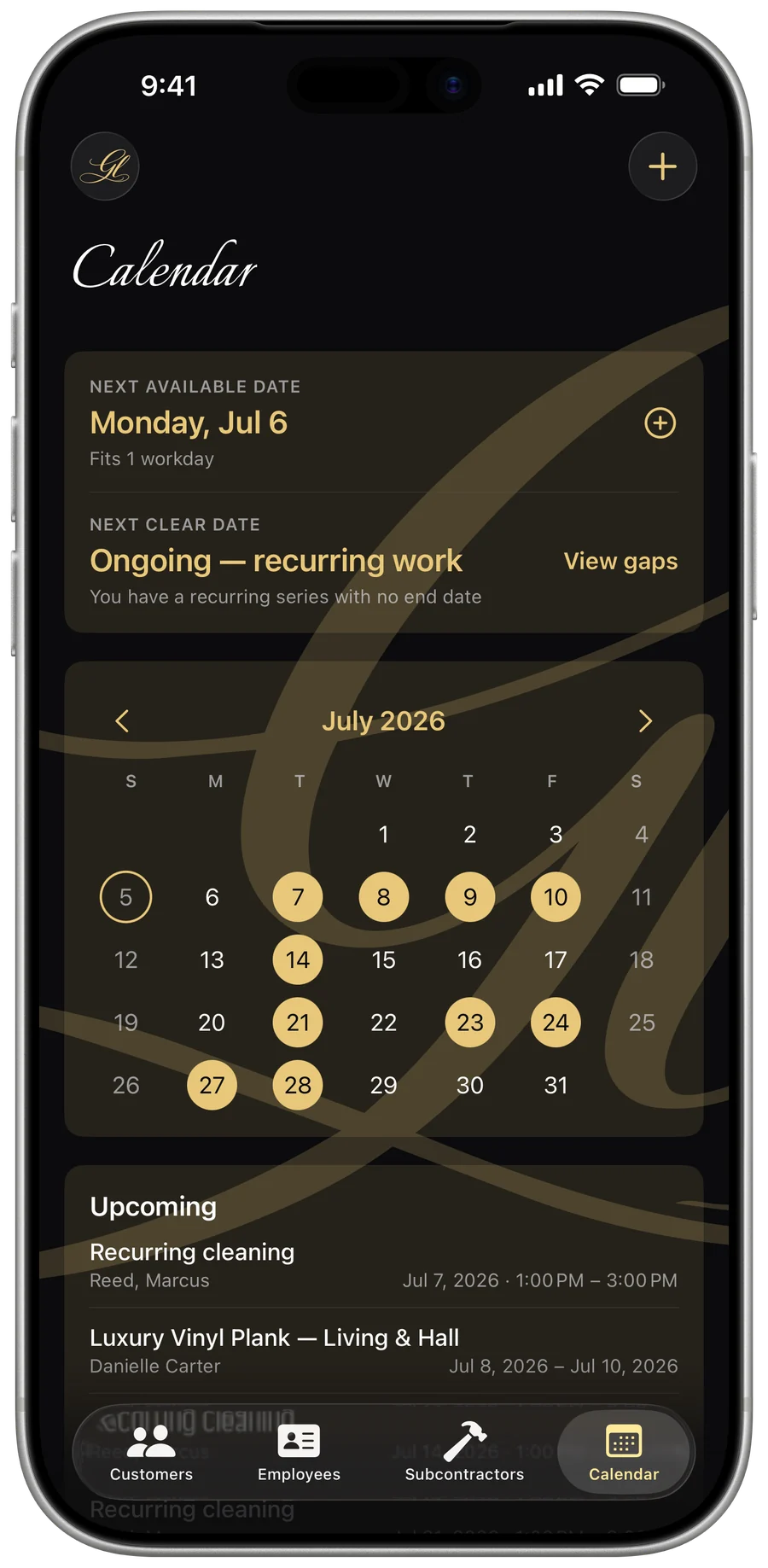
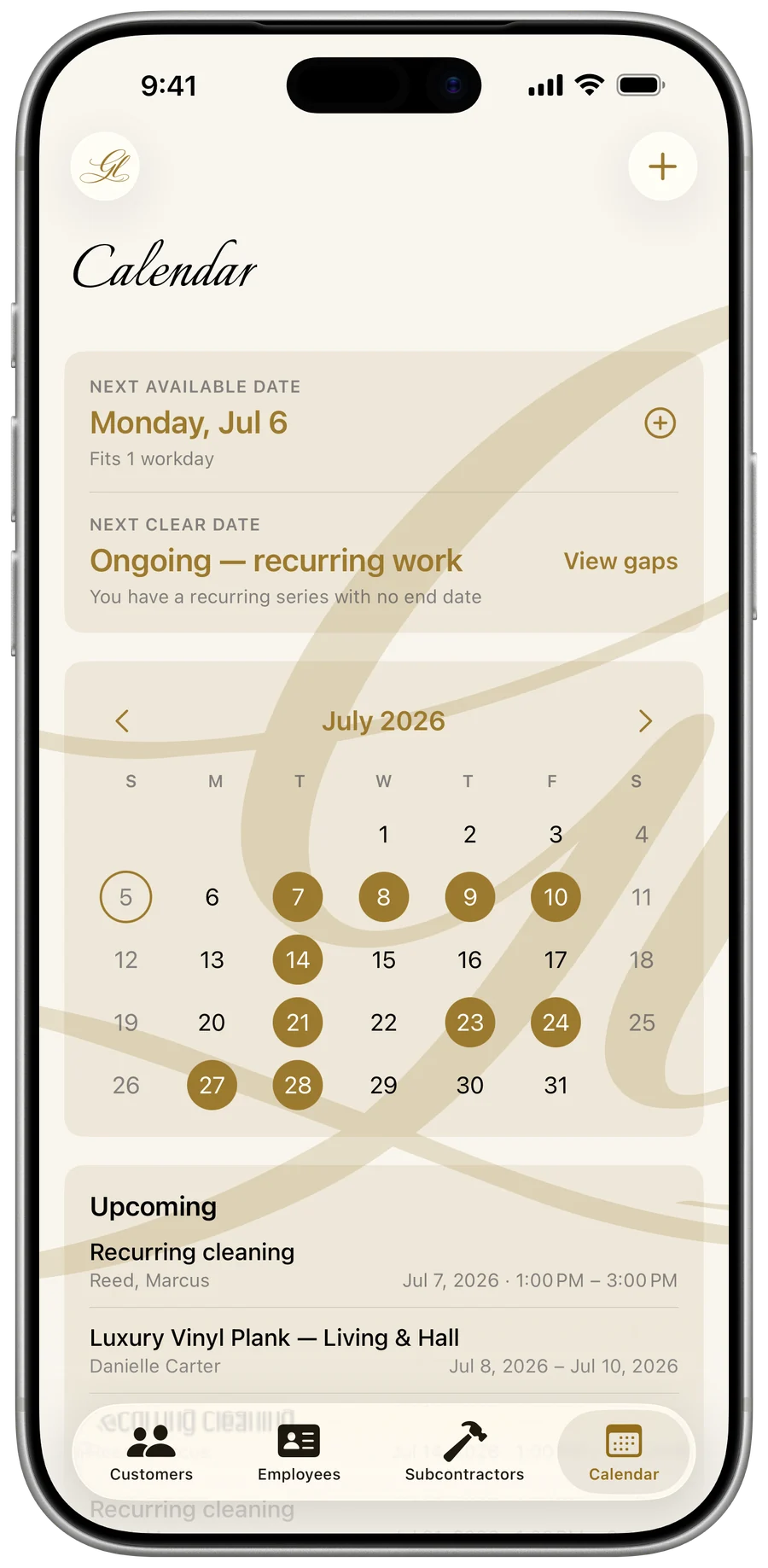
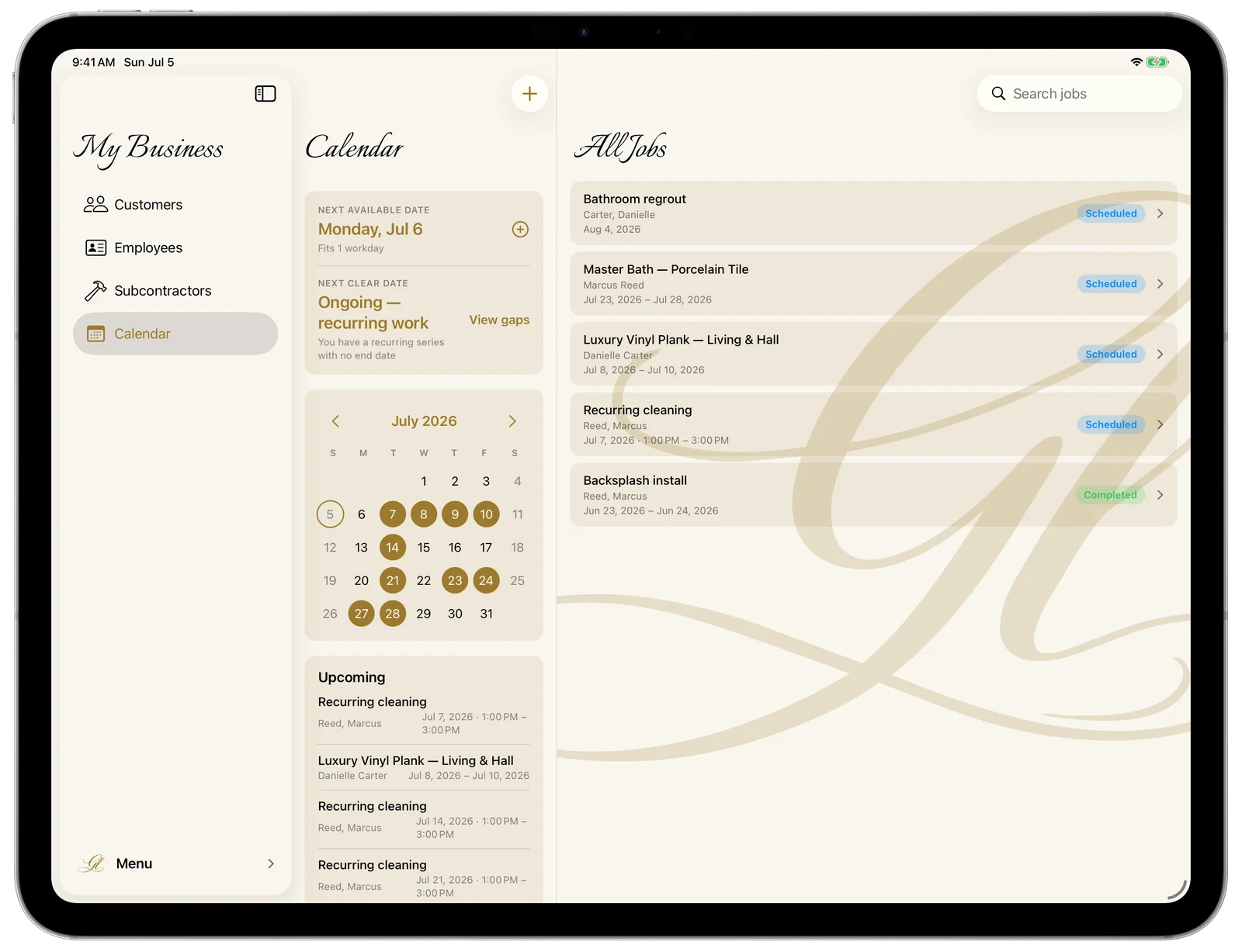
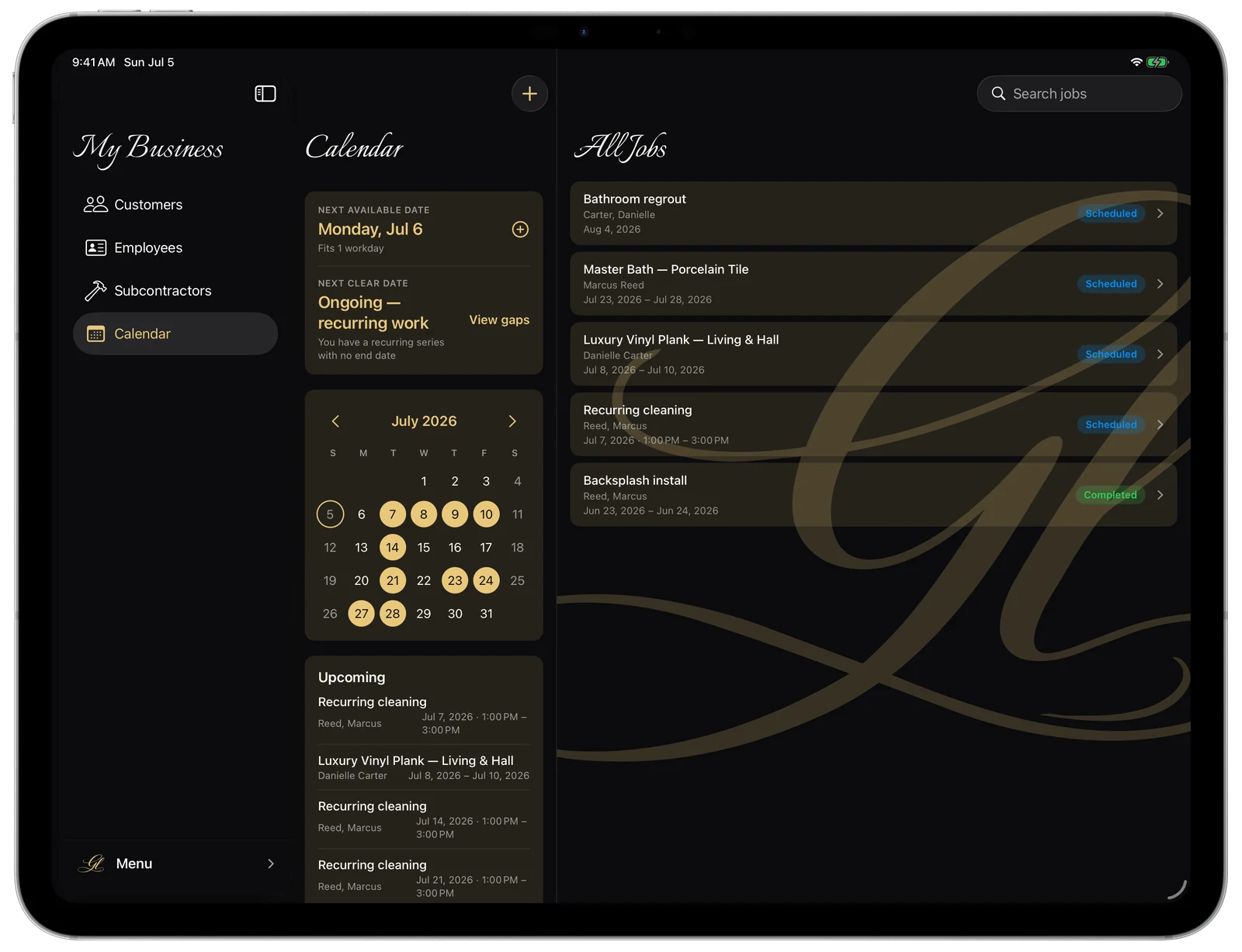
Never double-book again
A calendar that knows your next free day and every open gap — and recurring work that books itself.
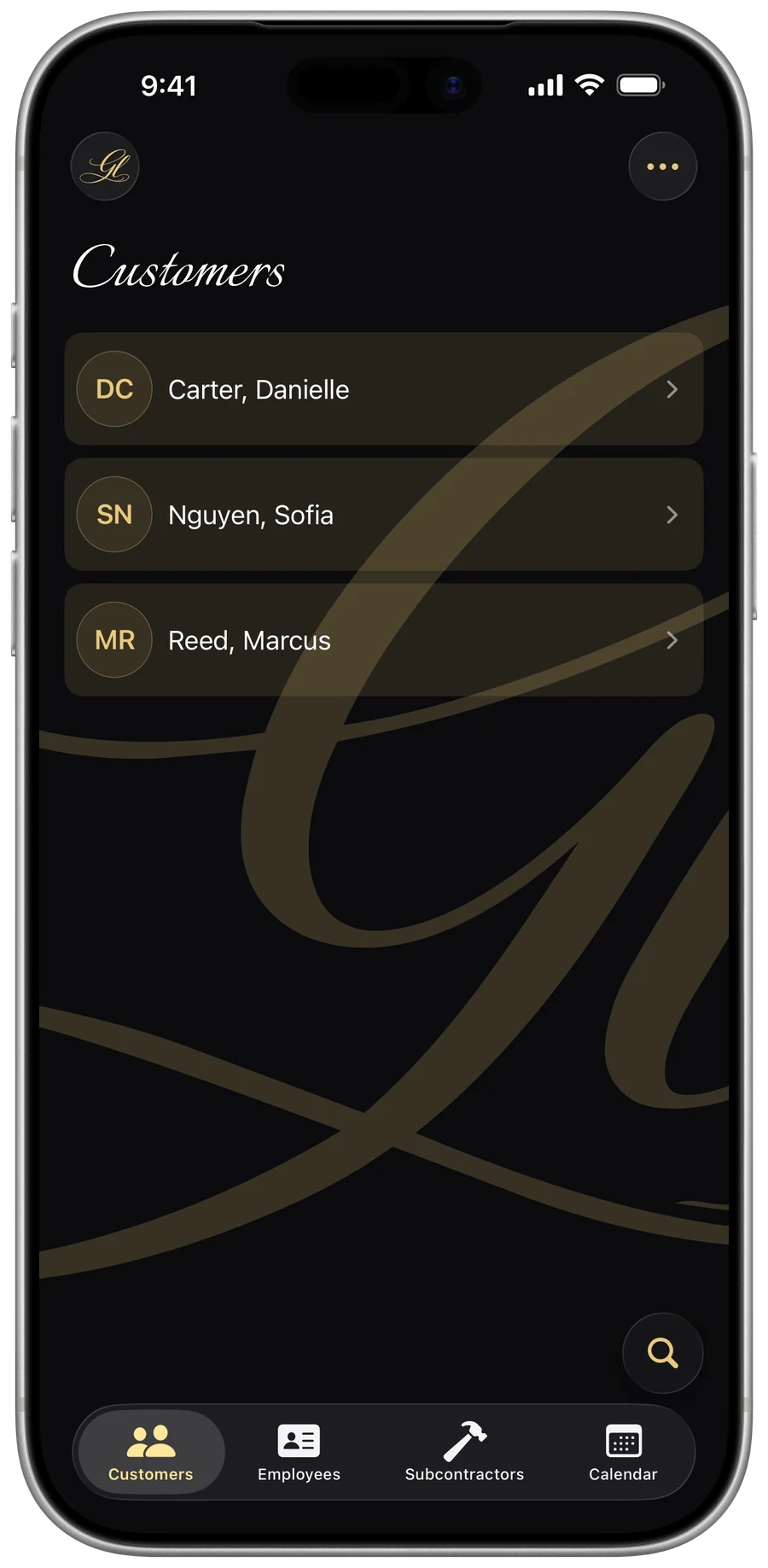
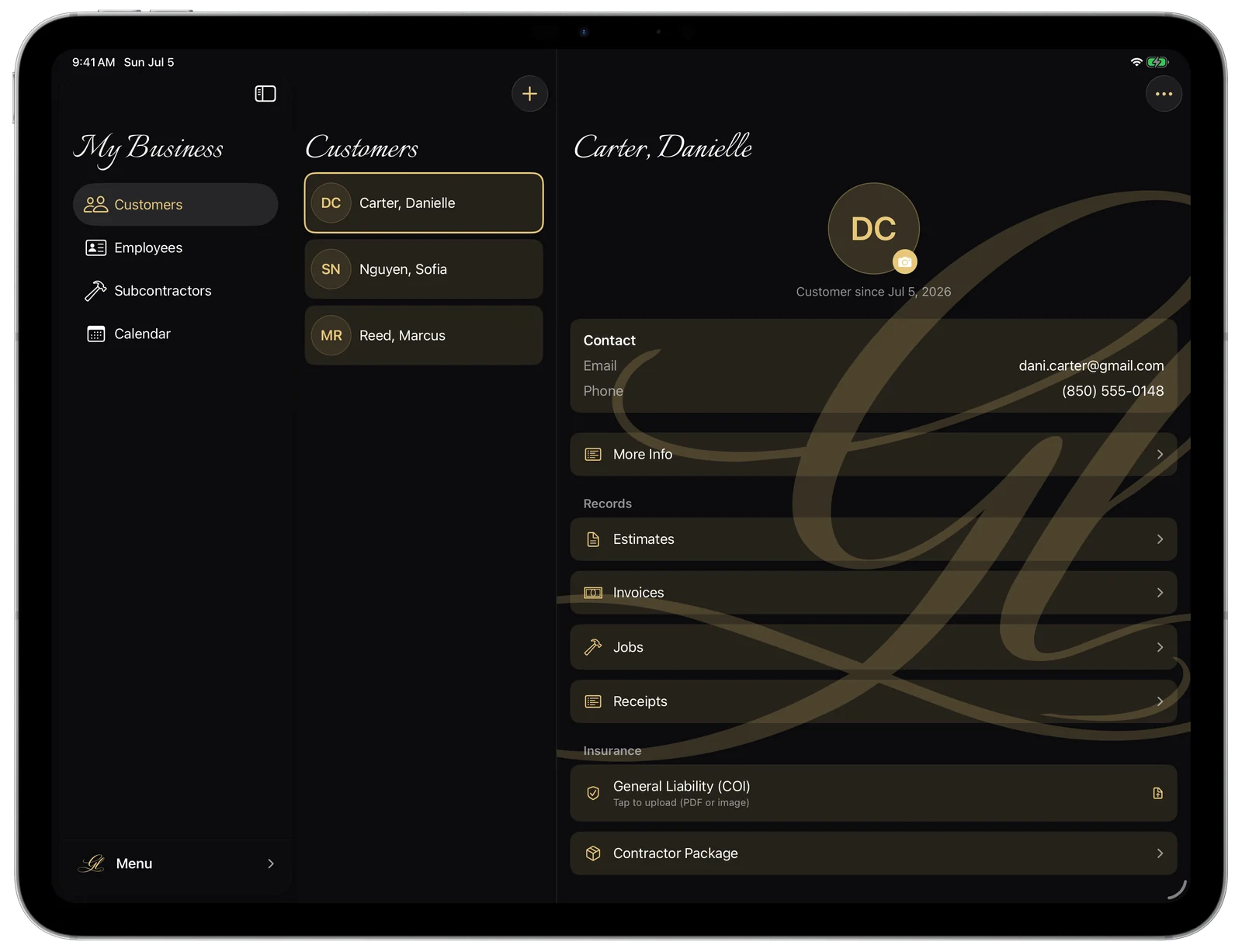
Every customer, organized
Contacts, addresses, full job history, and insurance paperwork — each customer in one tidy place.
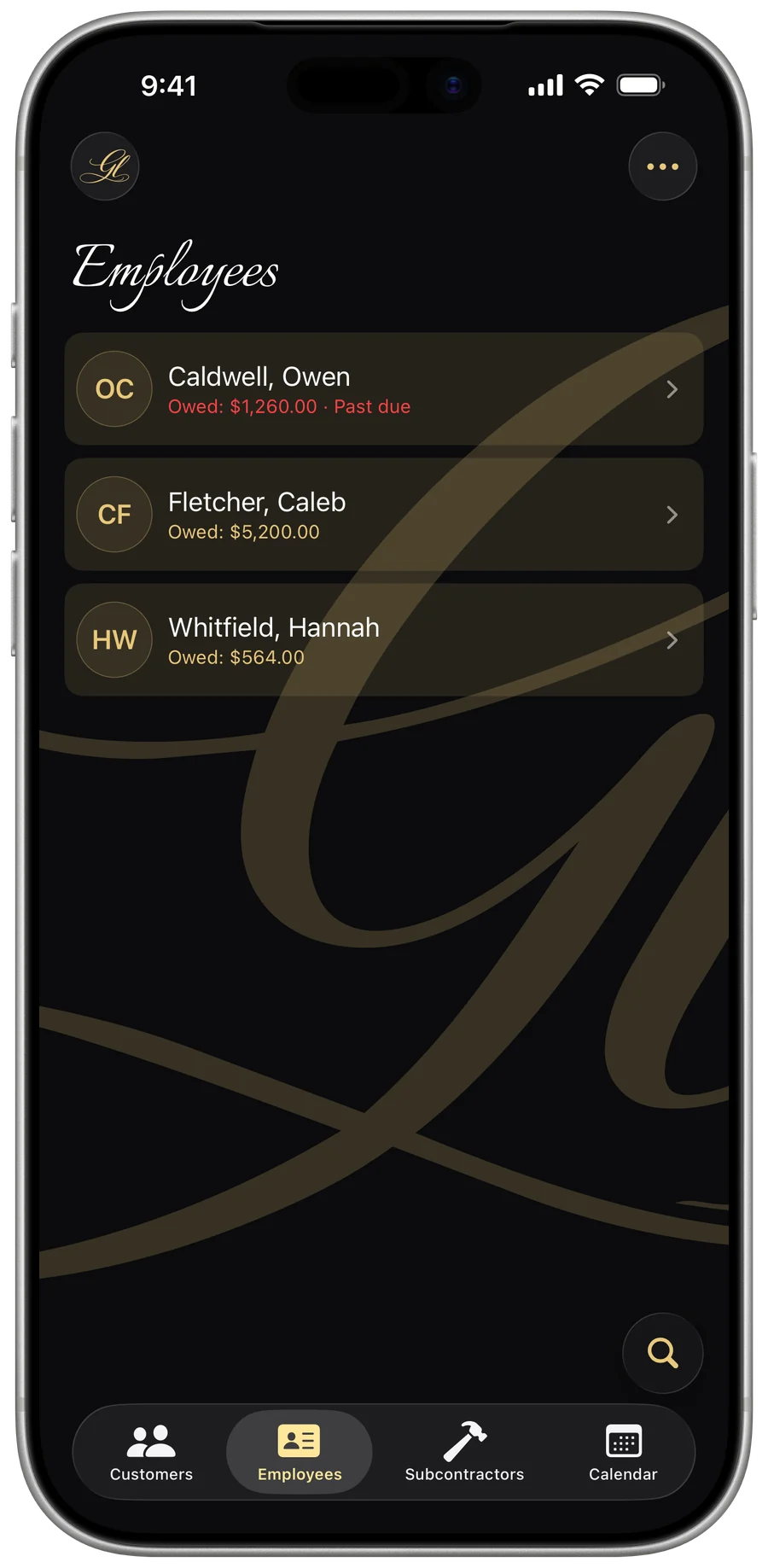
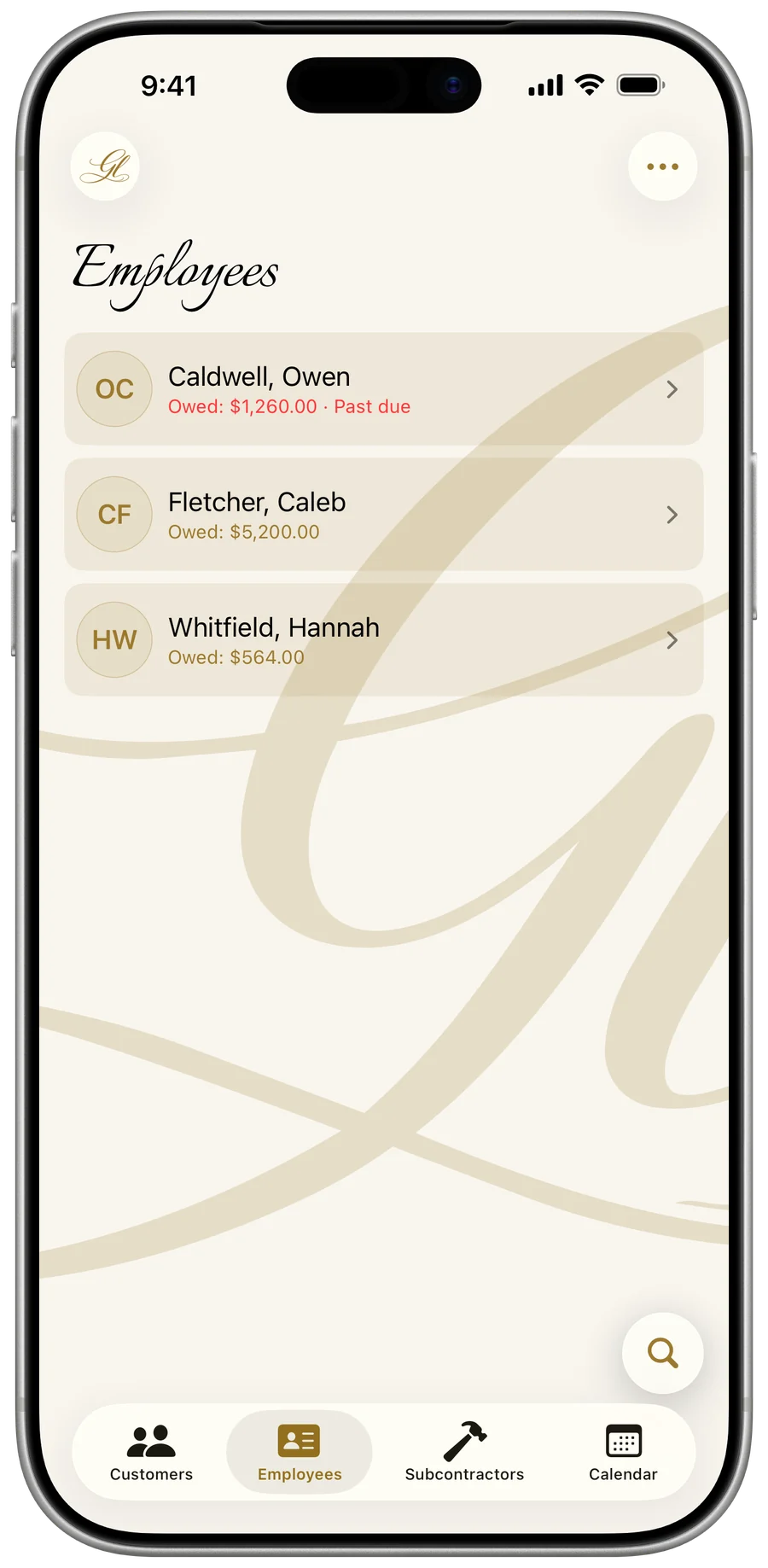
Your crew’s hours and pay
Log hours against the job, watch pay accrue toward the next payday, and hand your accountant a clean year-end CSV.
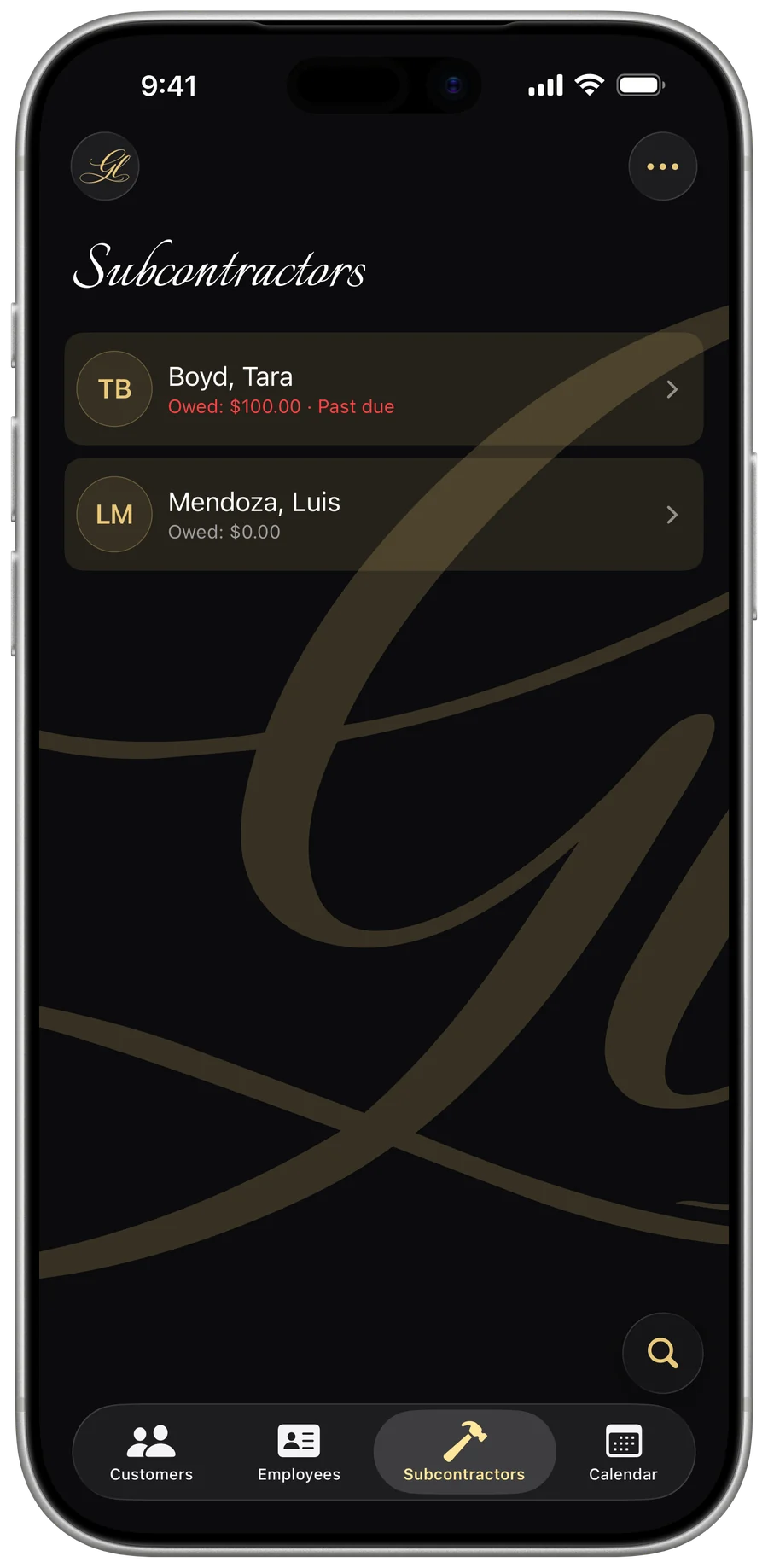
Pay subs, generate a real 1099
Track owed-vs-paid, watch each year’s 1099 threshold automatically ($2,000 for tax year 2026 and later), and fill the actual IRS Form 1099-NEC.
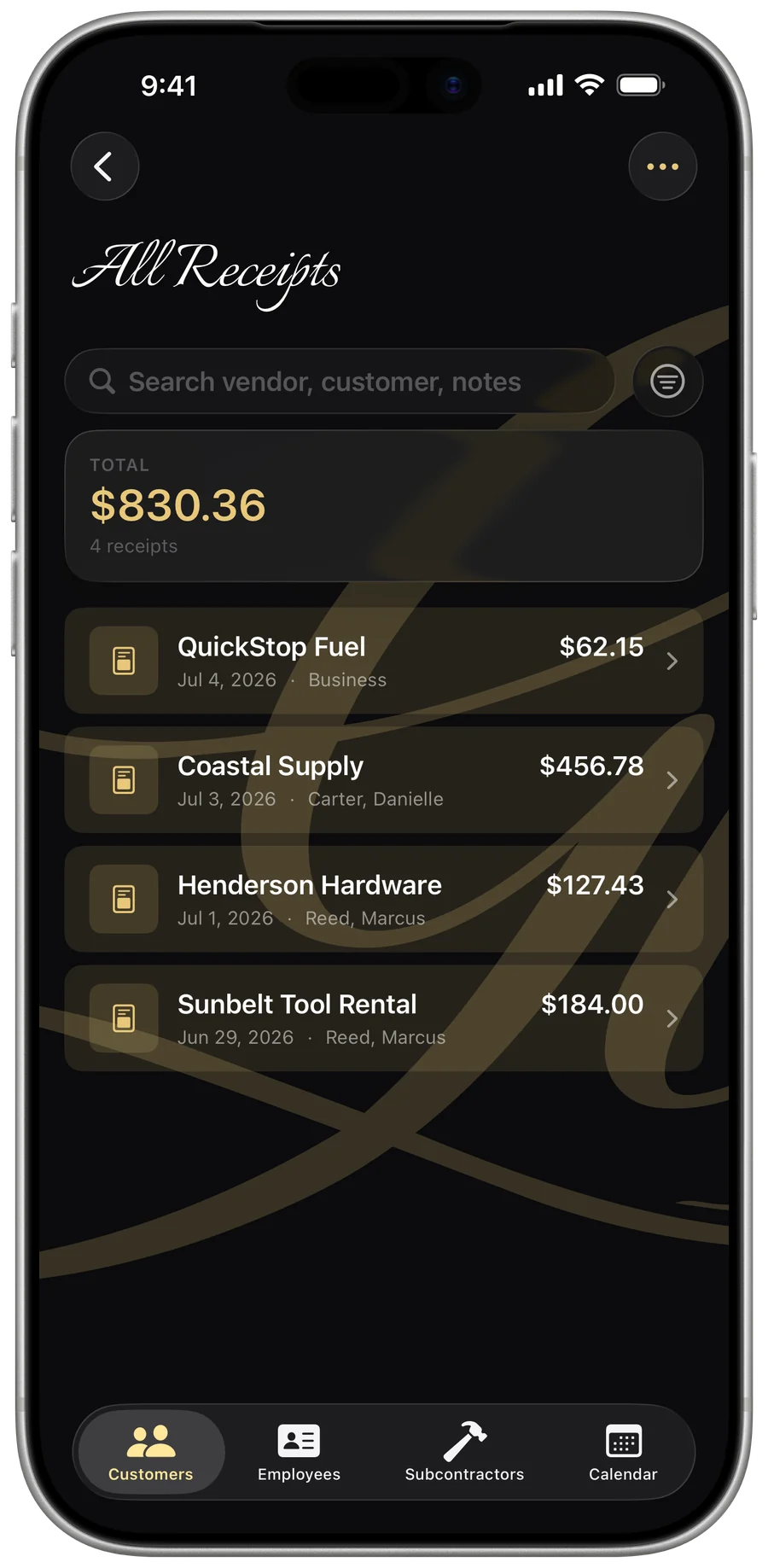
Snap a receipt, capture the expense
Photograph any receipt — the vendor, date, and total fill in themselves — then file it against the right job and customer.
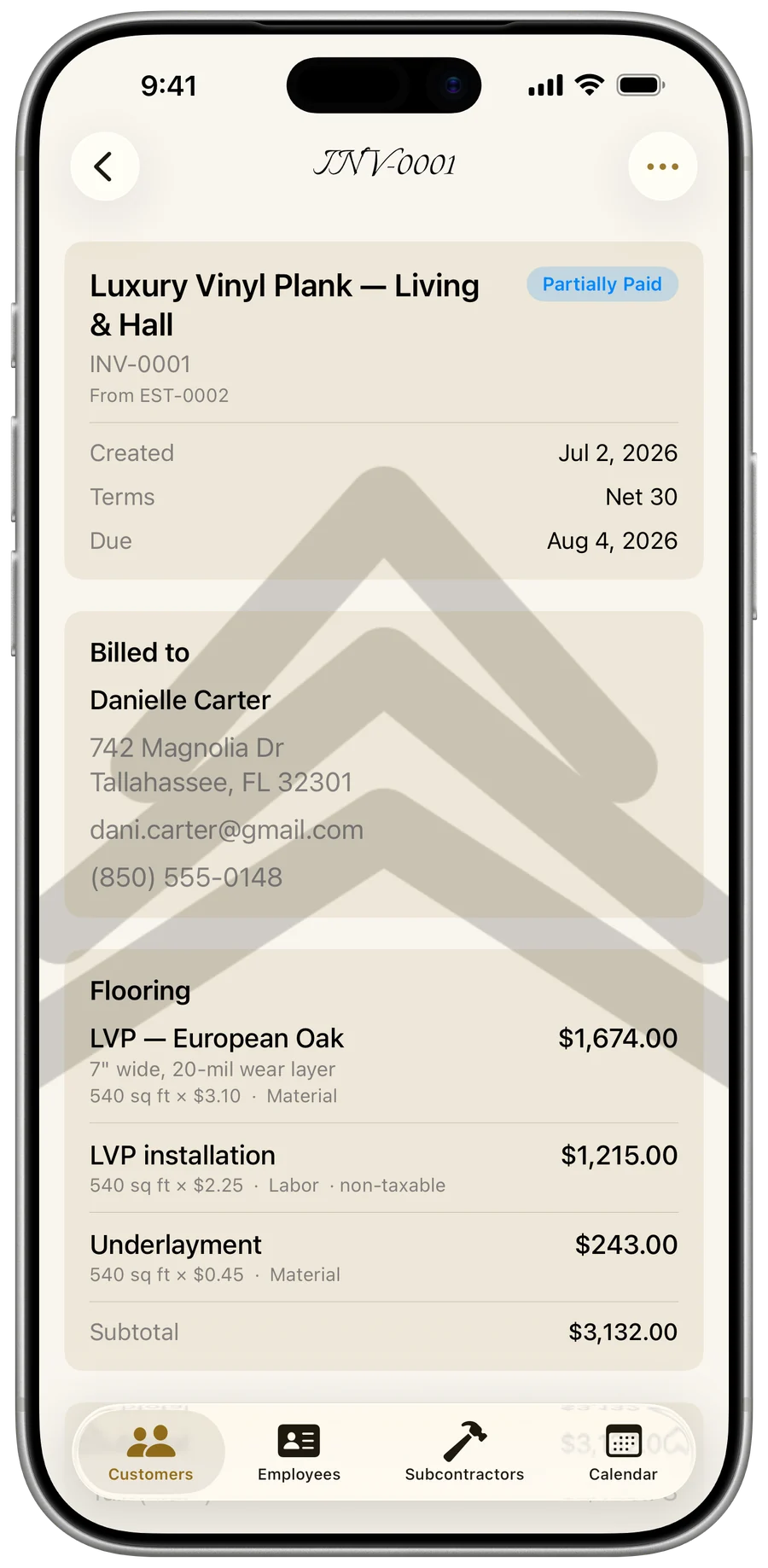
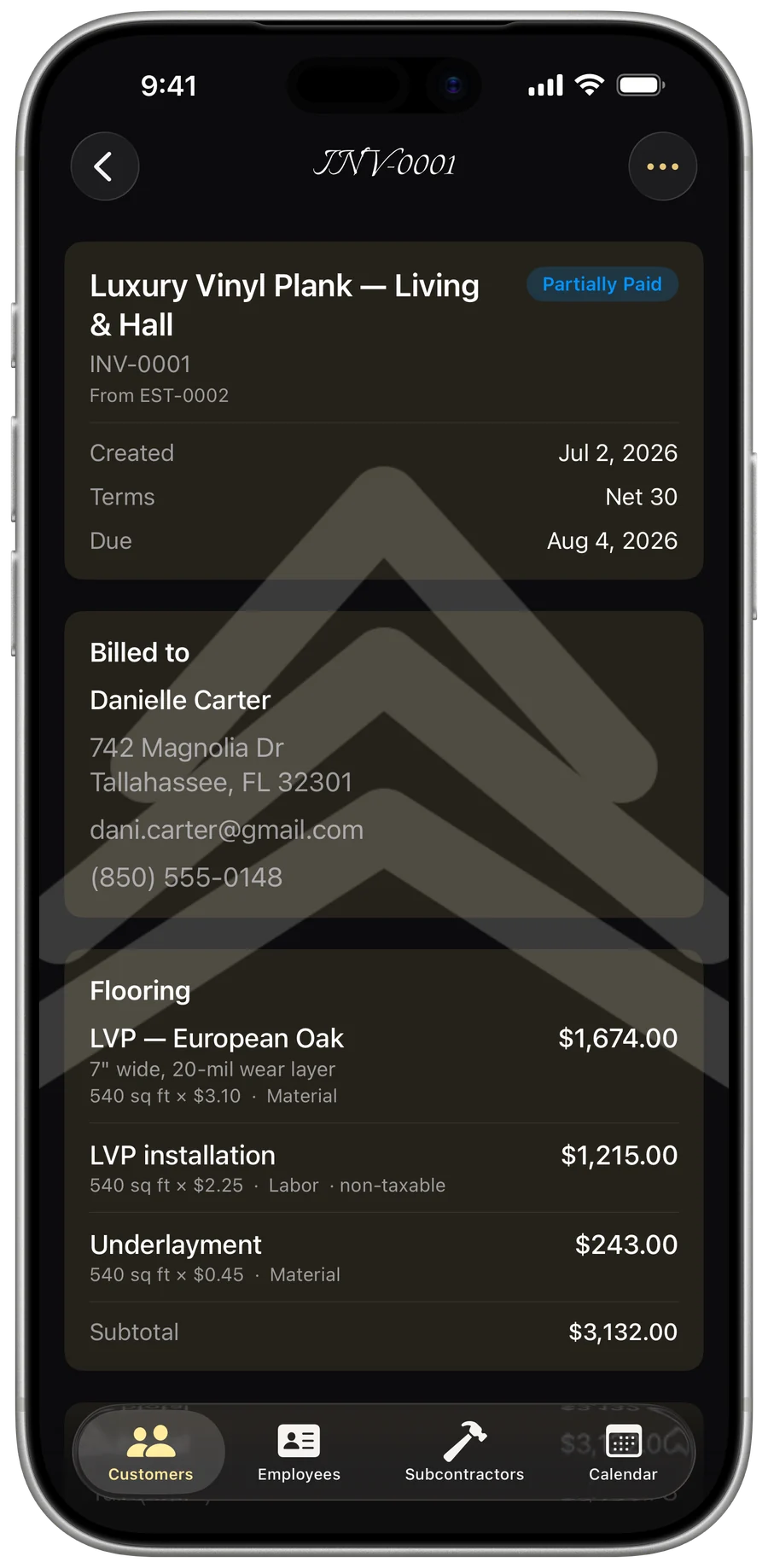
Hand over everything in one tap
Bundle a contractor’s whole compliance package, or close out a finished job with a completion package — certificate, paid receipt, and warranty.
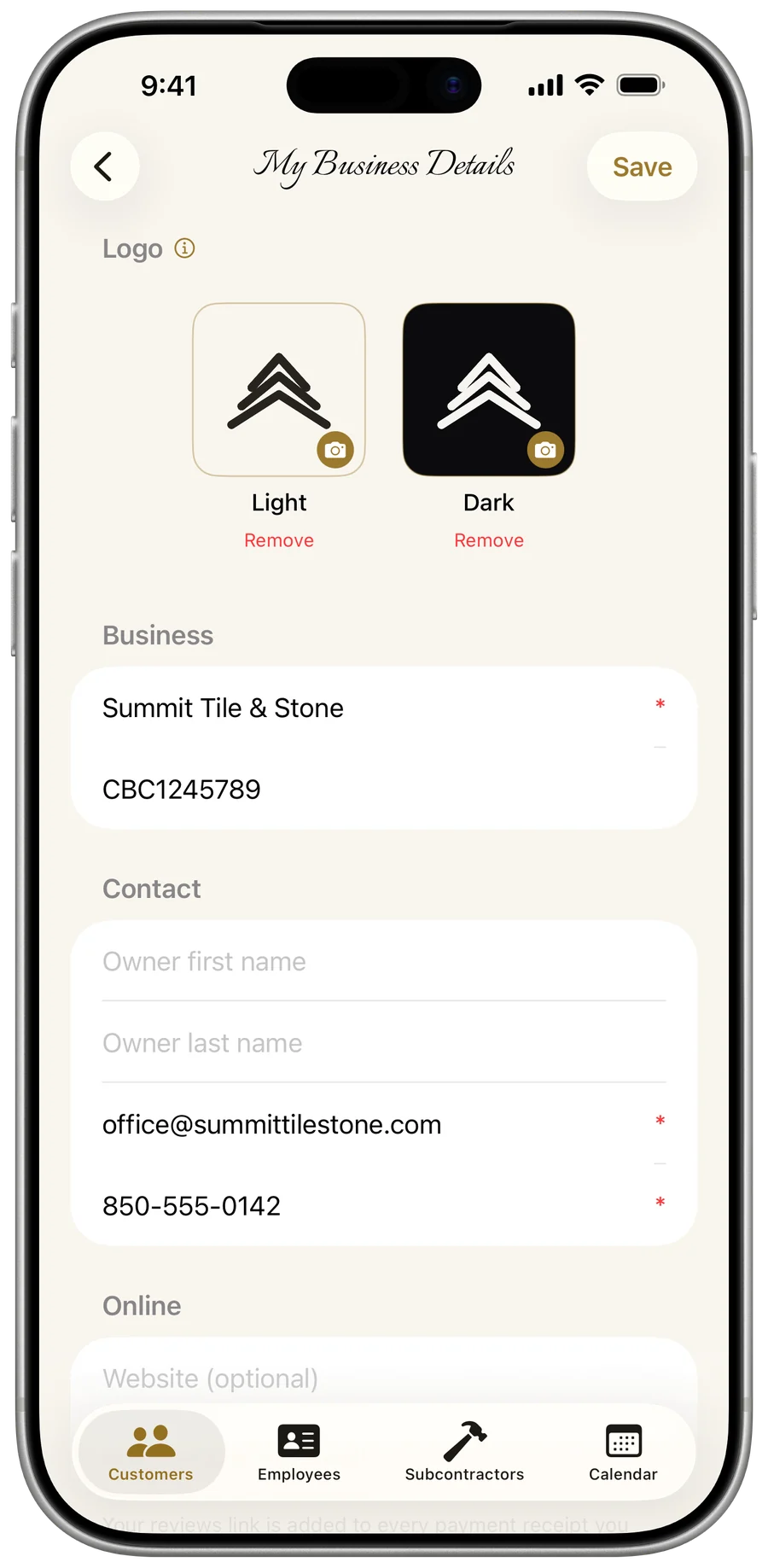
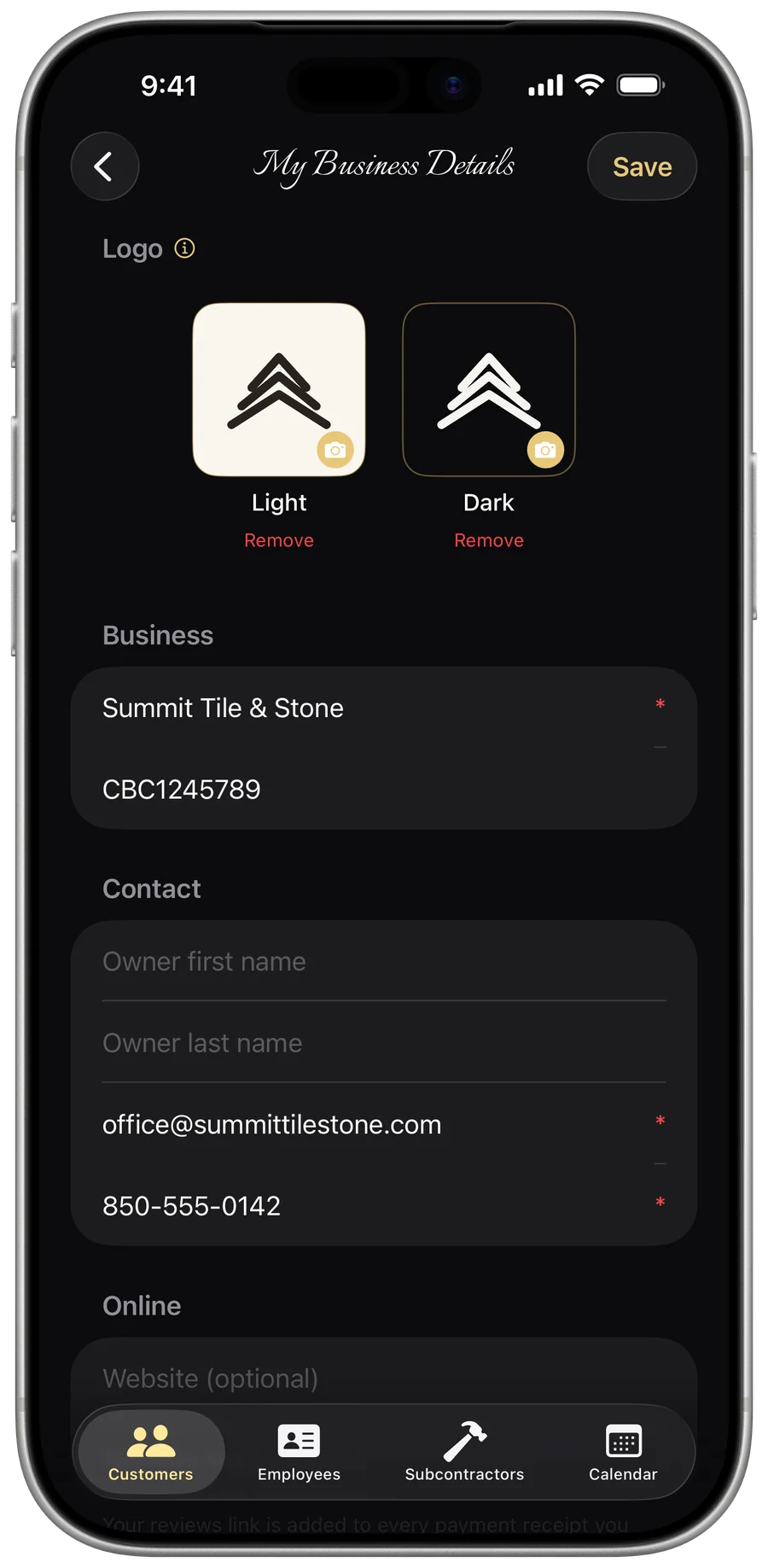
Make the app unmistakably yours
Your logo (with a dark-mode version), business details, and signature — on the app and every document your customers see.
Know your numbers
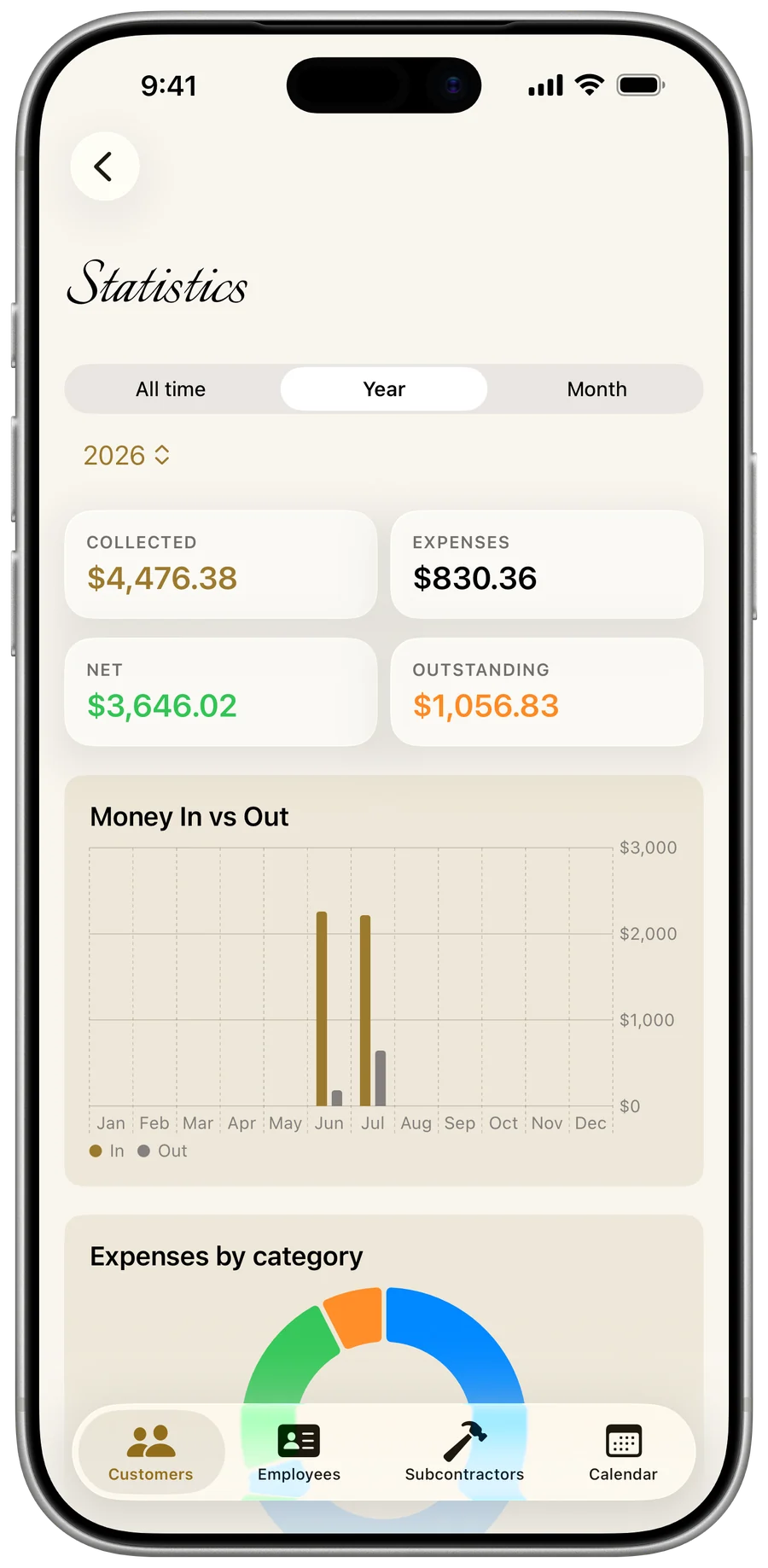
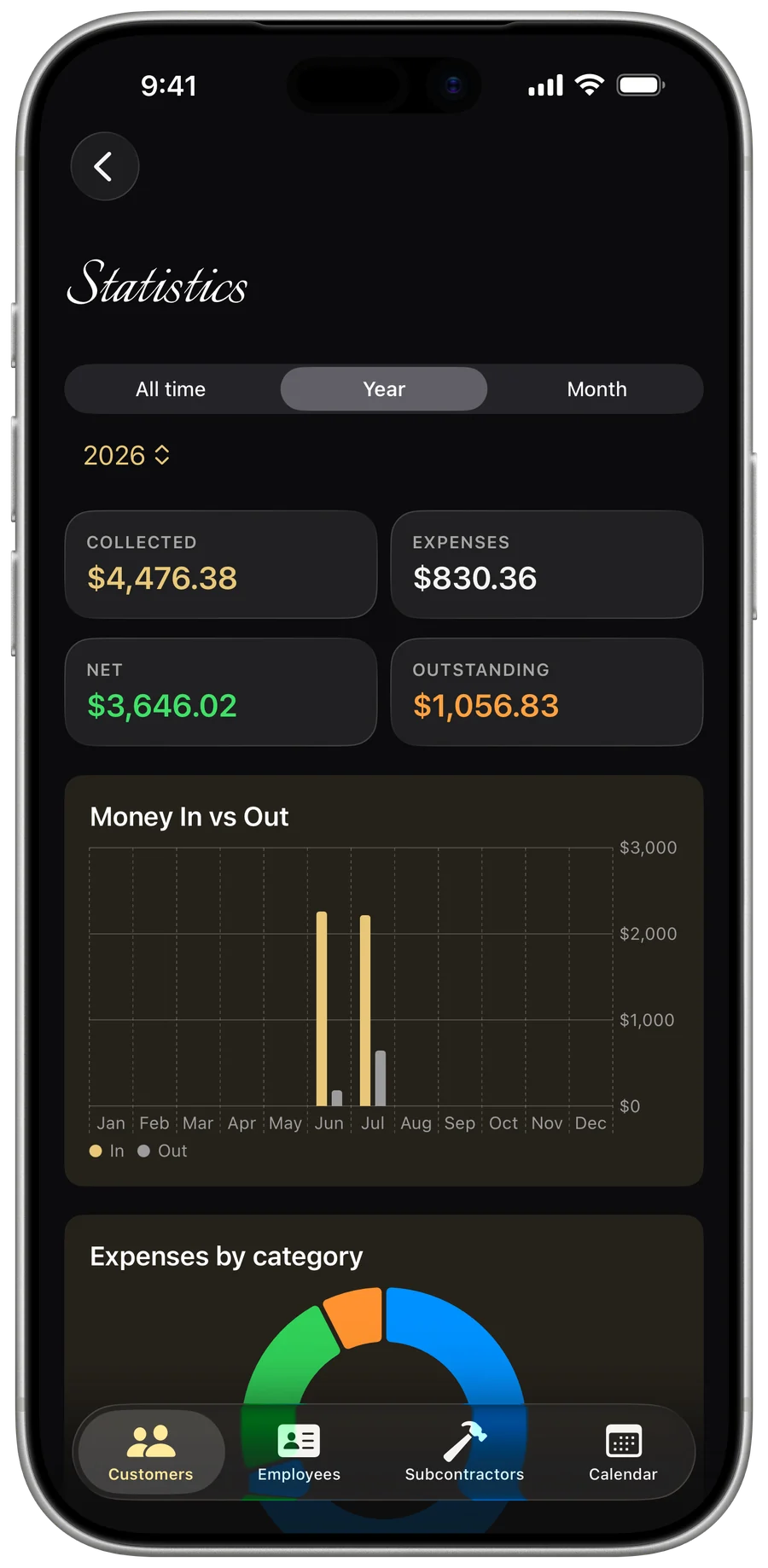
Collected, expenses, net, outstanding, and win rate — then export the year-end report your accountant needs.
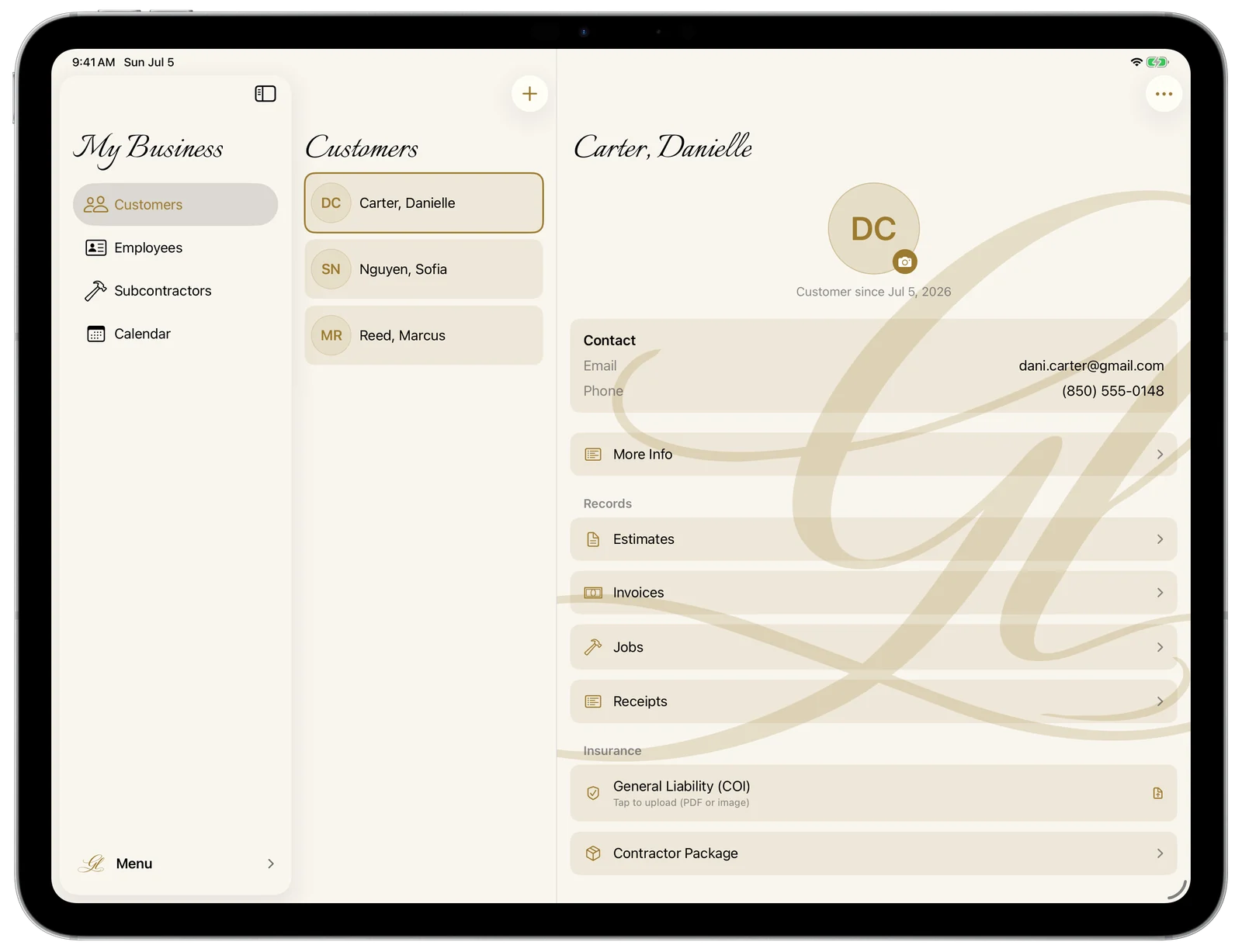
Designed for iPad — not just stretched onto it.
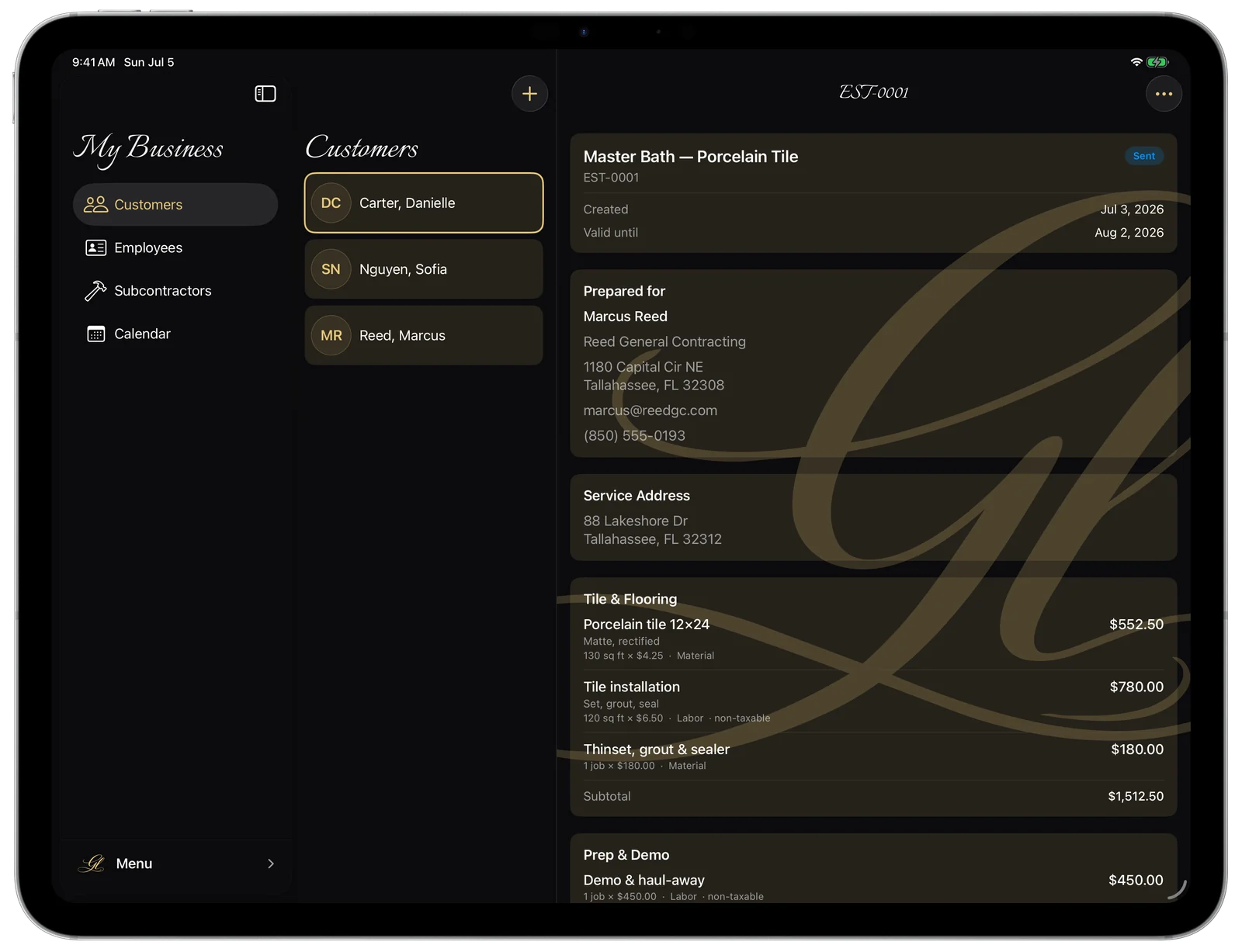
The full picture, side by side: your list, the details, and the job all on one screen. A real three-column layout built for the big display — synced from your phone through the same private iCloud.
It never leaves your hands.
My Business keeps your business data in your own private iCloud — synced across your devices, encrypted by Apple, and not sitting on a Gold Life server. I can’t see your customers, your records, or your documents. The one exception is optional card payments: turn them on and an invoice’s amount and a short description go out to create your Stripe pay link — see the Privacy Policy. Everything else stays yours, end to end.
Already great. Getting better.
My Business ships and improves the same way I’d run a job — steadily, and in the open. Here’s what’s in active development right now, included for every subscriber the day it lands.
Full Dynamic Type, so the whole app scales cleanly to the text size you set — no clipped buttons, no squinting. And complete VoiceOver support, with every screen, field, and action clearly labeled, so owners who are blind or low-vision can run the entire business, start to finish, without a single workaround.
Simple, honest pricing.
Questions, answered.
The Gold Standard, in your pocket.
Or search “My Business - Evolved by GL” on the App Store.