
Hand them everything they asked for in one tap
When a customer or a general contractor asks for "your paperwork," you don't dig through email — you build one clean PDF. The Contractor Package bundles a customer's certificate of insurance with your W-9, workers'-comp, and license; the Completion Package closes out a finished job with a certificate, a paid-in-full receipt, and your warranty. Every file lives in your own private iCloud, and you preview the exact PDF before it ever leaves your phone.
Build a Contractor Package — one PDF per customer
A general contractor wants your COI, your W-9, your workers'-comp, your license — all at once, today. Instead of forwarding four separate files, you assemble them into a single shareable PDF tied to that customer, then preview the merged result before you send it.
- Open a customer from the Customers tab and scroll to the Insurance section.
- Tap Contractor Package — a gold seal shows when a COI is already on file.
- If there's no COI yet, the sheet leads with an Upload COI step — tap it and pick a PDF or image.
- Review the In this package card and flip each optional document on or off.
- Tap Preview full package to scroll and zoom through the exact merged PDF.
- Tap the Share icon to send it by Messages, Mail, AirDrop, or Save to Files.
- Certificate of Insurance — always included, and sent exactly as your insurer issued it, nothing stamped or altered.
- W-9 — toggle on once your tax details are complete; otherwise a row links you to finish them.
- Workers' Comp Insurance, Workers' Comp Exemption, and Contractor License — each toggles on if you've uploaded it.
- Replace the COI inline, or jump to Manage insurance & licensing — the package rebuilds when you return.
- The share message comes pre-filled from your own customizable Contractor-package wording.
If your business details aren't set up yet, the row is disabled and reads "Add your business details first" — never an unexplained gray button.
Sign your W-9 with Face ID — or hand it over to sign by hand
The Contractor Package can carry a signed W-9 generated from your saved tax details. Signing is opt-in and biometric-gated, so your signature only ever lands on a document when you unlock it on purpose.
- Open My Business Details → Compliance → Generate a W-9.
- If anything's missing, the screen lists exactly what to add and links to the tax-details form.
- Review the rendered W-9 preview.
- Optionally toggle Include signature and date — Face ID or Touch ID unlocks your saved signature and stamps today's date.
- Tap Share to send the PDF, or fold the same W-9 into a Contractor Package.
- Auto-fills your name, address, tax classification, and Tax ID from My Company.
- No signature saved yet? An Add a signature row opens the signature editor.
- Leave it unsigned and the W-9 tells you to print and sign by hand before handing it over.
Upload a COI once — send it as-is, every time
Each customer's certificate of liability insurance lives on their record. You store the file the insurer gave you, and that's the file that goes out — no stamp, no overlay, no edits.
- Open the customer and tap their Certificate of Insurance row.
- Pick a PDF or image from Files or iCloud.
- View the stored certificate full-screen, then Share, Replace, or Remove it from the detail screen.
- Accepts PDF or image files.
- Replace swaps in a new file; Remove asks for confirmation before deleting from your records.
- A friendly "Couldn't read that file" alert suggests exporting as a PDF first, instead of failing silently.
There's also an optional owner-only reference COI you can keep purely for your own records — it is deliberately fire-walled out of anything sent to customers and never added to any package.
Close out a finished job with a Completion Package
This is the artifact most contractor apps don't have: a polished closeout PDF that proves the work is done and paid. It rolls a completion certificate, a paid-in-full receipt across all of the job's invoices, and your warranty into one document — and it stays locked until the job is genuinely finished and collected in full.
- Open a completed job and scroll to its billing section.
- Once the job is marked complete AND billed and collected in full, tap Completion package.
- Scroll and zoom through the generated PDF in the preview.
- Tap Share to send it by Messages, Mail, AirDrop, or Save to Files.
- Page 1 — Completion Certificate: job title, customer, service address, and completion date.
- Page 2 — Paid-in-Full Receipt: total paid, an itemized list of the job's invoices with dates and amounts, and a Contracted / Invoiced / Balance = PAID IN FULL summary.
- Page 3 — Warranty: included automatically when you've entered warranty text, and it states coverage begins on the completion date.
- The share message is pre-filled from your customizable Completion-package wording, and the file auto-names itself Completion-<job title>.pdf.
If the job isn't fully settled, the app tells you exactly what's left — "Invoice the remaining $X" or "Record the outstanding $X" — rather than just refusing. It's offered on one-off jobs, not recurring ones.
Keep your insurance & licensing in one place
Upload your general compliance documents once and reuse them across every customer's package. No re-attaching the same license to job after job.
- Go to the My Business / Company hub and open the Compliance section.
- Tap Insurance & Licensing — a gold seal shows when documents are on file.
- Tap a document card to upload a PDF or image, or open an existing one to view, share, replace, or remove it.
- Use the Share icon to send every on-file document at once.
- Three slots: Workers' Comp Insurance, Workers' Comp Exemption, and Contractor License.
- Share all bundles every uploaded compliance doc into one share with a pre-filled subject and message.
- Everything is stored privately in your own iCloud account and synced across your devices — never on a third-party server.
Preview exactly what the recipient gets
Every document and package opens in the same zoomable PDF viewer, with Share right in the navbar. What you see on screen is exactly what lands in your customer's inbox — and every stored file shares one consistent detail screen.
- Tap any document or package, or let the preview open automatically.
- Scroll and pinch-zoom through the full generated PDF.
- Tap Share from the top of the preview, or Close to go back.
- The same viewer is reused across estimates, invoices, change orders, receipts, contractor and completion packages, the W-9, and the 1099-NEC.
- Tap Replace file to swap any stored document, or the red remove action to delete it (with a confirmation).
- If a document can't be built, you get a friendly Try Again state — never an endless spinner.
Branded, paginated PDFs — and your own wording
Every generated document is a clean, branded US-Letter PDF that breaks long content across pages without slicing a row in half. You can also override the message that goes out with each package, so it sounds like you.
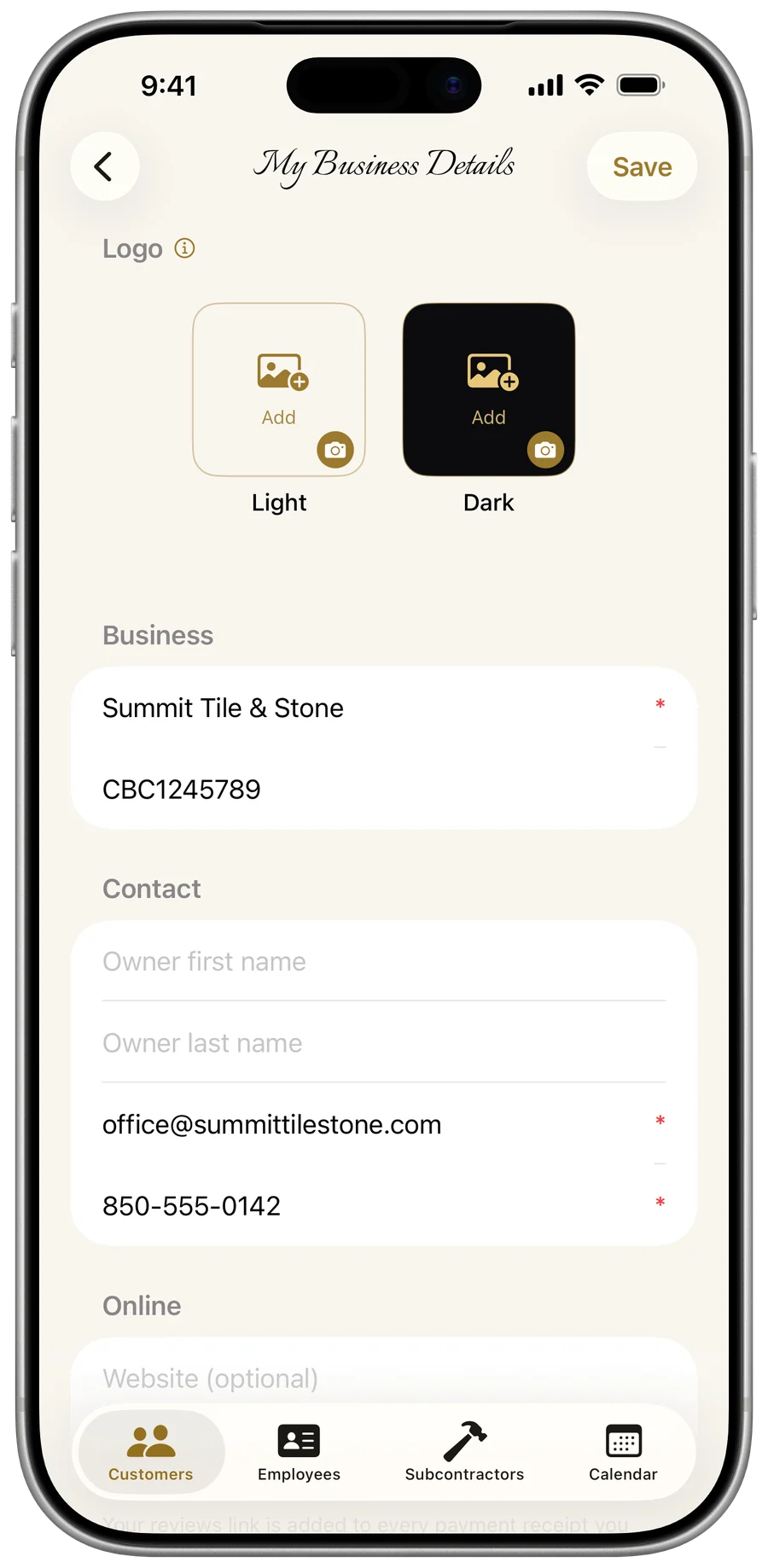
- Open My Business Details → More Info to find the Contractor package and Completion package message blocks.
- Edit the Subject, Intro, and Closing — leave any field blank to fall back to the prepared default.
- Enter your Warranty text so it's automatically appended to Completion Packages.
- Headers carry your logo, business name, address, phone, email, and license number.
- Brand-gold titles, with a green COMPLETED / PAID IN FULL accent on completion docs.
- Smart page breaks land on divider lines or between sections — Word-style, never mid-row — and uploaded images become full pages.
- Messages auto-greet the customer by name and sign off with your business name.
Nothing here is e-signed by your customer or legally countersigned — these are professional documents you generate and send, not binding electronic-signature contracts.