Apps
Coming soon

My Money

Evolved by GL

See your money clearly — your net worth, what you can actually spend, and where it all goes. With your personal, business, and investment spending finally kept apart.
Coming soon to theApp Store

iPhone & iPad · Banks linked read-only via Plaid · It never moves your money

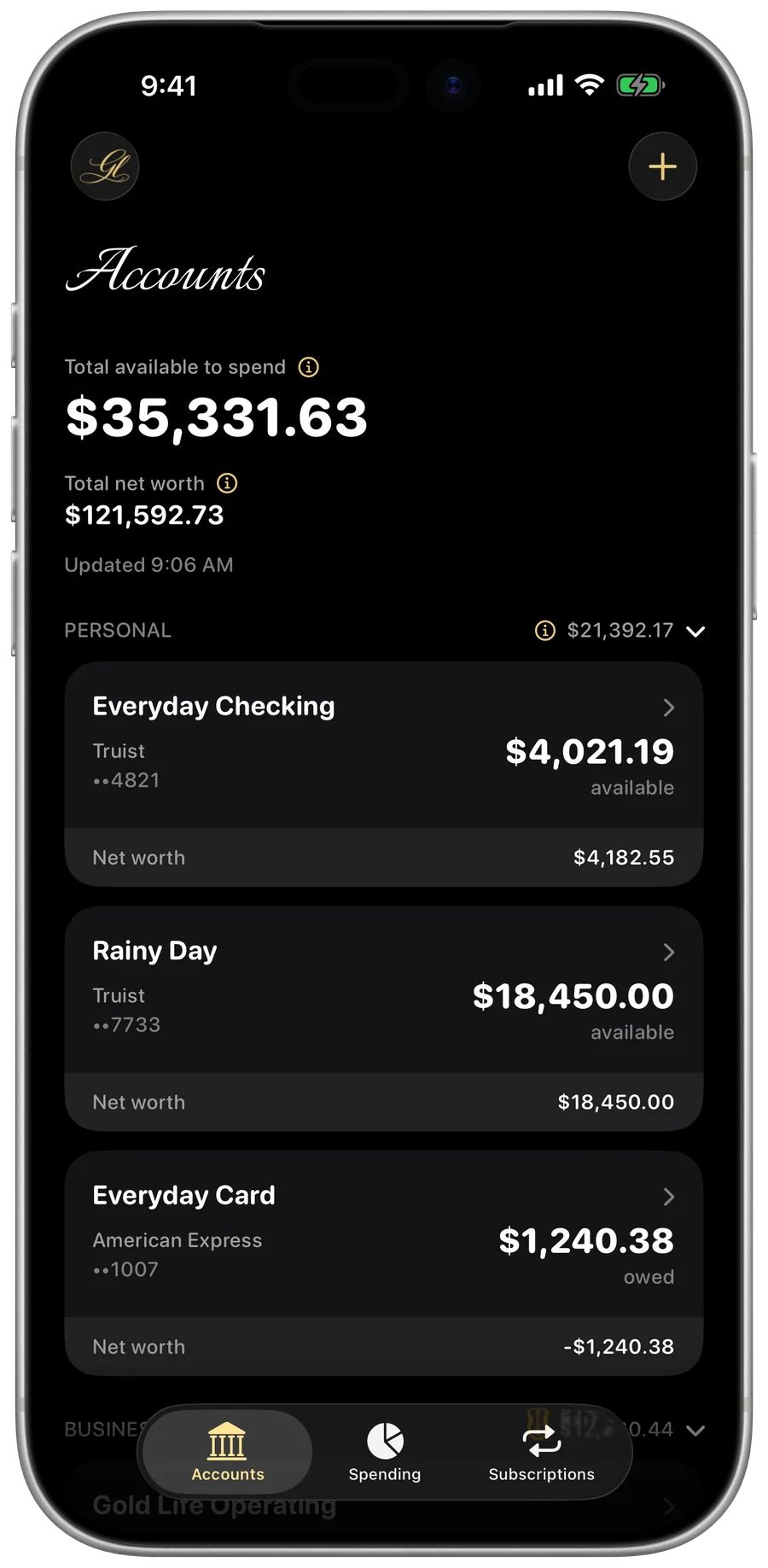
My Money — the Accounts screen on iPhone
A look inside

Clear, calm, and honest.

My Money — Accounts
Accounts
My Money — Spending
Spending
My Money — Account type
Account type
My Money — Transaction detail
Transaction detail
My Money — Account detail
Account detail
My Money — Profile & banks
Profile & banks
Everything it does

Your whole financial picture.

Built for the way a real owner’s money actually works — business and personal on the same cards, and every dollar accounted for.

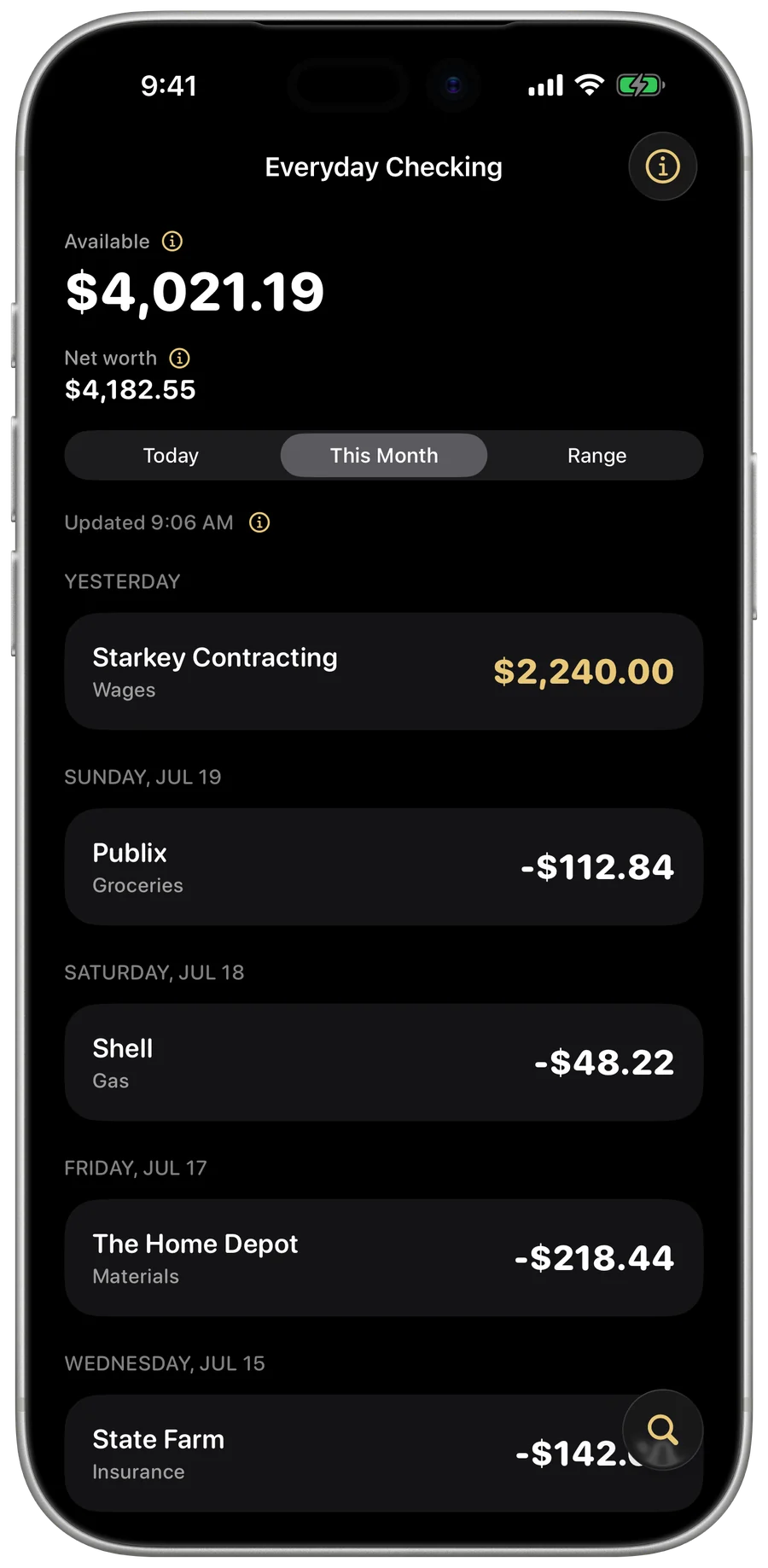
My Money — the Accounts screen with net worth and account sections
Net worth

Everything you're worth, at a glance

Every account in one place — checking, savings, cards, investments — added up into your real net worth and the cash you can actually spend right now. Personal, Business, and Investment sit in their own sections.

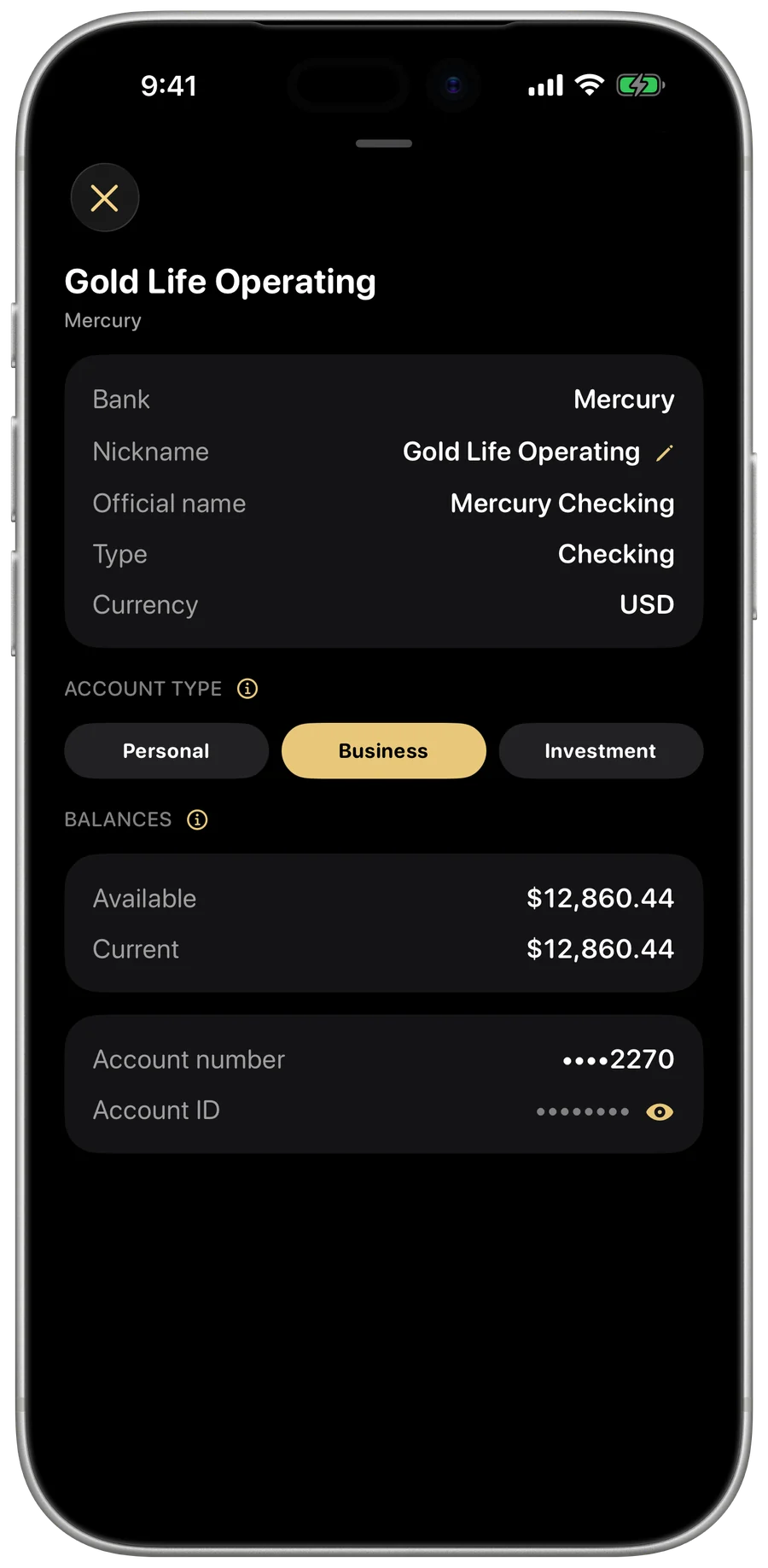
My Money — declaring an account as Business
Personal vs business

Business and personal, finally apart

You run a business off the same cards you buy groceries with. Mark an account — or a single transaction — as personal, business, or investment, and My Money keeps the two worlds cleanly separated for clarity, control, and tax time.

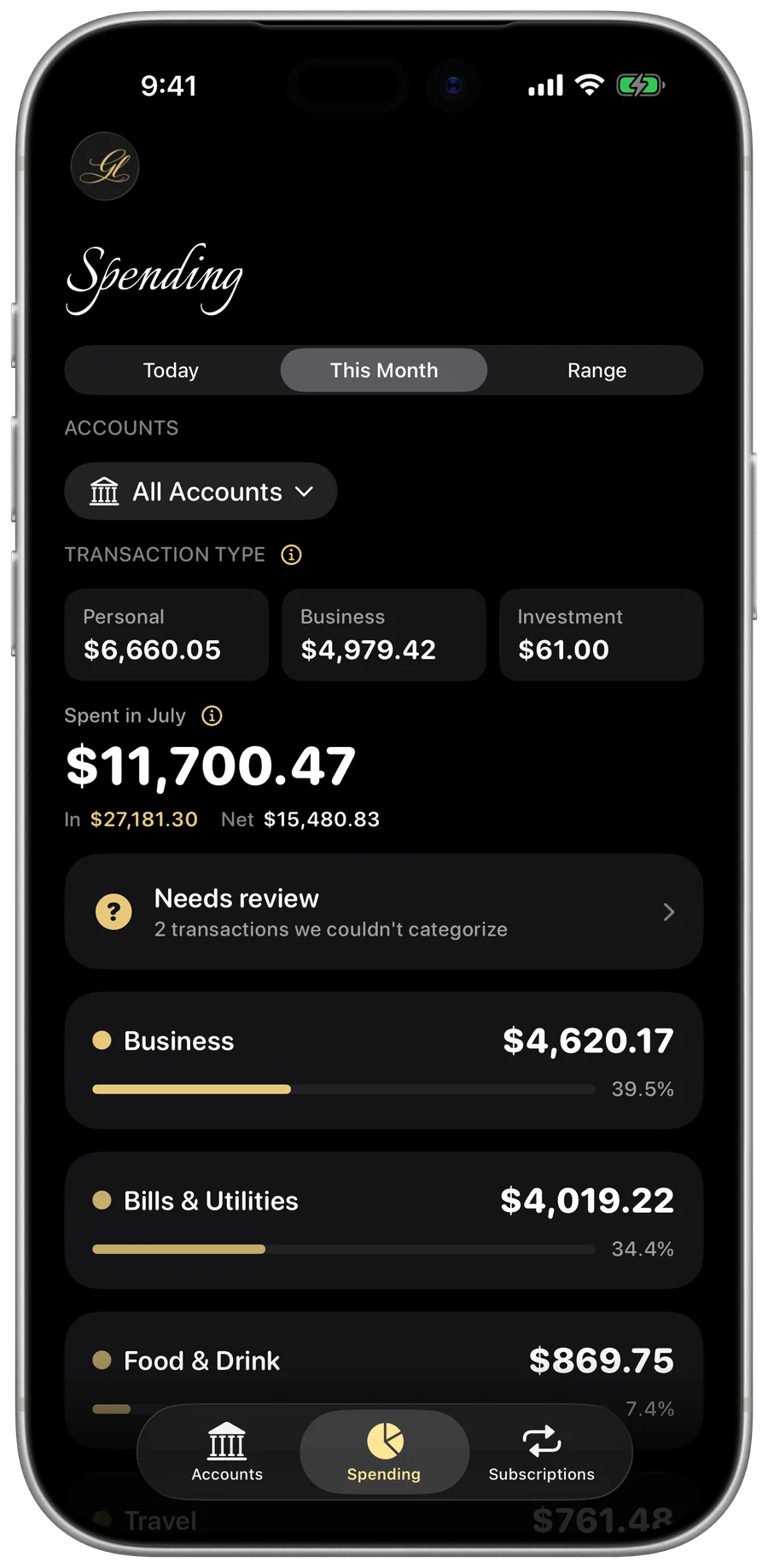
My Money — the Spending screen with a category breakdown
Spending

See exactly where it goes

Spending broken down by category over any period, with the Personal / Business / Investment split always in view. A business charge on a personal card still counts as business — because that's the truth of it.

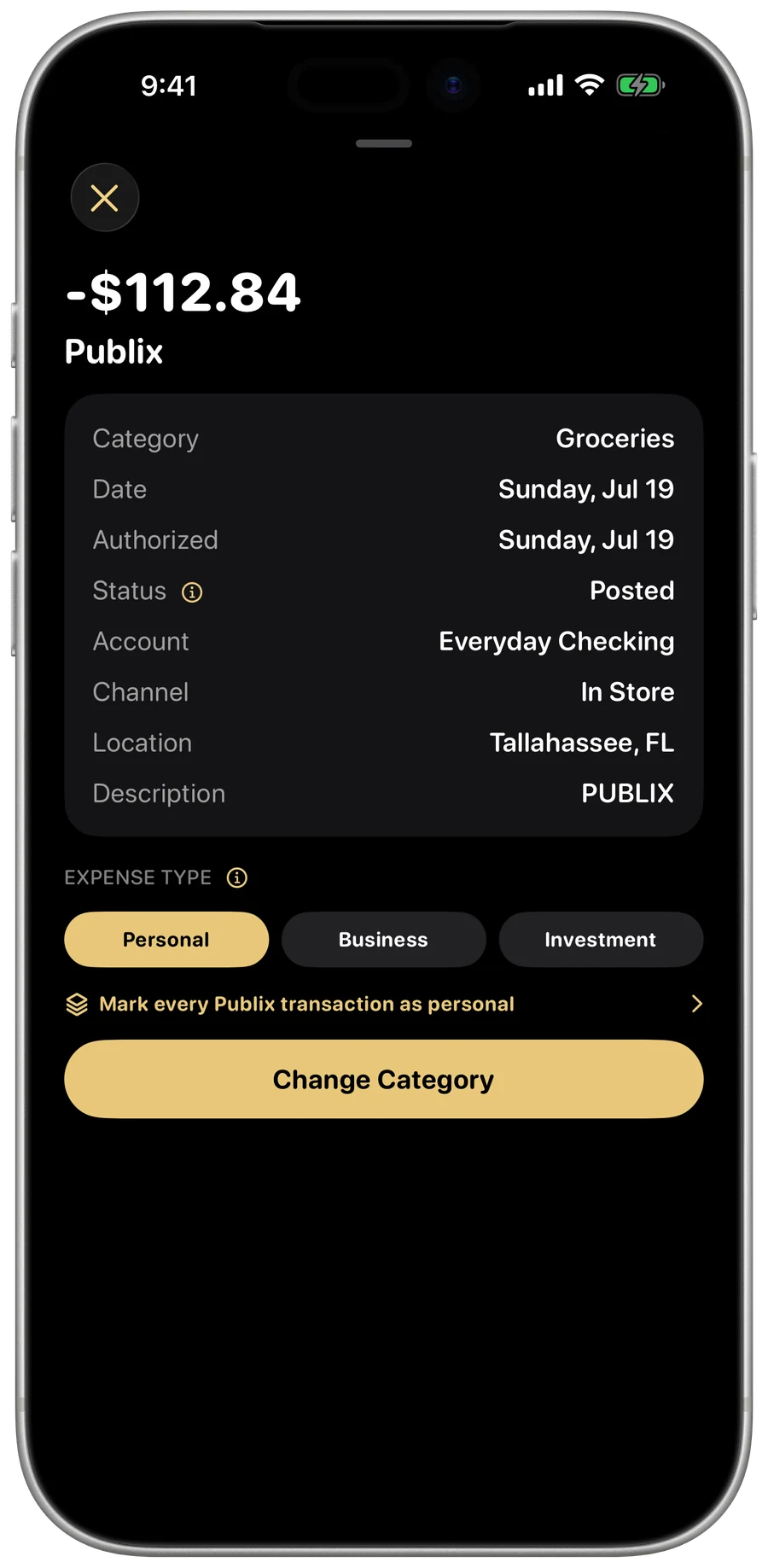
My Money — a transaction's full detail
Every transaction

The whole story on every charge

Tap any charge for everything your bank knows about it — merchant, date, category, account — then recategorize it or flag it business or personal. Sensitive numbers stay hidden behind a tap.

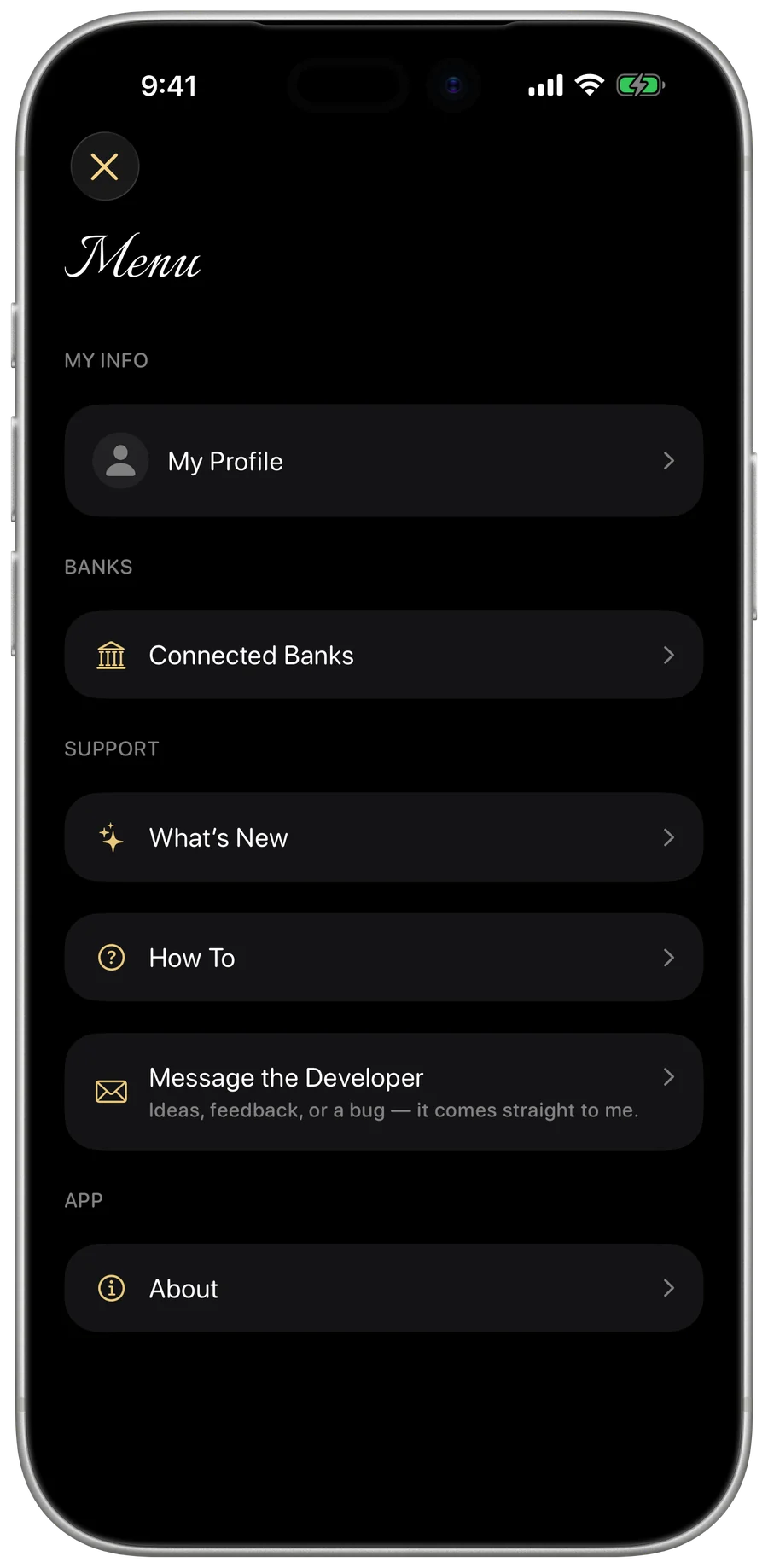
My Money — connected banks in the menu
Your banks, read-only

Linked safely — never touched

Connect your banks through Plaid in a few taps. My Money can see your balances and transactions, and can never move a cent. Your bank login is entered in Plaid's own secure screen — the app never sees it. Disconnect any bank anytime.

On iPad

The whole picture, side by side.

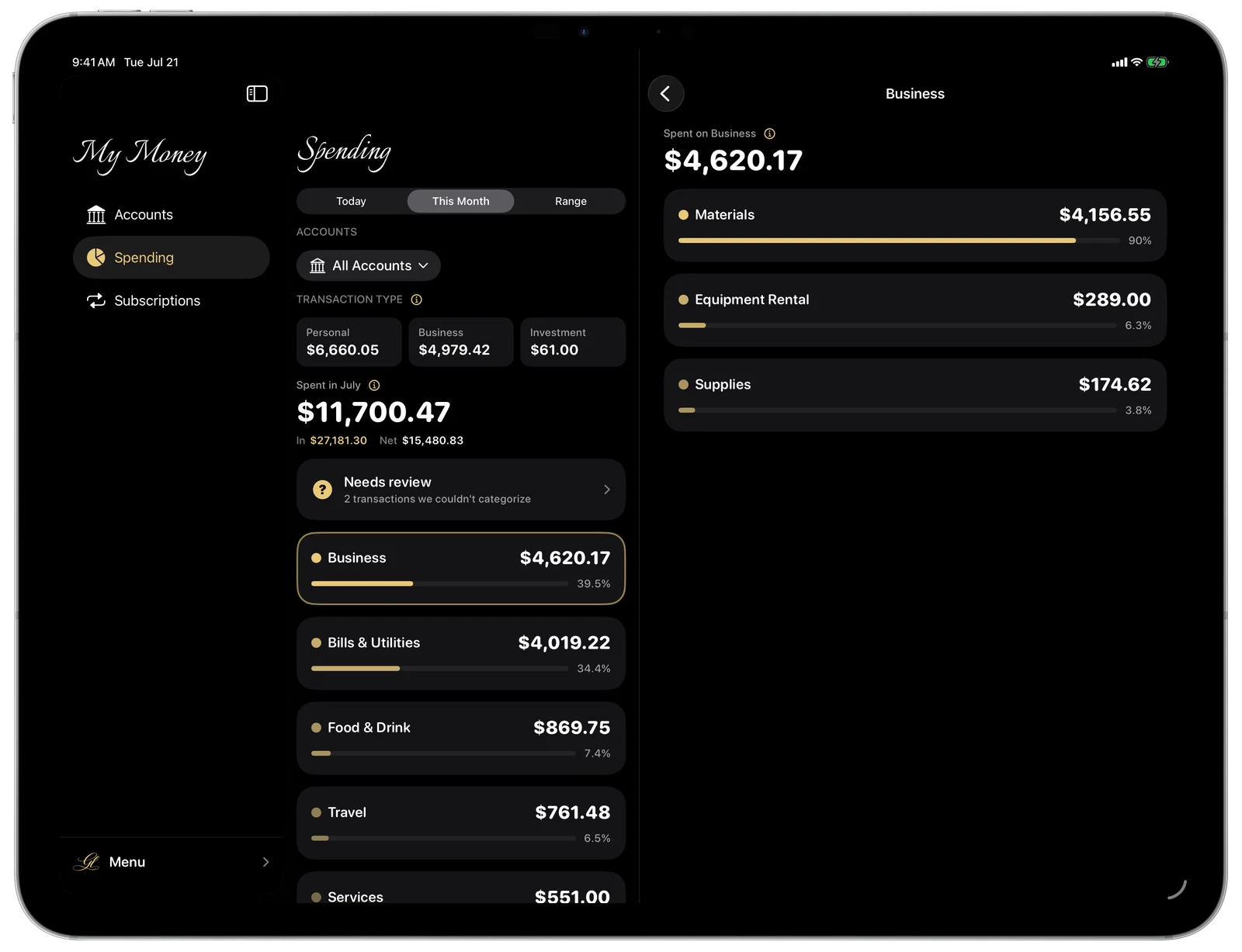
On iPad, My Money opens into three columns — your sections, the list, and the detail at once. Tap an account and its transactions sit right beside it; tap a category and see exactly where the money went. The same private, read-only picture, with room to breathe.
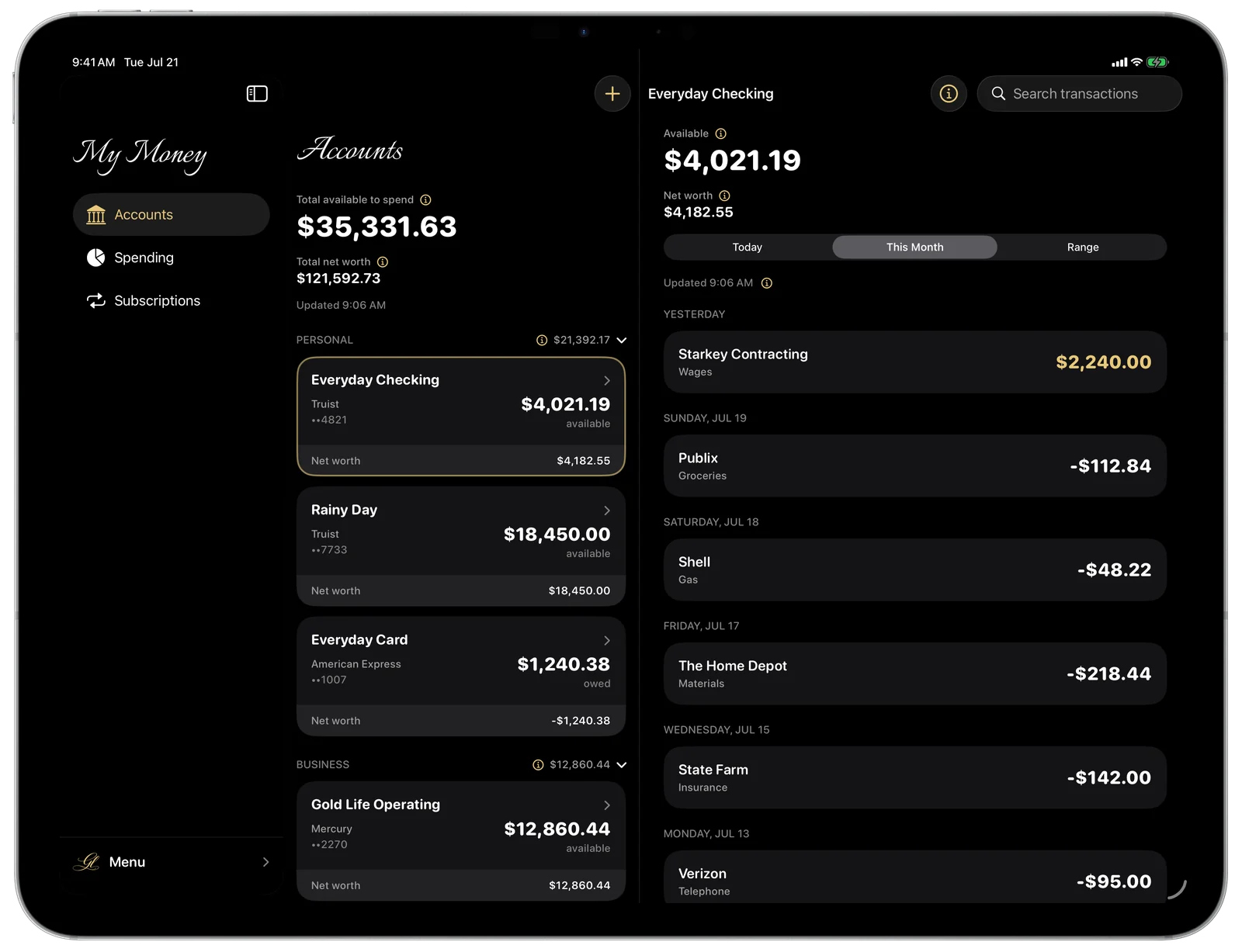
My Money on iPad — the accounts list and an account's transactions, side by side
My Money on iPad — spending by category with a category's breakdown beside it
Your data

Read-only, by design.

My Money connects to your banks through Plaid and can only ever look— it cannot move, send, or withdraw a single cent. Your bank login is entered in Plaid’s own secure screen, so the app never sees it. What it reads is kept on our own encrypted backend, never sold and never shared — see the Privacy Policy.

It can’t move moneyRead-only access — balances and transactions only. No transfers, no payments, ever.
We never see your loginYou sign in through Plaid’s secure screen; your bank credentials never touch the app.
Encrypted & privateYour data is encrypted in transit and at rest — never sold, never shared, never used for advertising.
Disconnect anytimeUnlink a bank in one tap and its data is removed. You’re always in control.
Good to know

Questions, answered.

Where can I get it?
My Money is coming soon to the Apple App Store. It runs on iPhone and iPad.
What does it cost?
$6.99 a month, billed through Apple. You can explore My Money with sample data for free — no account, no bank connection — so you can see exactly what it does before you pay for anything. A subscription is what connects your real banks. If you ever stop subscribing, you keep seeing the banks you already connected.
Is it safe to connect my bank?
Yes. My Money links to your banks through Plaid, the same connection trusted by major finance apps. It's read-only — the app can view balances and transactions, and it can never move money. You enter your bank login in Plaid's own secure screen, so the app never sees your credentials. And the app itself is guarded too — you sign in with Apple or Google (your Gold Life ID), and Face ID greets you every time it opens.
Where is my data stored?
The account and transaction data My Money reads is kept on our own secure backend, encrypted in transit and at rest — never sold, never shared. Your profile (name and photo) stays on your device. Disconnect a bank and its data is removed.
Can it move my money or pay bills?
No. My Money is read-only by design — it's for seeing and understanding your money, not moving it. It can't transfer, pay, or withdraw anything.
What devices does it run on?
iPhone and iPad, designed for each — a flat, focused, dark interface built for clarity.
Does it speak Spanish?
Yes — My Moneyis fully bilingual, English and Spanish. It follows your device’s language on its own, or you can switch anytime in the app’s menu. Money and dates keep your region’s format either way.
What does “Evolved by GL” mean?
“Evolved by GL” is the maker’s mark behind every Gold Life product — built and refined to the Gold Standard, the way I’d want it for my own money. More on what the mark means ↗
Coming soon

Your money, finally clear.

Coming soon to theApp Store