
Sentinel works in your own words
Ask questions, look up records, and draft documents using your own words — with free built-in Apple Intelligence on supported Apple devices, or your choice of connected AI provider.
Ask in your own words
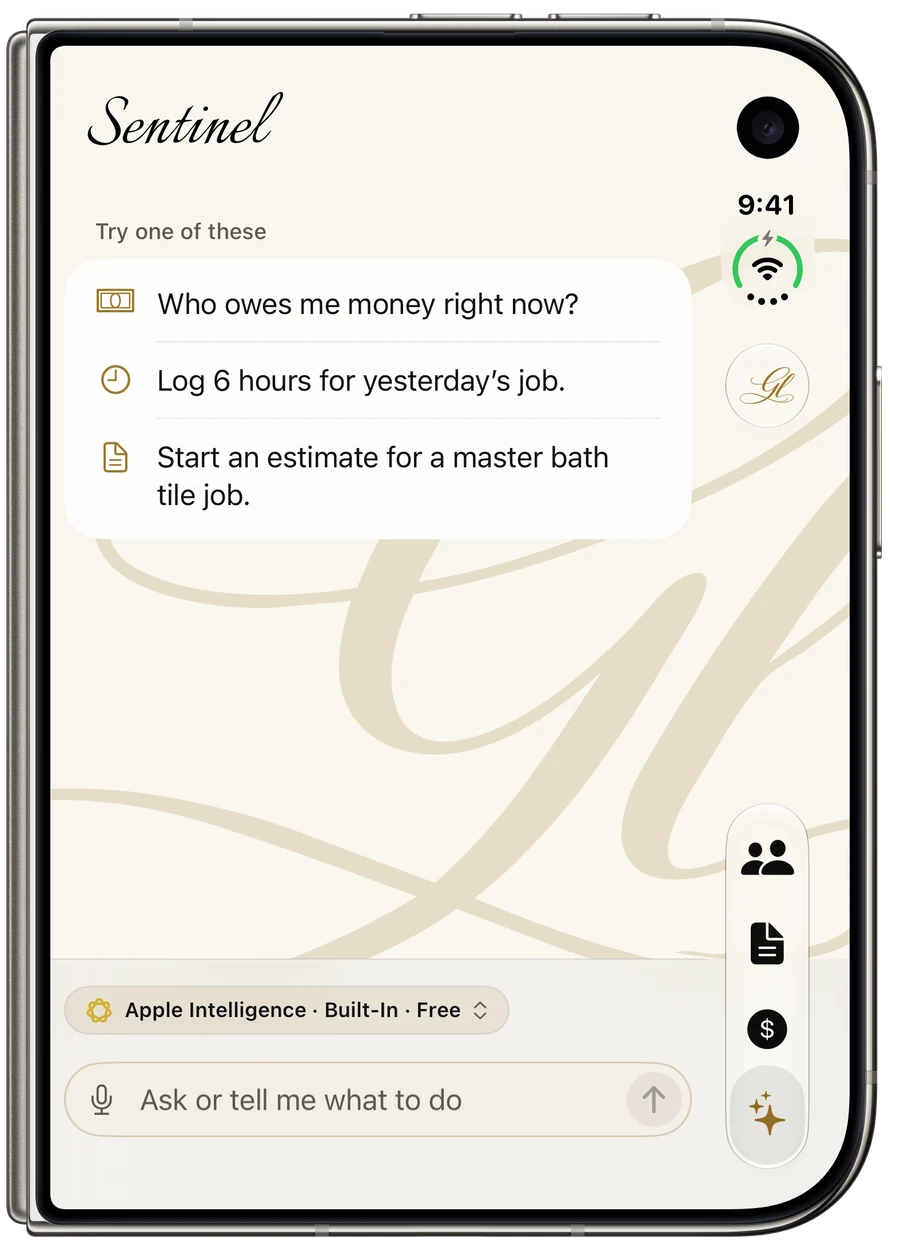
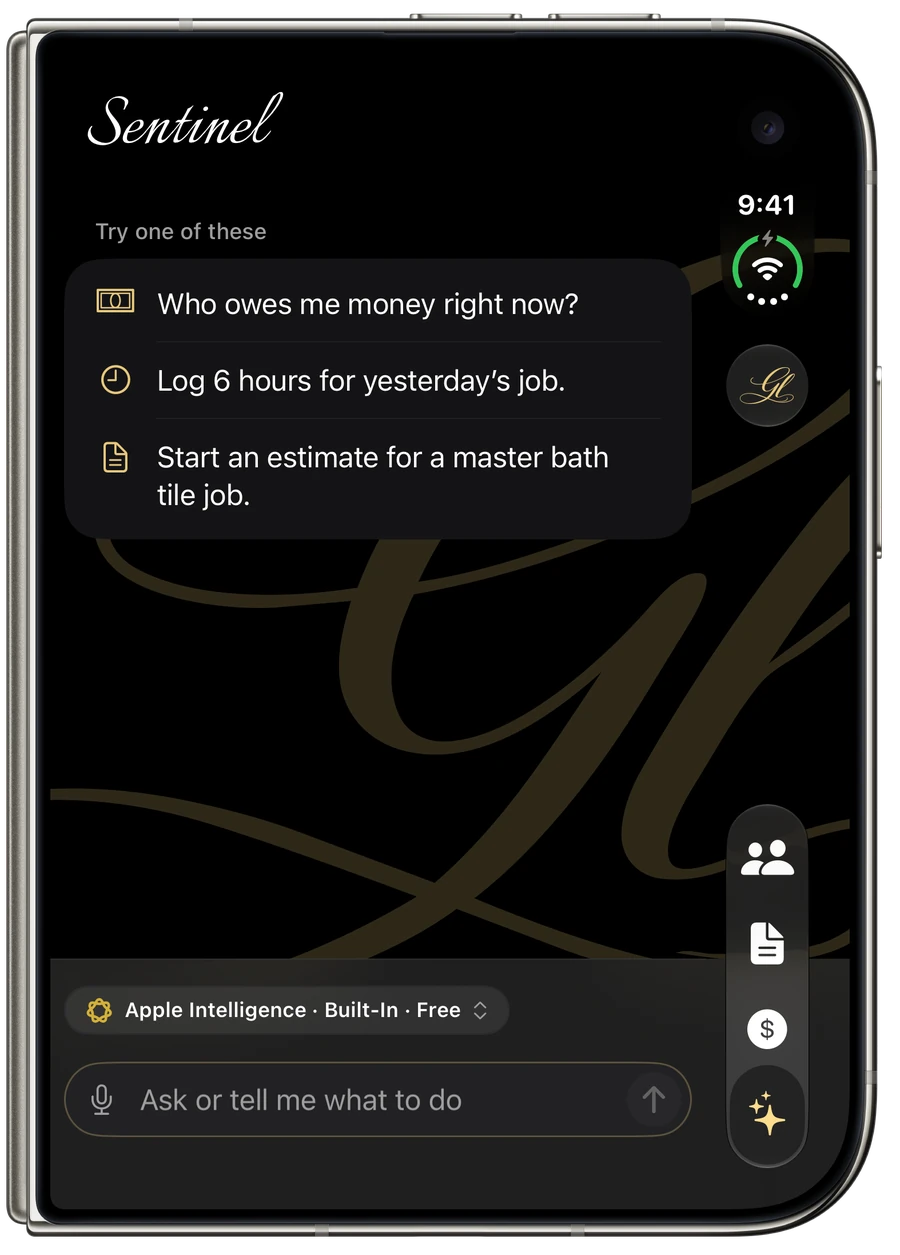
Tap the Sentinel tab from the bottom bar or the sparkles button on any record. You can ask for what you need — like drafting a new estimate, checking which invoices are overdue, or seeing who is scheduled next week — and Sentinel finds, adds, and updates your records for you.
- Open the Sentinel tab from the bottom bar, or tap the sparkles button on any record screen.
- Type or speak your request in your own words.
- Review Sentinel’s draft or answer, and tap to view or open any record directly.
- Built-in Apple Intelligence works out of the box at no extra cost on supported Apple devices.
- Open and inspect any estimate, invoice, job, customer, or price sheet directly from the conversation.
- Use the sparkles button on any screen to bring that specific record into context.
- When offline, Sentinel works in read-only mode to find and inspect saved records.
Free built-in Apple Intelligence or your own AI key (BYOK)
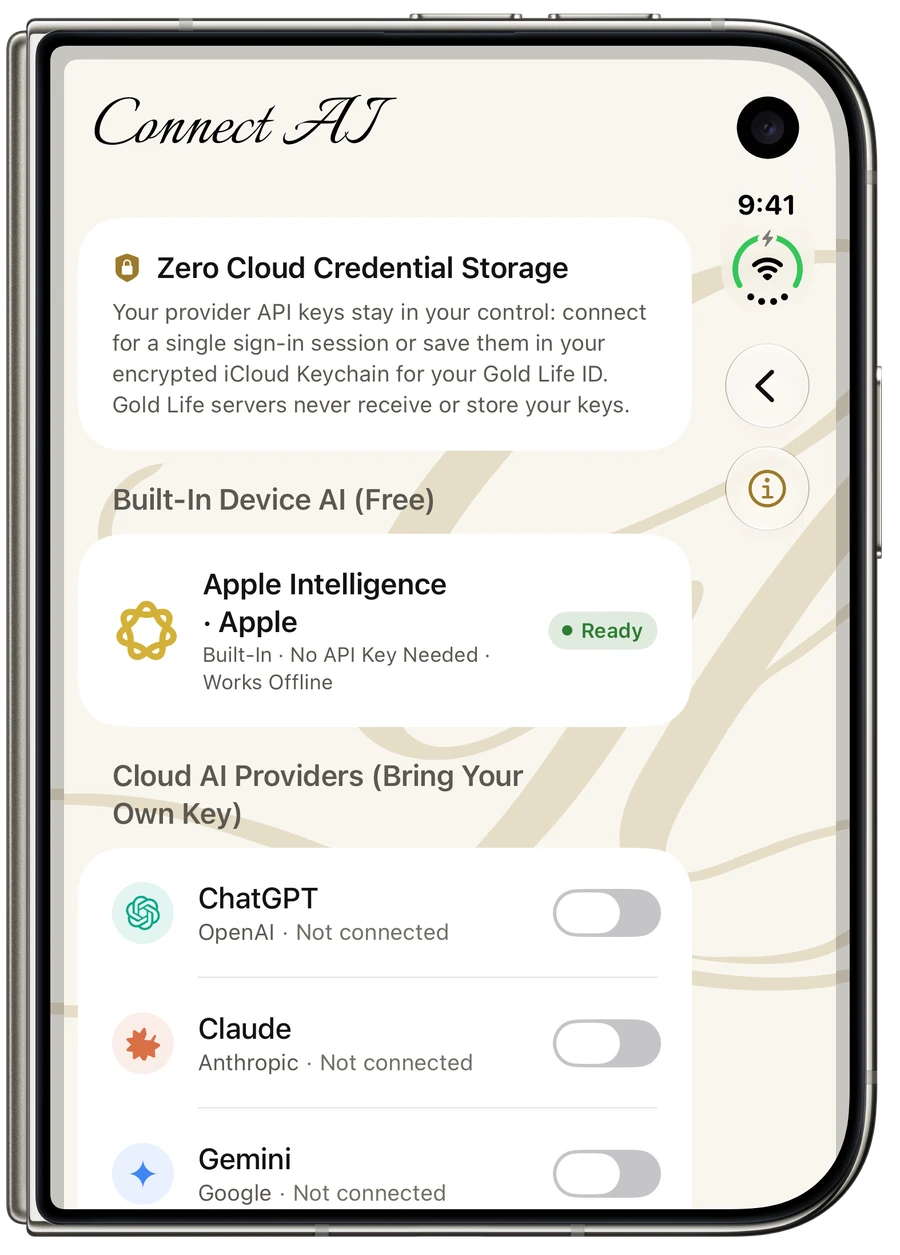
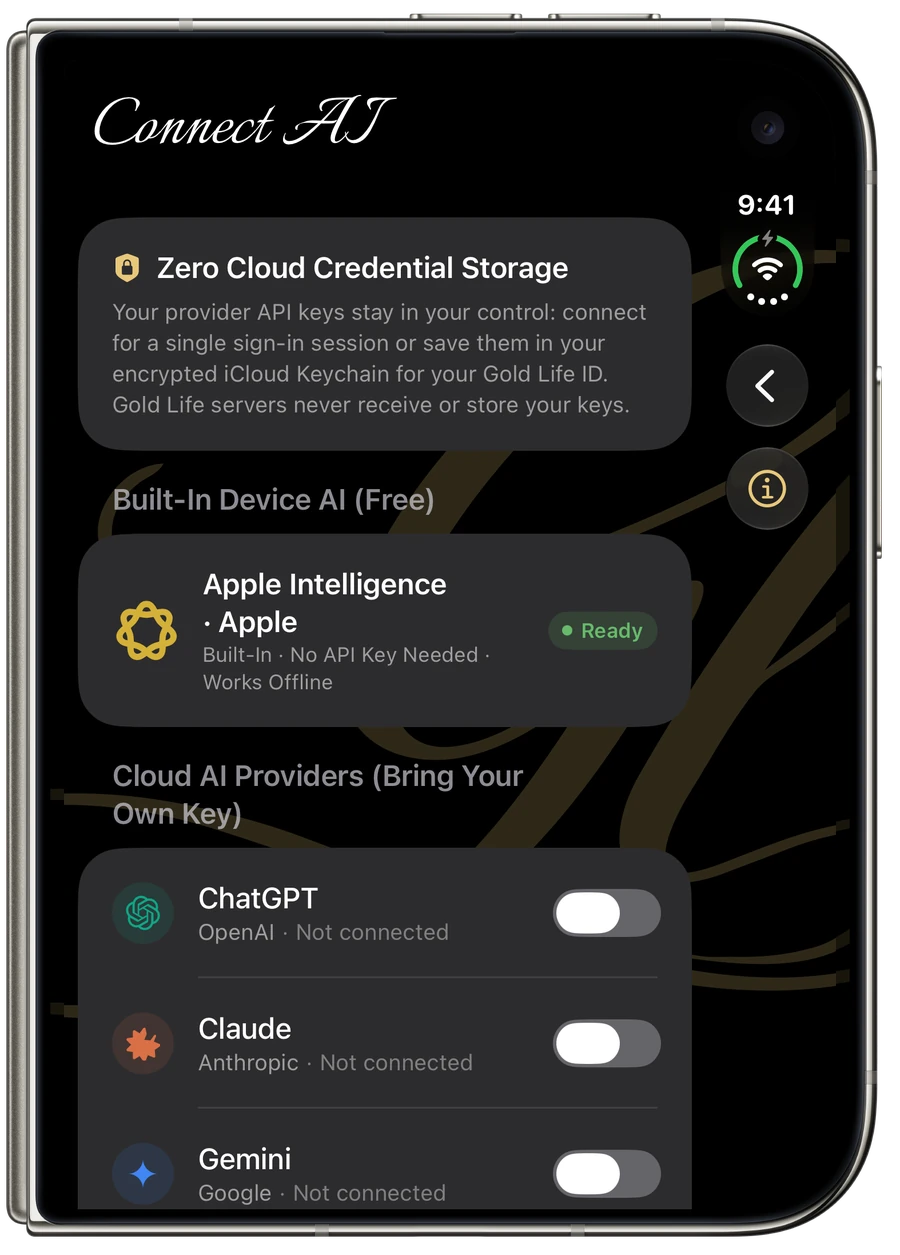
Gold Life sells no AI subscription and adds zero markup fees. Use Apple Intelligence built in at no extra cost, or connect your own API key directly to your preferred provider — OpenAI, Anthropic, Google, or Meta — so your device talks directly to their services. Both work on every plan, including the free one. By default, your key stays in memory for your current sign-in session only, or you can turn on Save API Key to keep it encrypted in your iCloud Keychain for your Gold Life ID.
- Open Menu → Settings → Sentinel → Connect AI.
- Keep Apple Intelligence · Built-In · Free selected, or choose OpenAI, Anthropic, Google, or Meta.
- If connecting a cloud key, paste your API key — leave Save API Key off for a single sign-in session, or turn it on (after reviewing and accepting the Privacy Policy and Terms of Use disclosure) to save it in your encrypted iCloud Keychain.
- Zero AI fees or markups from Gold Life: built-in Apple Intelligence is free for everyone, and your own key works on every plan and pays only your provider’s direct token rates.
- Save API Key toggle: keep keys session-only in memory (cleared when you sign out) or save them in your encrypted iCloud Keychain across sign-ins, your Apple devices, and Gold Life apps.
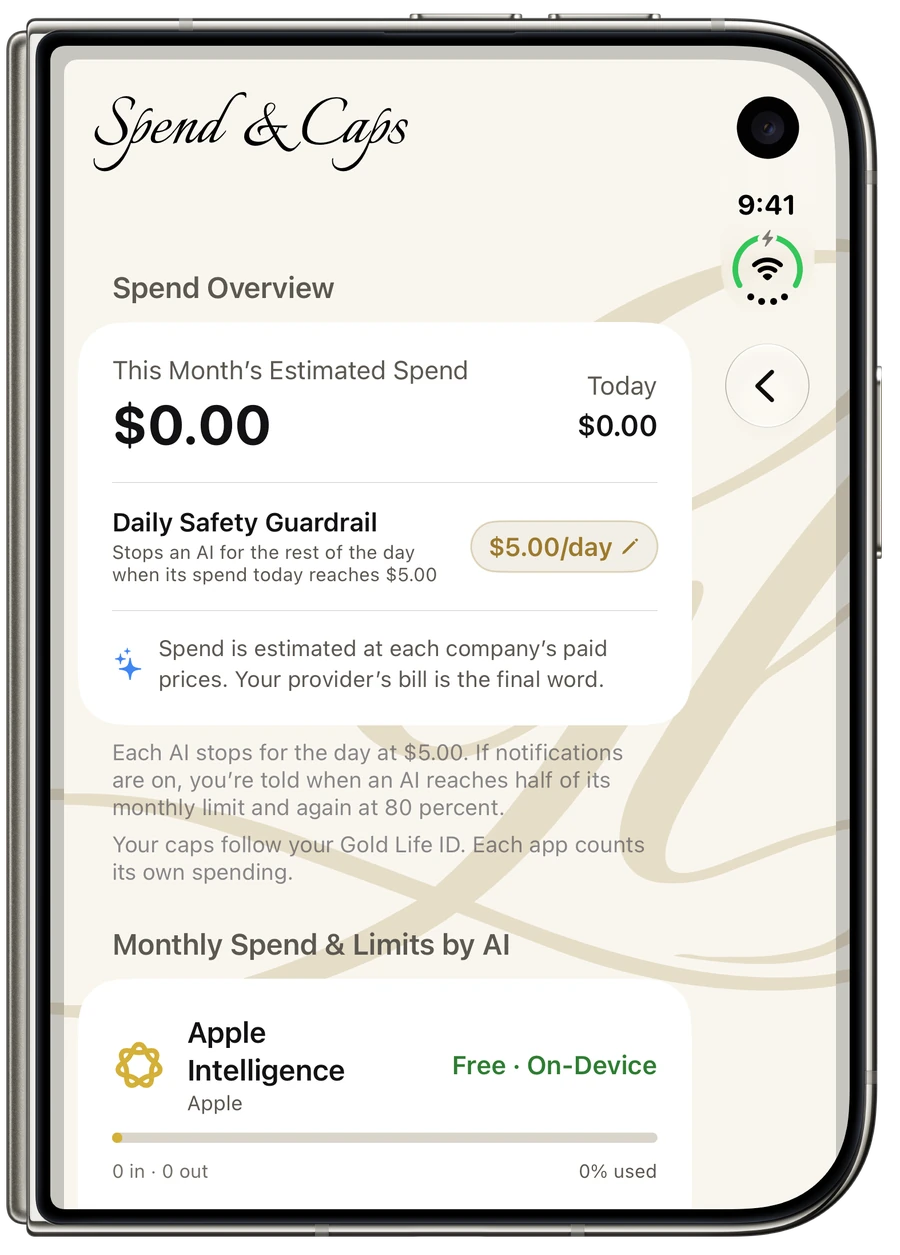
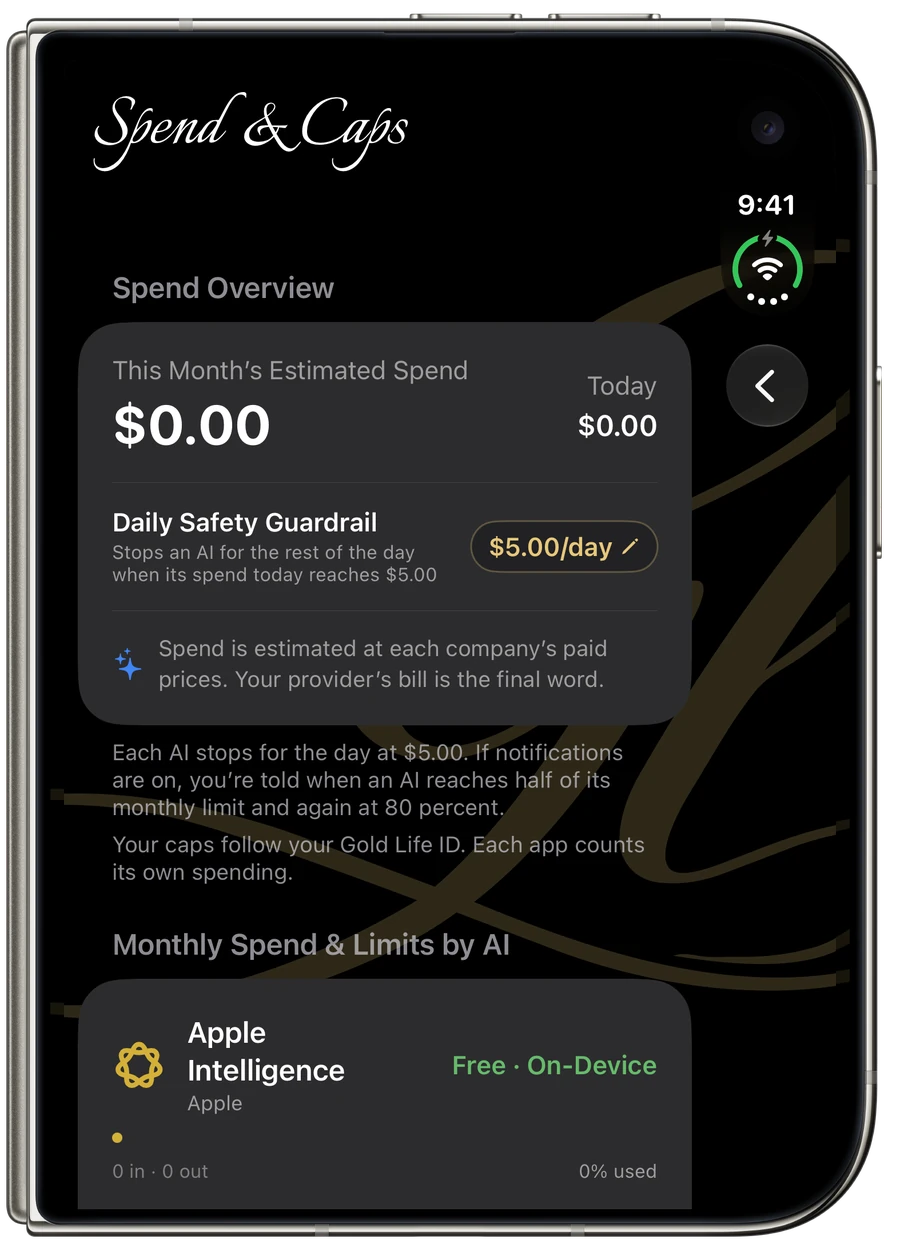
- Monitor token usage and set budget limits in Spend & Caps, and never send your API keys to Gold Life servers.
Memories, Tasks and settings that follow you
Sentinel can remember helpful details you share, remind you of things, and use the same settings in every Gold Life app you sign in to with your Gold Life ID.
- Open Menu → Settings → Sentinel → Memories to turn Memory on or off and see everything Sentinel remembers in one list: tap a line to edit it, swipe to delete it, or tap Clear All Memories.
- Ask Sentinel in chat to remind you, or open Menu → Tasks and tap + to add a task.
- Open Menu → Settings → Sentinel → Tool Trust & Audit to turn Web Search or Share my approximate location on or off.
- AI Soul, the Memory switch, Web Search, Share my approximate location, tool trust levels and the limits you set in Spend & Caps follow your Gold Life ID, so you set them once for every Gold Life app. Each app counts its own spending.
- Your memories are encrypted with your Gold Life ID.
- Share my approximate location is off by default. When it’s on, your AI is told your city, region and country, never your exact position. Your iPhone still asks each app separately for Location.
- With Web Search on, Claude and Gemini use their own built-in search, billed to your key (about one cent a search); other AIs use a limited free search.
Strict privacy by design
Sentinel only shares records when you ask, and asks for your consent before sending anything to a connected third-party AI provider. Sensitive credentials remain under your control.
- Tax IDs, W-9 details, signatures, and card payment accounts are removed before anything reaches a connected AI service.
- Photos, logos, scanned receipts, and Gold Life ID credentials are kept strictly out of AI requests.
- Stop sharing anytime in Menu → Settings → Sentinel, or disconnect your provider keys in Menu → Settings → Sentinel → Connect AI.
Each connected third-party AI provider handles your requests under its own terms and privacy policy, and bills your key for what you use.