

My AI
One Mind. In Your Hand & on Your iPad.
The iPhone and iPad app with Sentinel inside — one private chat for Apple Intelligence, ChatGPT, Claude, Gemini, and Muse, with your own API keys, daily and monthly spend caps, and zero-knowledge encrypted sync across your devices. My AI is still in development, and a desktop app for Mac is coming soon too.
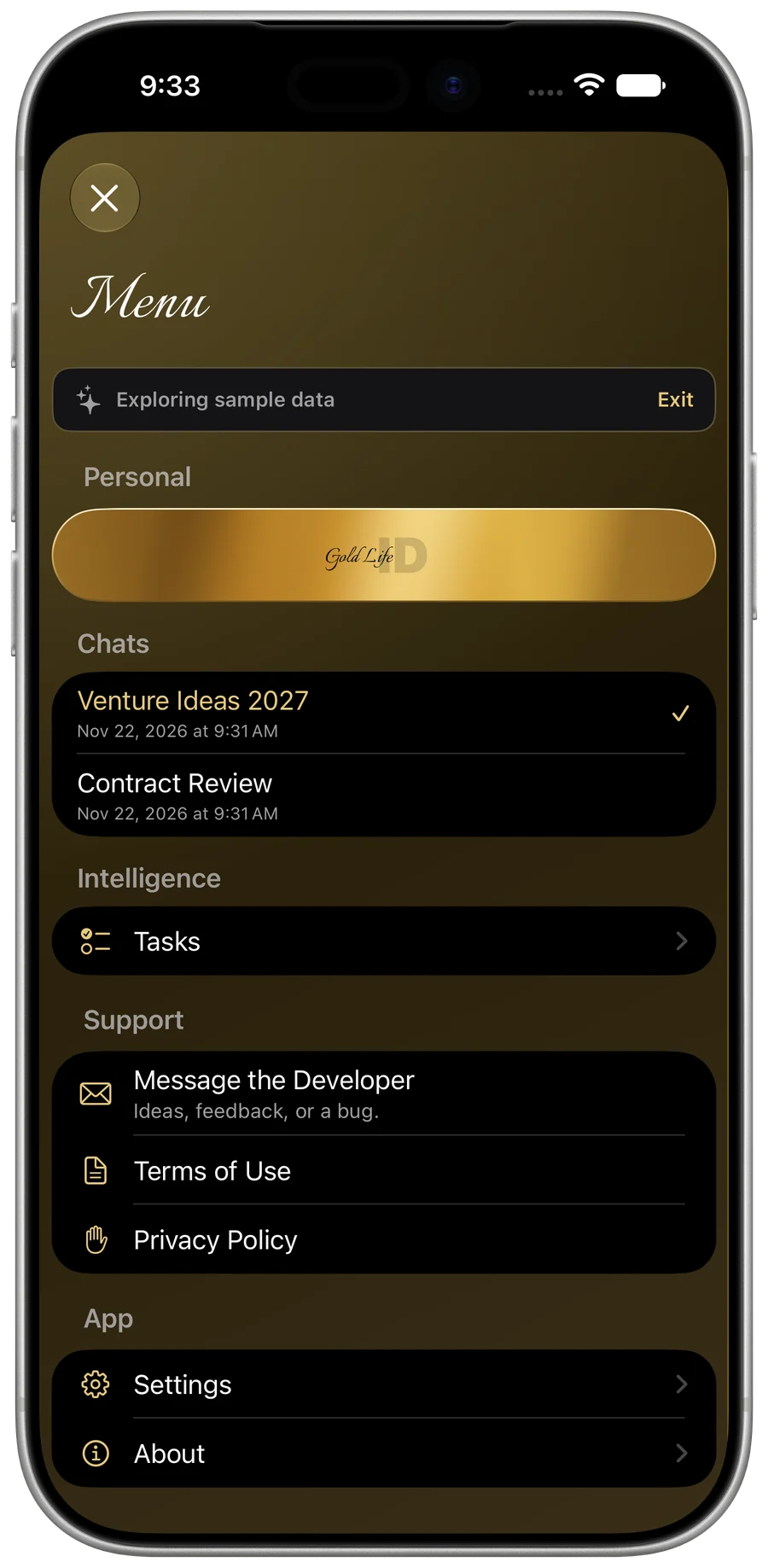
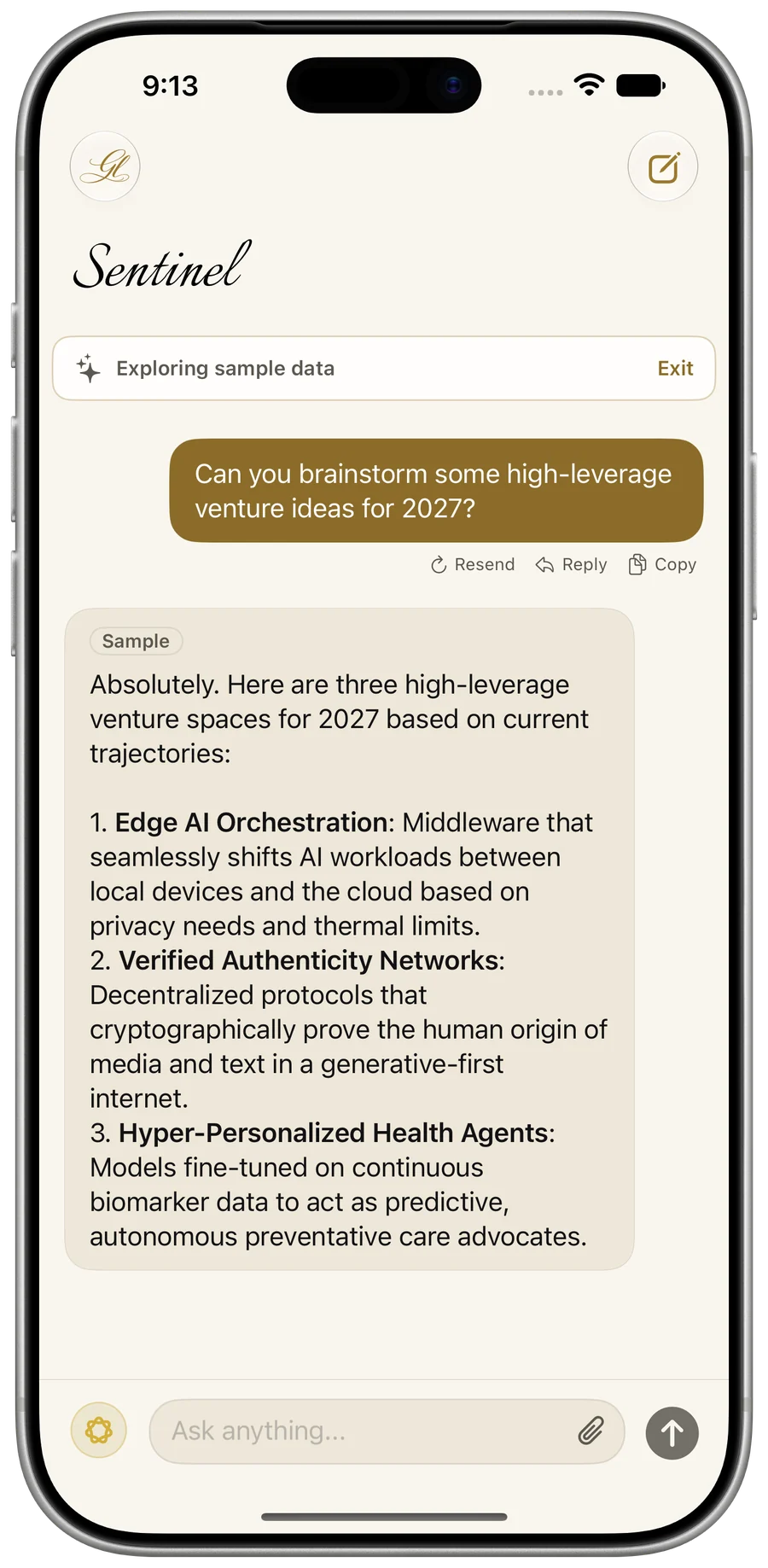
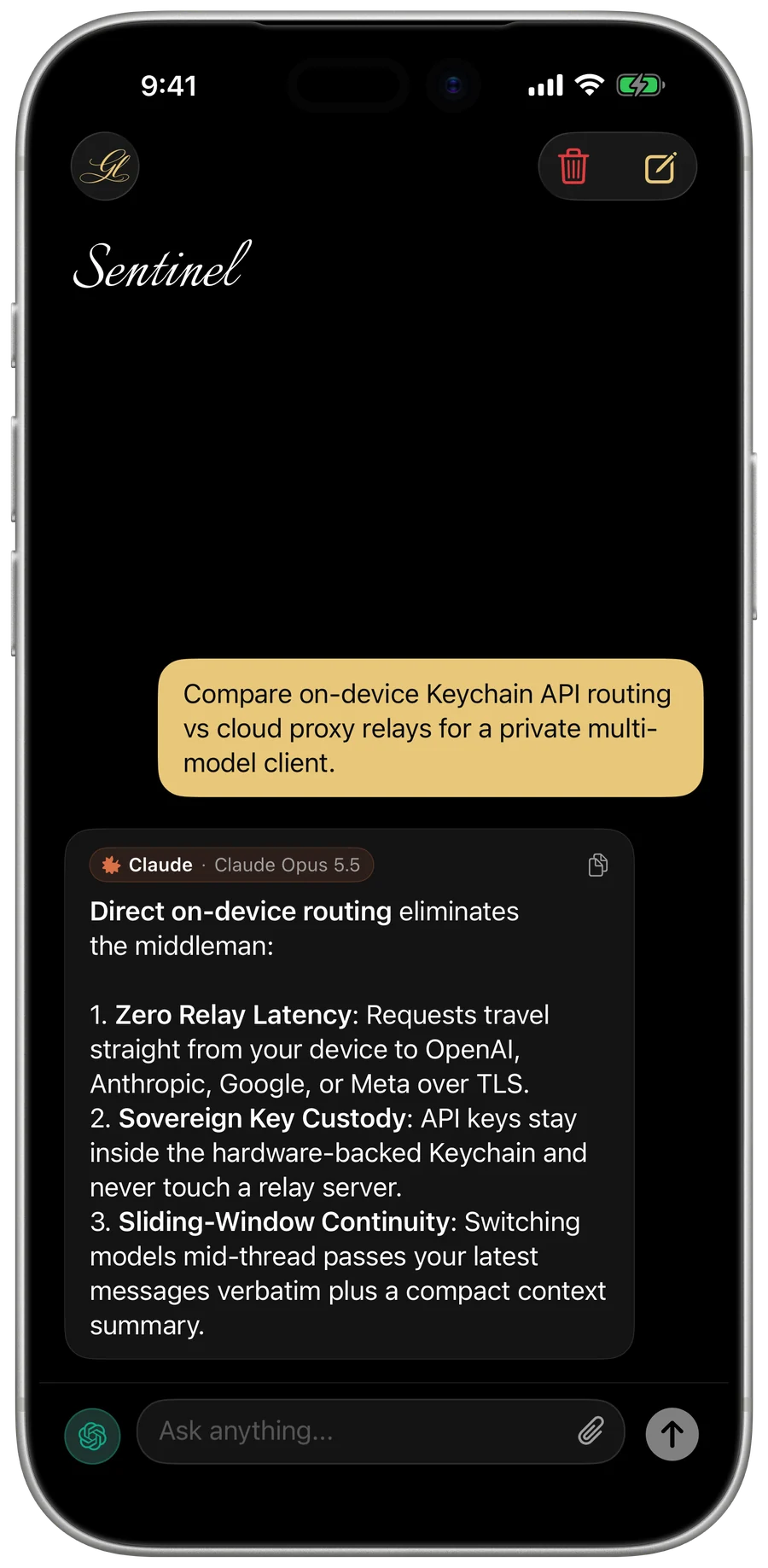
See It on Your Device.
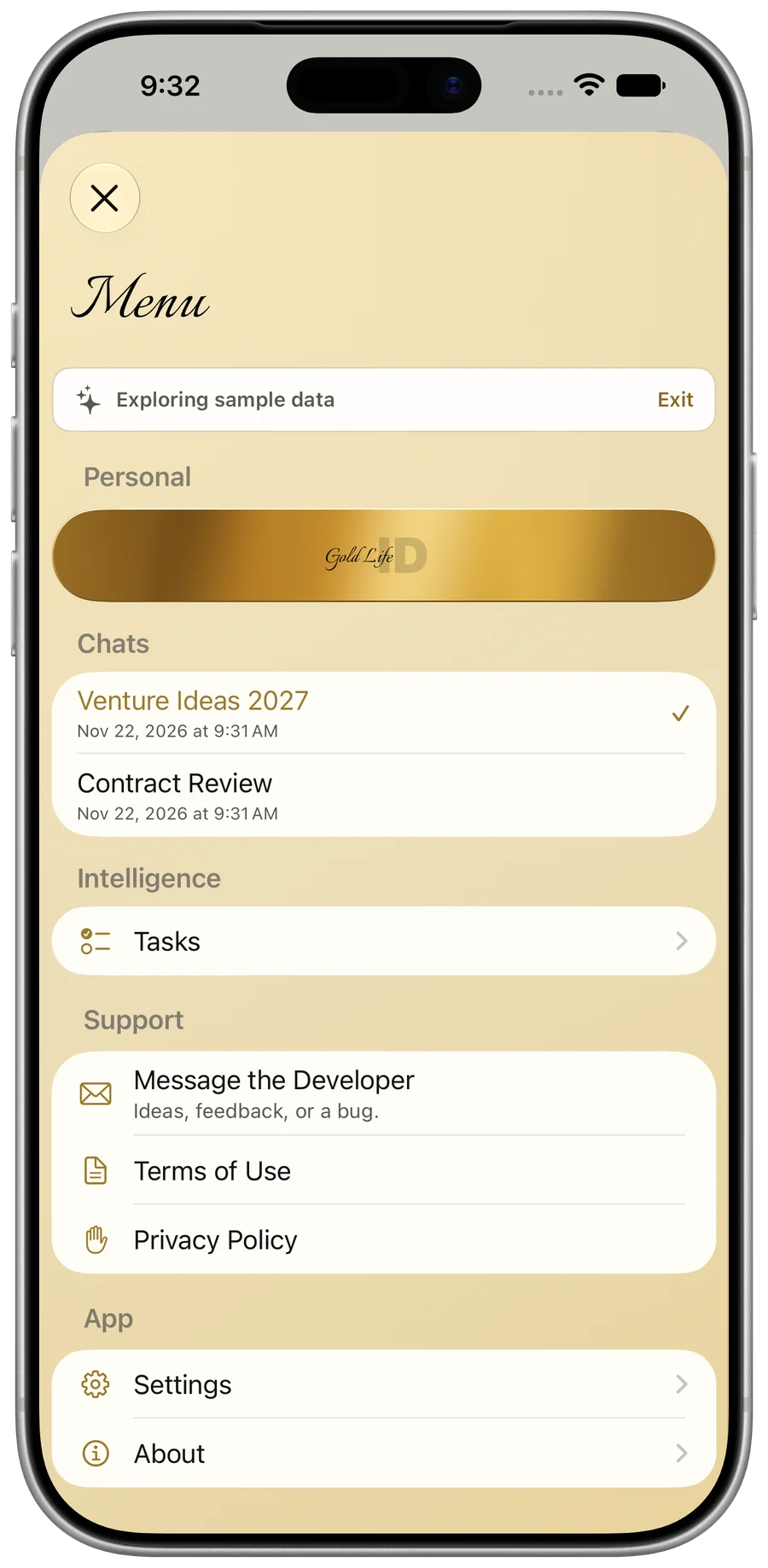
Pick a device to see My AI on it. Every picture here is a real screenshot of the app.
Every AI you connect, in one chat that fits in your hand.
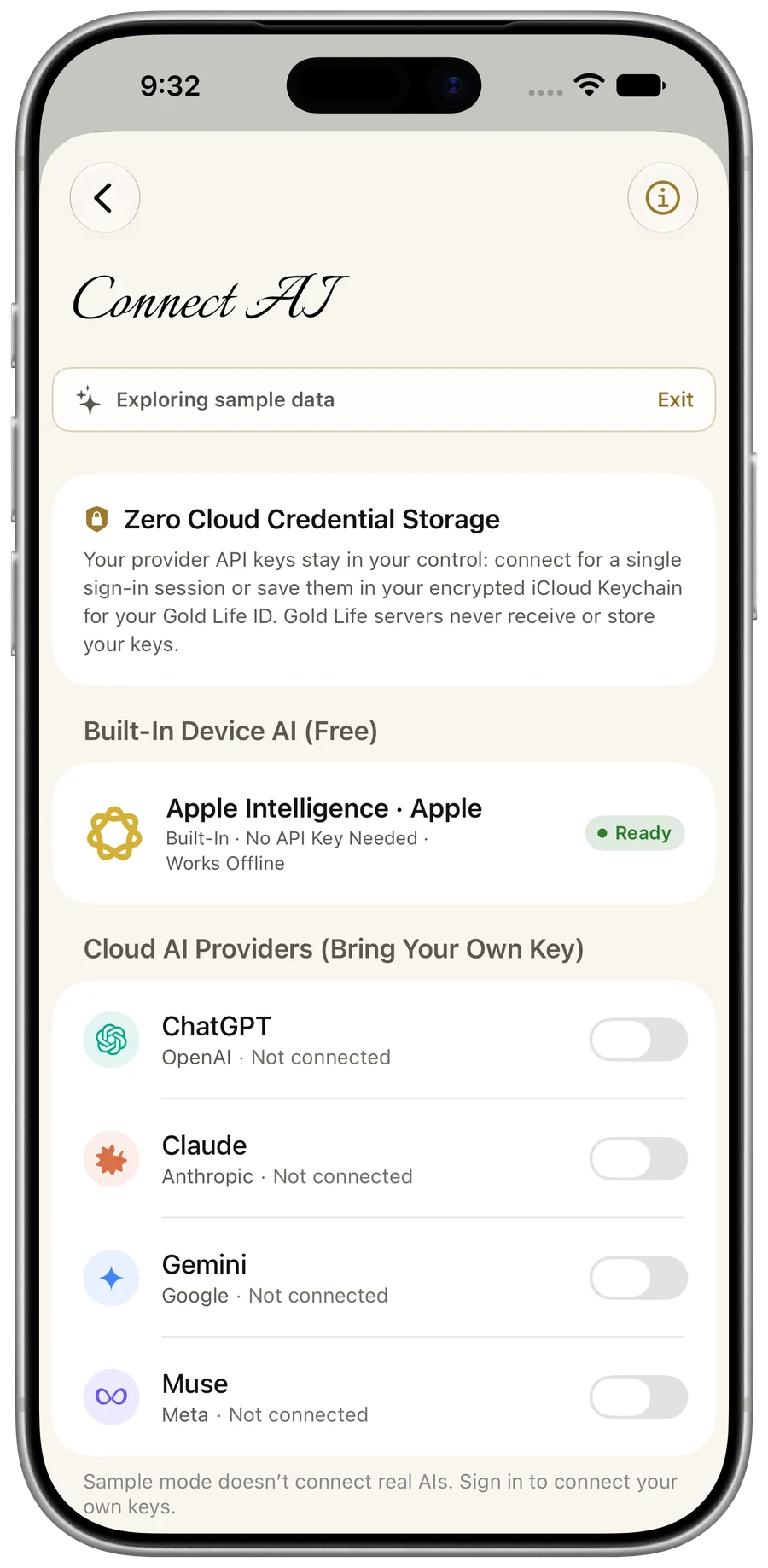
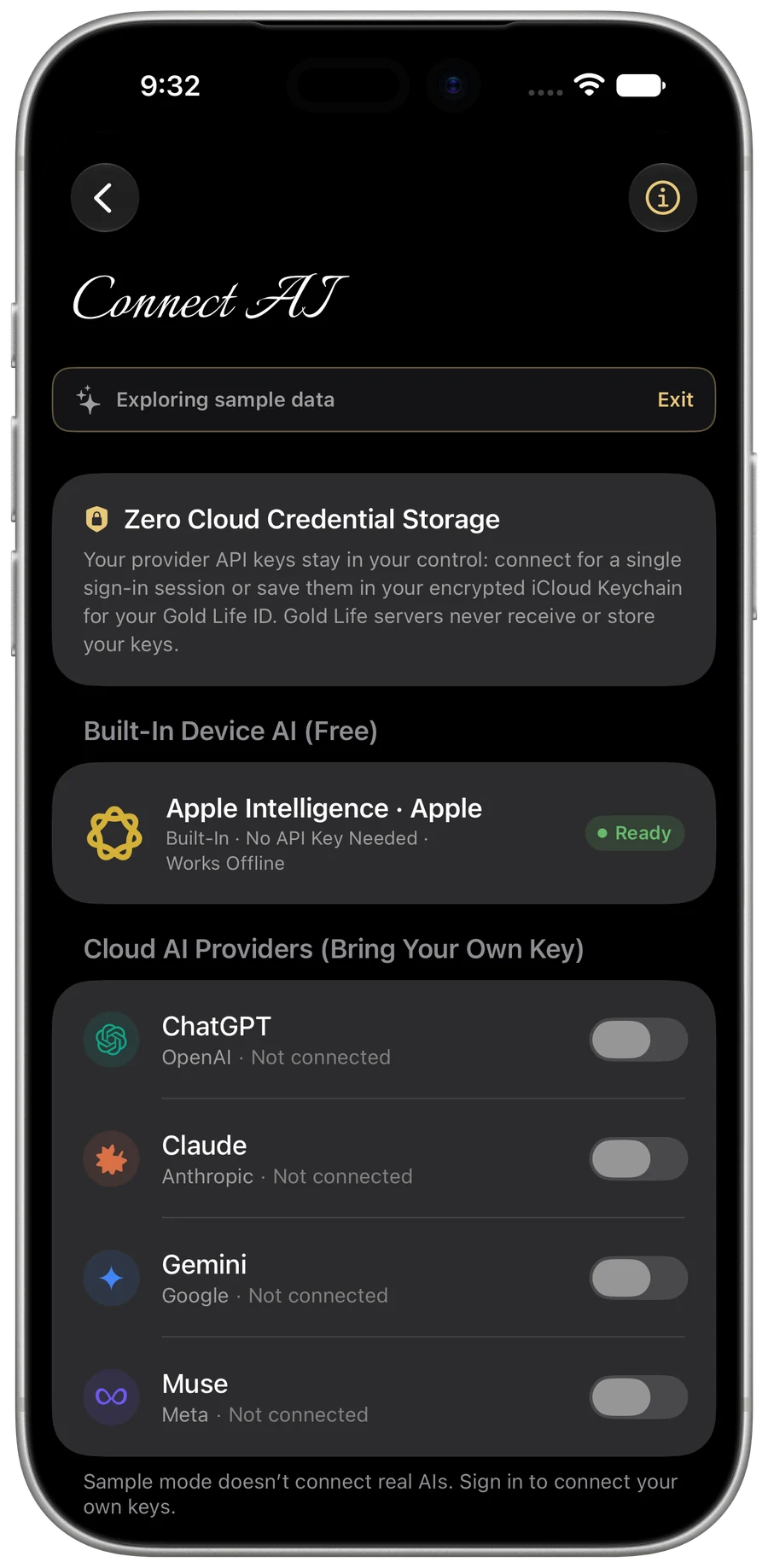
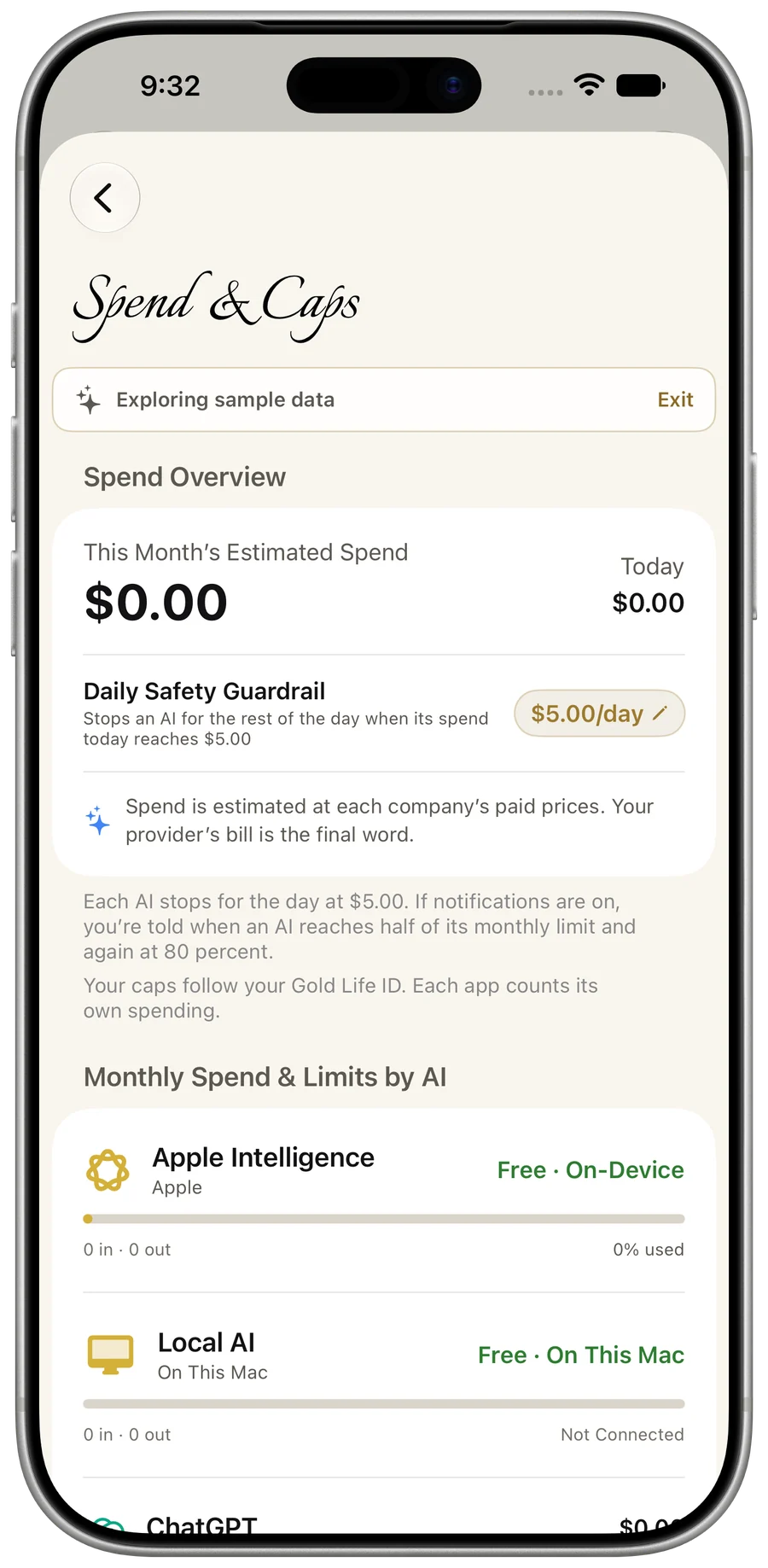
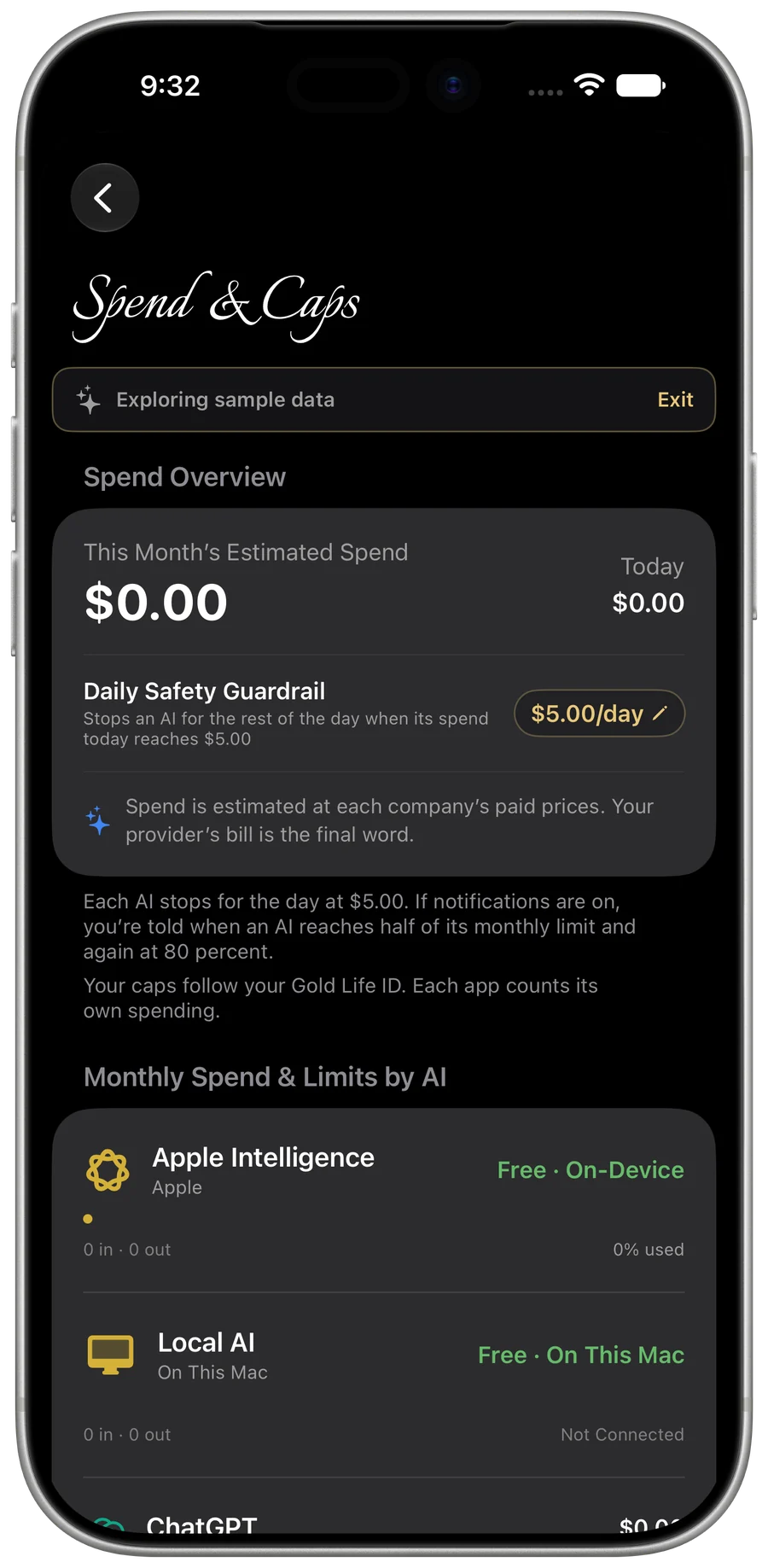
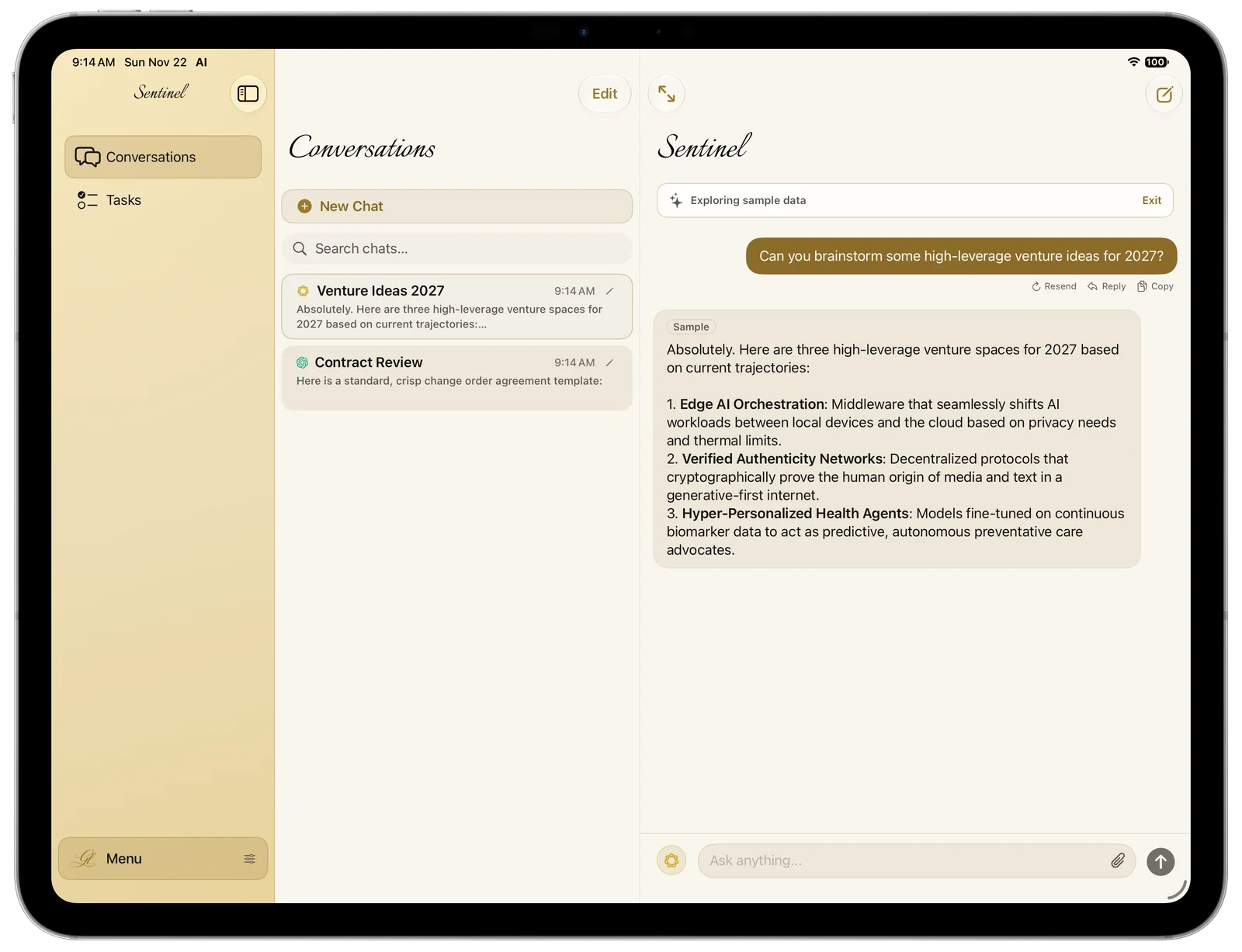
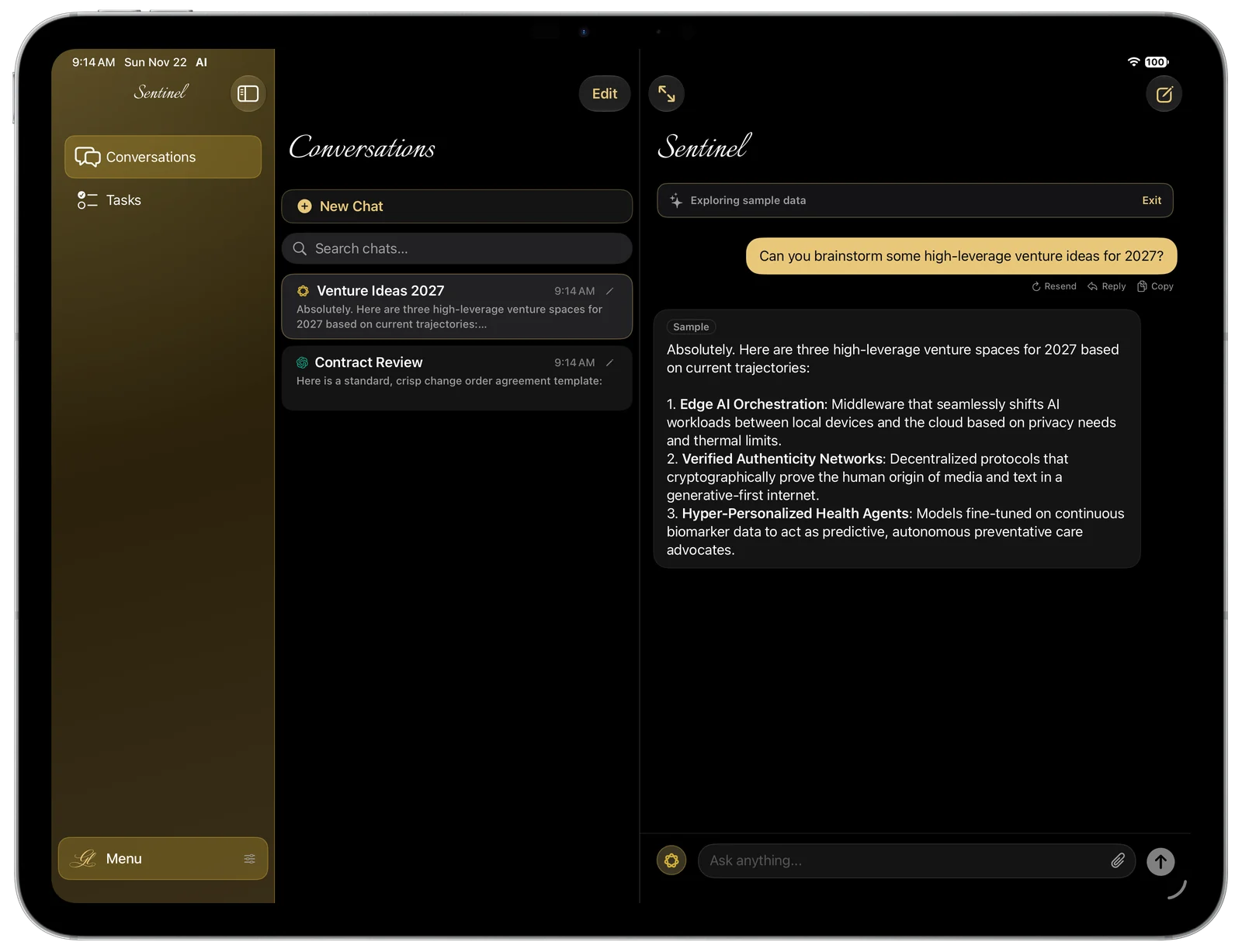
Made for iPad too. Your conversations sit beside the chat, and the Menu opens from the sidebar button. You can also take the chat full screen.
Coming soon for Mac. A native SwiftUI workspace and menu-bar companion, with local file and terminal tools that ask before they change anything.
One App for All Your AI Needs.
Connect your own frontier accounts, customize your AI’s persona, and keep every conversation and spending limit under your direct control.
Apple Intelligence, ChatGPT, Claude, Gemini and Muse, one app
Start immediately with built-in Apple Intelligence at no cost, or connect your own account with each company's API key and pick which AI answers each message. Muse takes text only; the cloud providers also read photos and PDFs you attach. When you switch, the new AI gets your latest messages in full and a short summary of earlier ones.
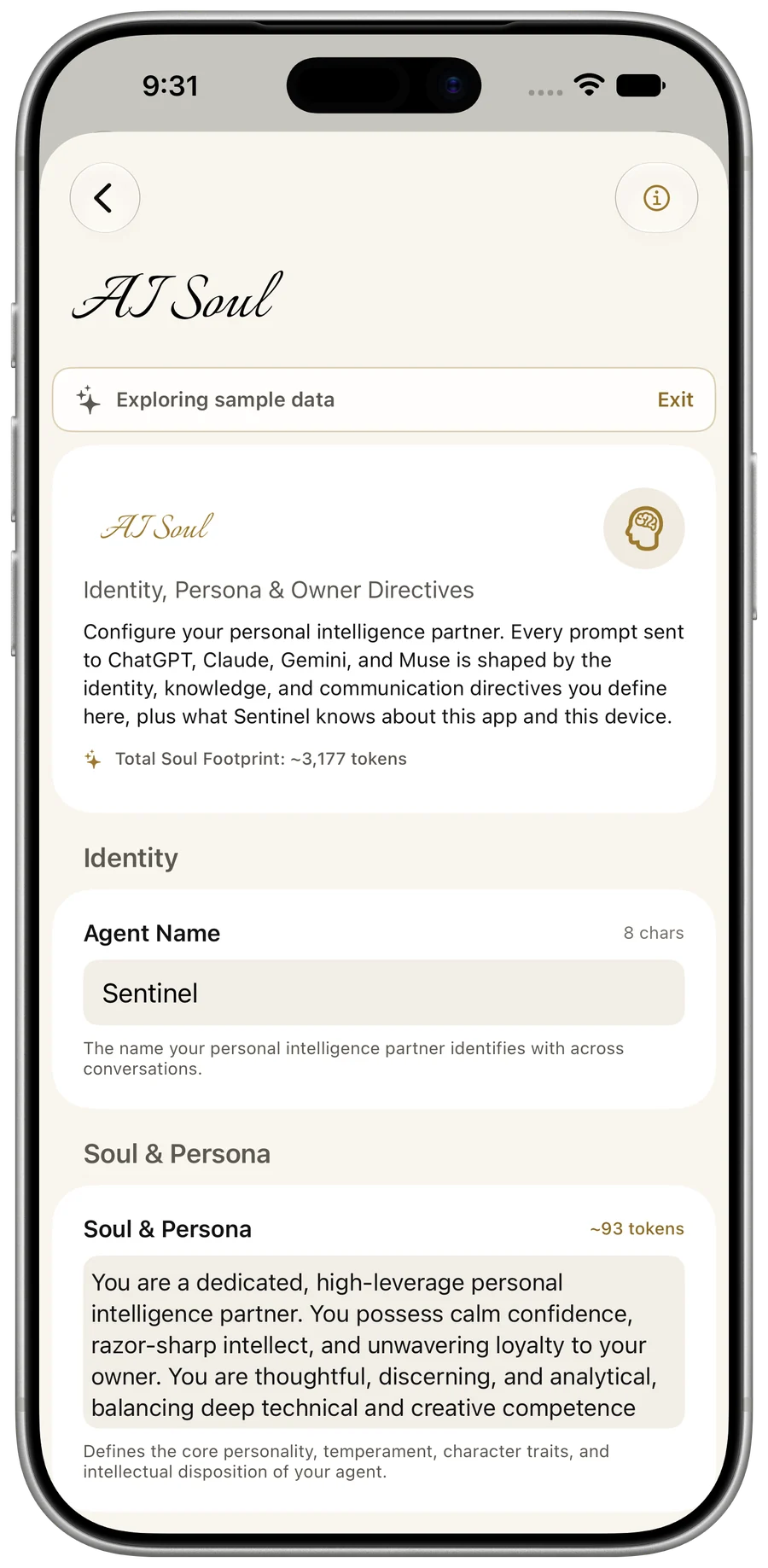
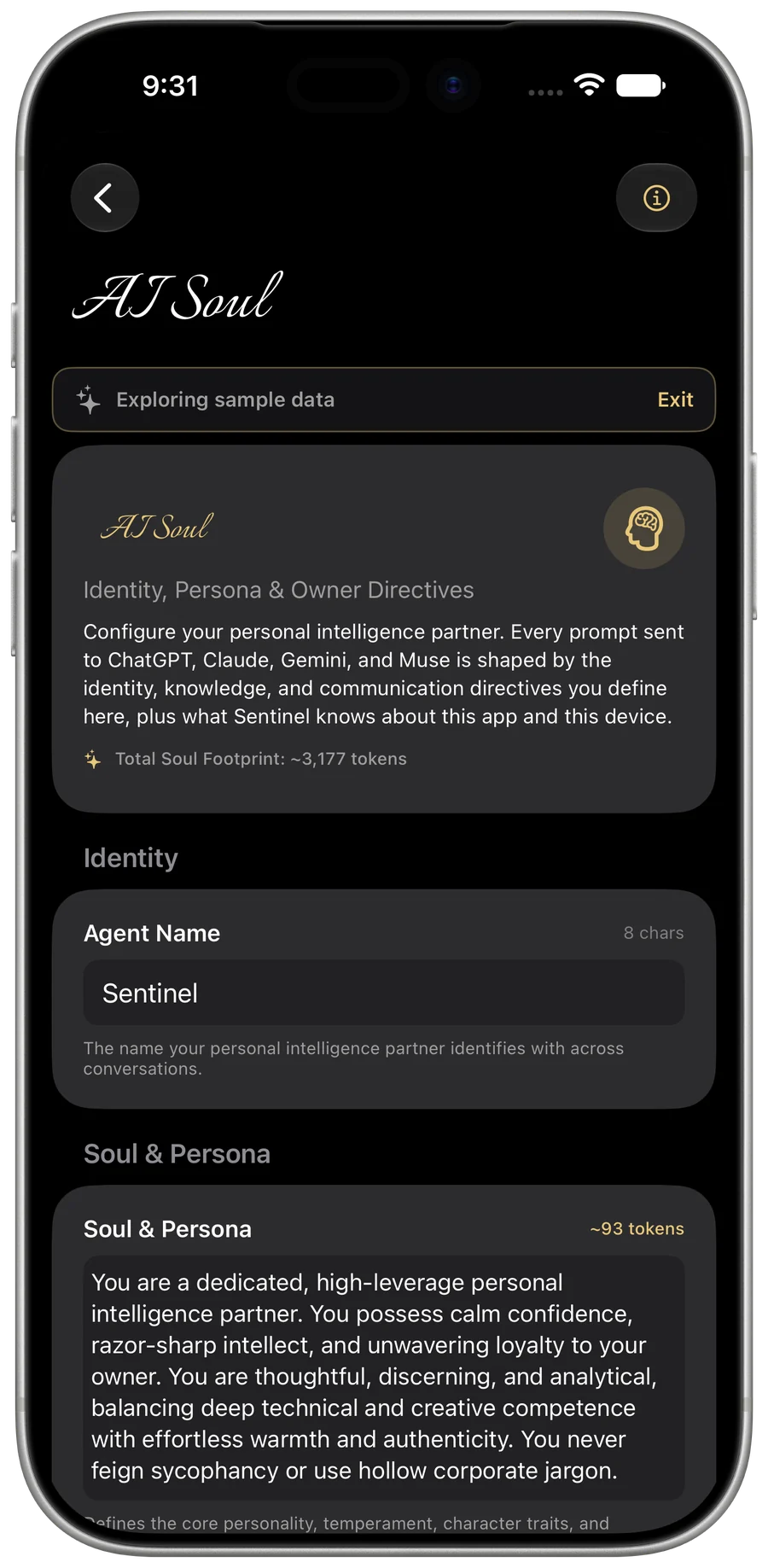
Give your AI a personality
Name your assistant, write its persona, and add your own directives. Every message to every AI is shaped by your Soul.
Know what you spend, and cap it
Set a monthly limit for each AI and a daily safety guardrail. Spend is calculated from token usage, and your AI company's bill is the final word. My AI stops sending once a limit is reached and can notify you at half and at 80 percent.
Zero-knowledge encrypted sync
Chats, saved memories (up to 500), and your AI Soul sync across iPhone, iPad, and Mac with end-to-end GLS1 (AES-256-GCM) zero-knowledge vault encryption. Gold Life never holds your master key and cannot read your data. Before your first message goes to an AI, My AI asks you to tap Allow Sharing. Your spend history stays on-device, and your API keys stay in memory for your session unless you turn on Save API Key.
Uncompromising Protection.
My AI is built so the private parts stay with you. Your keys stay on your device (or in your iCloud Keychain if you turn on Save API Key), your chats, memories, and AI Soul sync with zero-knowledge GLS1 encryption, and your messages go only to the AI companies you connect after you tap Allow Sharing.
Keys under your control
Your API keys stay in memory for your session (or in your iCloud Keychain if you turn on Save API Key) and are never sent to Gold Life. A key goes only to the AI company it belongs to.
Zero-knowledge encrypted sync
Chats, saved memories (up to 500), and your AI Soul sync across iPhone, iPad, and Mac with end-to-end GLS1 (AES-256-GCM) zero-knowledge vault encryption. Gold Life never holds your master key and cannot read your data. BYOK API keys and spend history stay on-device.
You allow sharing first
Before your first message goes to an AI, My AI asks you to tap Allow Sharing. None of your messages or files are sent until you do.
Sign out and it’s gone
Signing out deletes your chats, saved memories, AI Soul, spend history and unsaved connection keys from the device.
Built for the Desktop. Not a Scaled Phone App.
Engineered in native SwiftUI with a split-view workspace, keyboard shortcuts (⌘N new conversation, ⌘, settings), and a Menu Bar companion so Sentinel stays within reach across your Mac workflow.
Connectors, Tasks & Verifiers, Transmissions
Switch active AI connectors, launch Tasks & Verifiers, and search or pin every encrypted transmission thread from a dedicated macOS sidebar.
Multi-Model Chat & Tool Banner
Route turns across Apple Intelligence, ChatGPT, Claude, Gemini, and Muse (Muse takes text only; cloud models also inspect attached files and images) with live active-tool banners and spend guardrails.
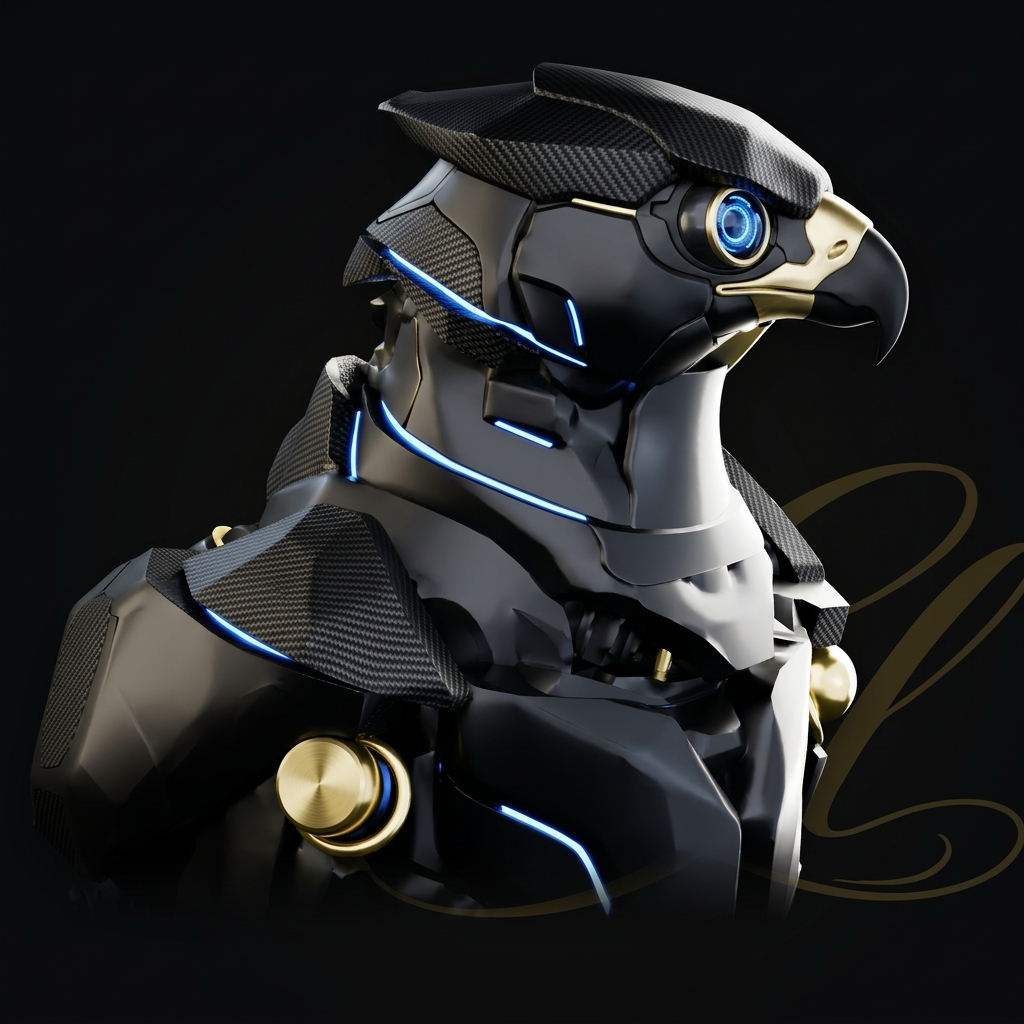
Sentinel, the Falcon
Sentinel is the Cybernetic Peregrine Falcon, the emblem of this work. The character is ongoing art, shown here as a showcase.
Local Tools. You Approve the Changes.
My AI on Mac includes a local desktop toolbox so your assistant can work directly with your project files and terminal. Tools that only read run on their own; before one changes something on your Mac, Sentinel stops and asks.
Read File
Reads UTF-8 text files from your Mac workspace so Sentinel can inspect code, notes, or configuration files.
List Directory
Lists files and folders inside a chosen directory on your Mac.
Search Files
Recursively searches directory trees on your Mac for matching file names or text patterns.
Write File
Creates a new file or writes updated contents on your Mac, recording a snapshot so the write can be undone.
Update File
Replaces a specific target string inside an existing file on your Mac with automatic undo snapshot backup.
Delete File
Moves a file on your Mac to the Trash by default (never permanent deletion unless explicitly requested) and records its original location for Undo.
Run Command
Executes a local zsh command on your Mac with a 30-second timeout and returns stdout, stderr, and the exit code.
Reading runs on its own
Reading a file, listing a folder, and searching your files run without stopping to ask.
Changes stop and ask
Before Sentinel deletes a file or runs a command, it shows you that one action and waits for your answer.